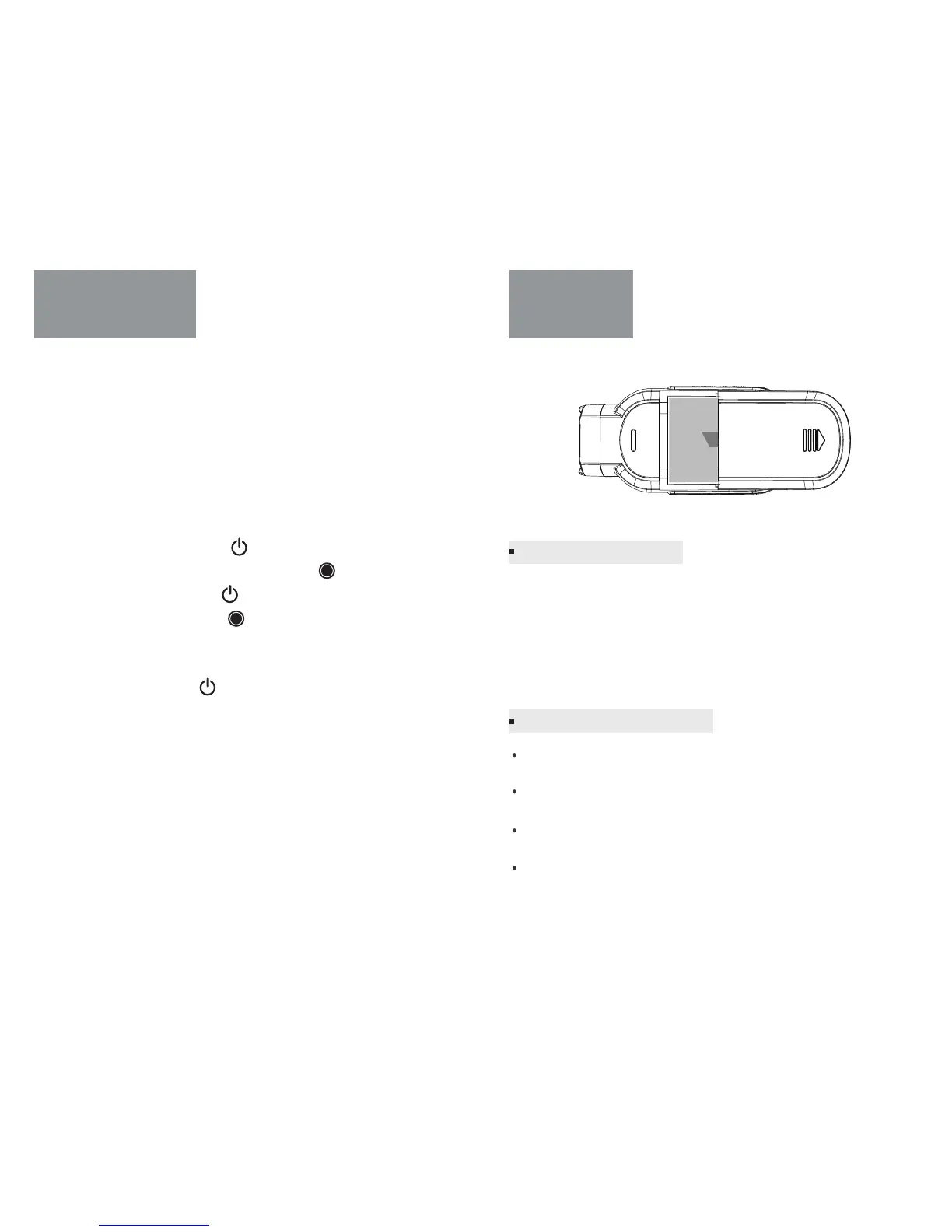
Avoid exposing your camera and battery to very cold or very hot
temperatures.
Avoid dramatic changes in temperature or humidity when
using the camera
Do not dry the camera or battery with an external heat source such
as a microwave oven or hair dryer when camera get wet.
Do not store your battery with metal objects, such as coins, keys
or necklaces
Playing back videos and photos on your TV / HDTV requires a A/V out
cable (sold separately).
To Play Back Content on a TV:
1. Plug the camera into a TV / HDTV with a A/V out cable, composite
cable or combo cable.
2. Select the input on your TV that corresponds to the port into which
you plugged the cable.
3. Power on the camera.
4. Press the Power/Mode button [ ] to cycle to Playback.
mode, and then press the Shutter/Select button [ ] to enter it.
5. Use the Power/Mode button [ ] to navigate file.
6. Use the Shutter/Select button [ ] to select file.
7. Use the menu button to open the file setting. The options for this
setting are Video play on/all, Delete file, Return.
8. Use Power/Mode button [ ] to navigate backward and forward to
see more media files on your memory card.
Battery
Charging the battery
Playback on TV
Charging the battery by connecting the camera to a computer or
other USB charging adapter using the included USB cable. The camera
status light turns on during charging.
Note: Using wall chargers marked: output 5V 1A. If you don’t know the
voltage and current of your charger, use the included USB cable to
charge the camera from your computer or a power bank.
Battery Storage and Handling
-15- -16-



 To Next Page