1. Press the Power/Mode button [ ] repeatedly until get to Video
mode.
2. Press the shutter button [ ] to start/stop recording.
When in the video mode, press the Menu button [ ] to enter video
setting. Press the Shutter/Select button [ ] to cycle through the
options within a setting. Use the Power/Mode button [ ] to cycle
through the settings.
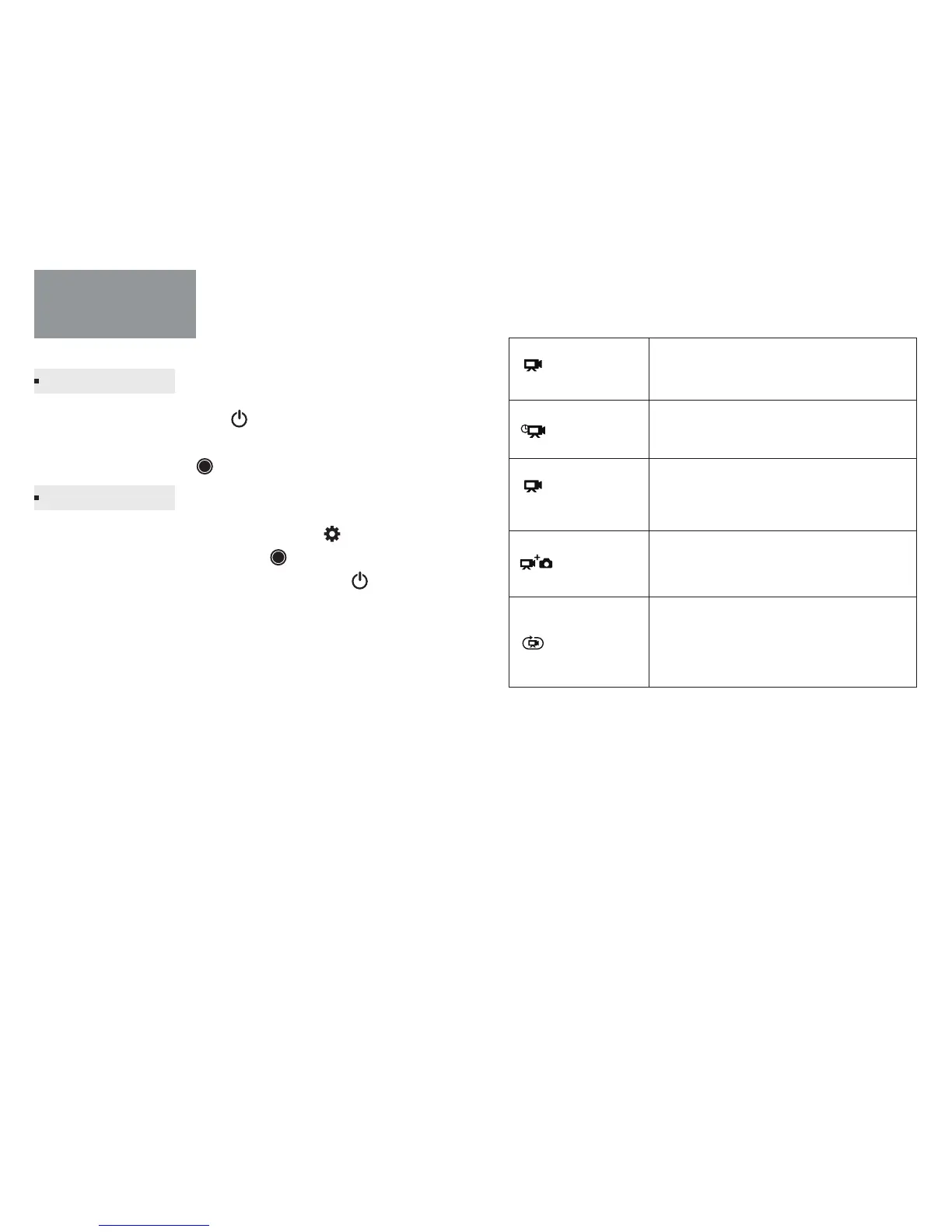
Mode: Video mode contains four capture modes: Looping, Normal,
Time Lapse, Slow motion and Vid+Photo. Each Video mode has its
own settings menu.
Note: The video mode icon will appear in the upper left on your
camera status screen.
Res (Resolution): Set the resolution of the video, resolution refers to
the number of horizontal lines in the video. The F1 includes the video
resolutions listed below:
Video Mode
Capturing Video
Video Settings
Normal Captures video.
Creates video from frames
captured at specific intervals.
Creates Slow Motion video, only available
in 1080P@100fps, 1080P@120fps and 720P
@ 200fps, 720p@240fps mode.
Simultaneously captures both video and
photos.
Lets you continuously record and save
only the best moments, which helps to
conserve space on your microSD card.
Time Lapse
SLOMO
(Slow Motion)
Vid+Photo
Looping
-5- - 6-



 To Next Page