Rate (only available in Bust mode): Set the number of photos taken
every second, the available options are 3, 5, and 8 photos every
second.
Timer (only available in Timer mode): Set the time of the timer, the
options are 3s, 5s, 10s and 15s.
Interval (only available in Time Lapse mode): Time Lapse Photo lets
your camera take photos at set time intervals, creating a video with
stitched photos.
EIS (Electronic Image Stabilization): EIS helps the footage stay clear
and stable in situations where the camera is subject to knocks and
bumps. The options for this setting are On and Off (Default).
Note: Only available in 1080P@ 60fps, 1080P@ 50fps, 1080P@ 30fps,
1080P@25fps.
Audio: Turn On/Off the audio.
Calib(Calibration): It applies software correction to the lens distortion
before it saves the footage file to the memory card.
1. Press the Power/Mode button [ ] repeatedly until you get to
photo mode.
2. Press the shutter button [ ] to take a photo.
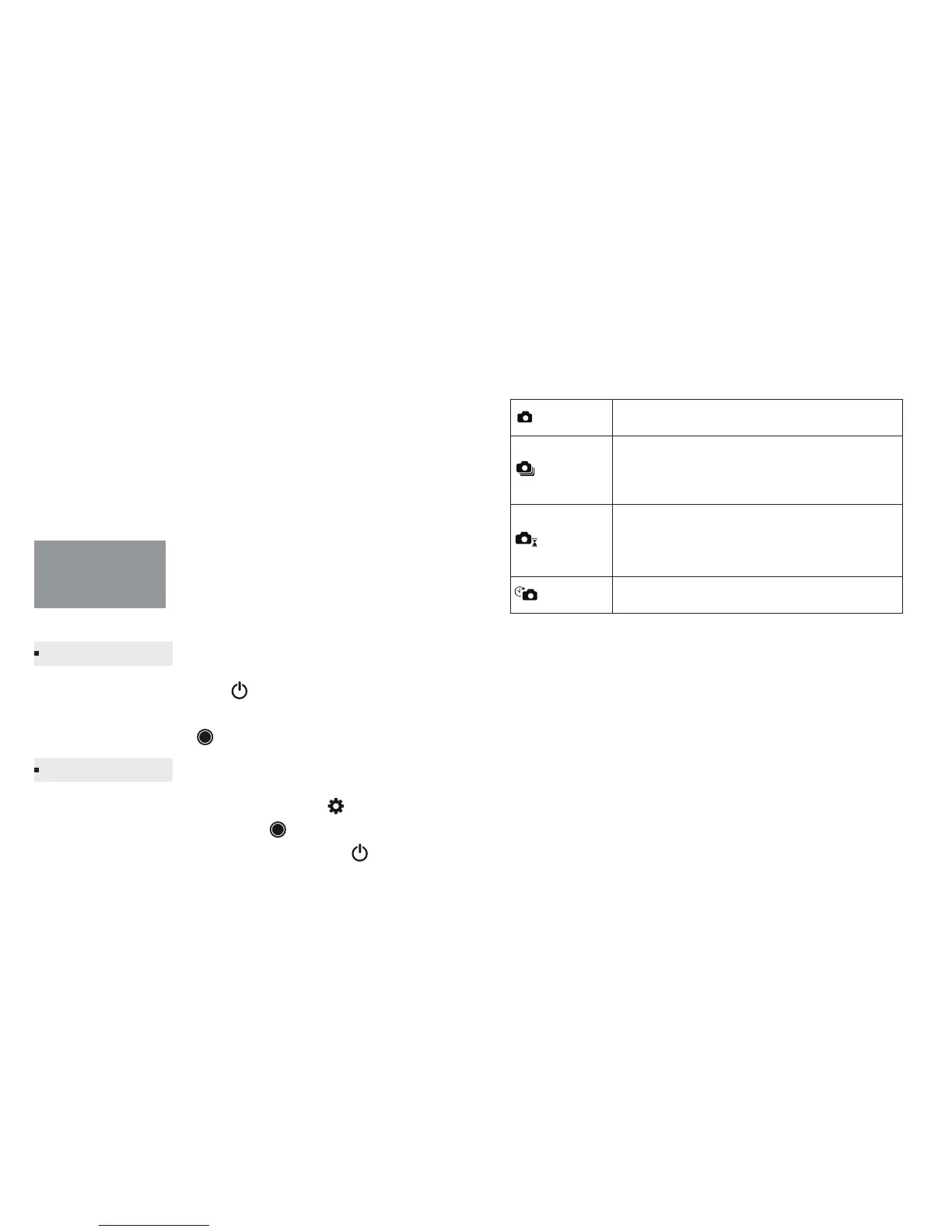
Mode: Photo mode contains four capture modes: Normal, Bust, Timer,
Time Lapse capture.
Note: The Photo mode icon will appear in the upper left on your
camera status screen.
Photo Mode
Capturing Photo
Photo settings
Normal Captures a single photo.
Captures a series of photos at specific intervals.
Enables you to take multiple images over a set
number of seconds. Perfect for capturing the
definitive moment in fast-action sports.
Press the Shutter/Select button, camera begins
count down andcapture a picture within setting
time.
Burst
Timer
Time Lapse
When in the photo mode, press the Menu button [ ] to enter photo
setting. Press the Shutter/Select button [ ] to cycle through the
options within a setting. Use the Power/Mode button [ ] to cycle
through the settings.
-9- -10-



 To Next Page