GitUp Git2 User Manual dashcamscentral.com.au
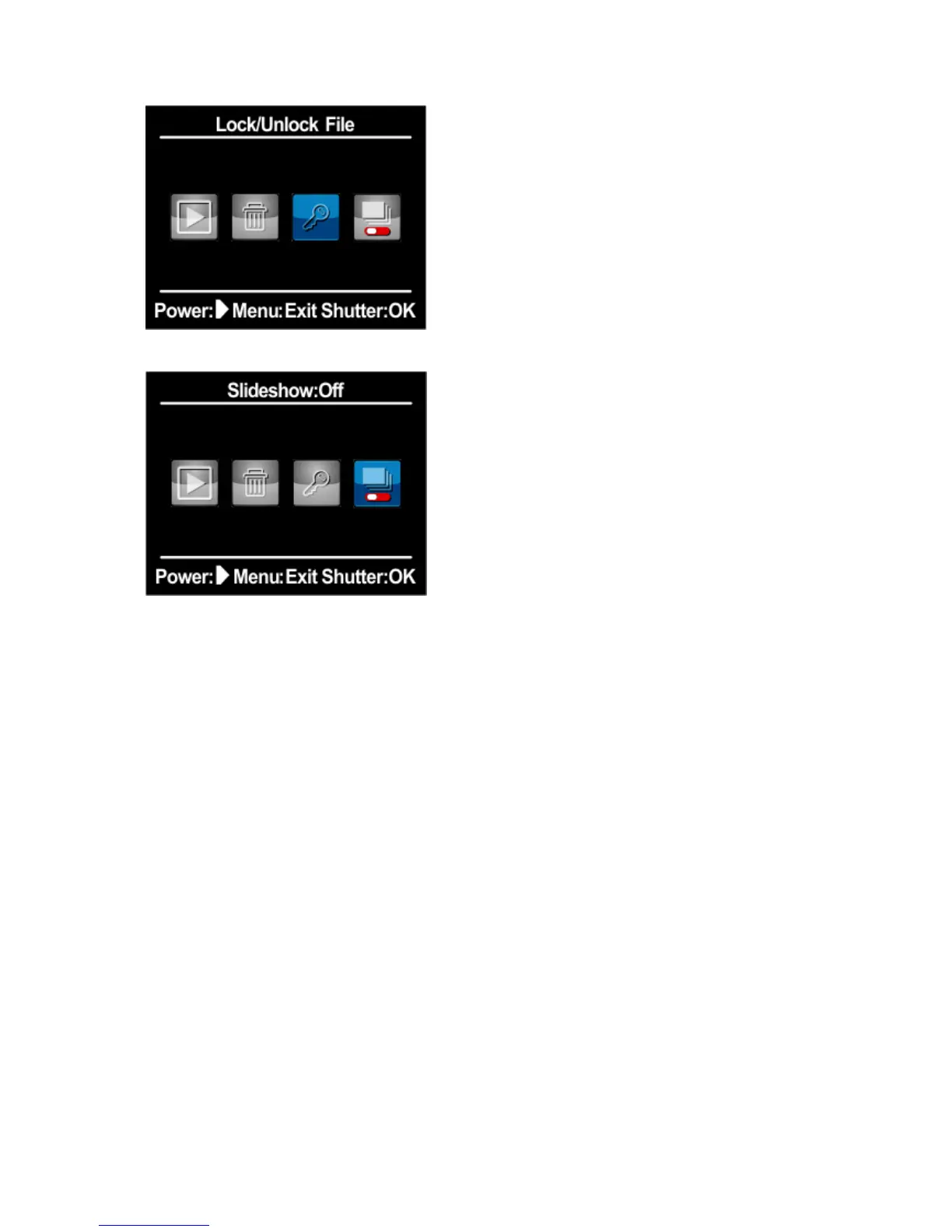
Slideshow
System Setting
Quick Capture
With Quick Capture, you can quickly turn your camera on and begin capturing video or photo.
The options for this setting are on and off(default). A.To capture video with Quick Capture: With
the camera powered off, just press the Shutter/Select button for once. Your camera automatically
powers on and begins capturing video.
B.To capture photo with Quick Capture: With the camera powered off, just press the
Shutter/Select button for several seconds. Your camera automatically powers on and begins
capturing photo.
C.To stop Recording Press the Shutter/Select button again to stop recording and power off
camera.
Default Setting: Off


 To Next Page