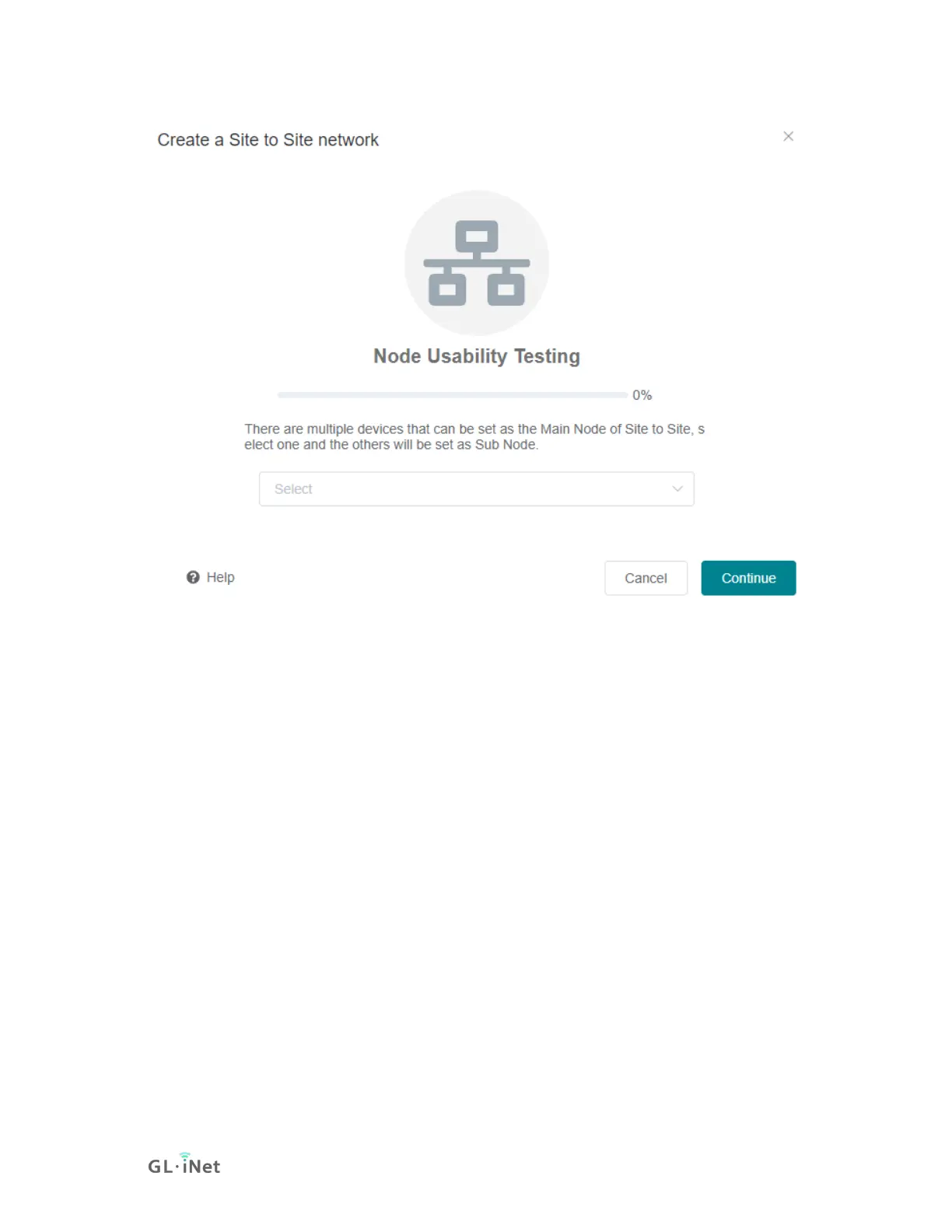
If there is only one device can be set as the Main Node, it will go to the Site to
Site detail page directly.
The network is stopped by default, check the LAN IP, if it is OK then you need to
click Start button, otherwise click Setting to change LAN IP.



 To Next Page