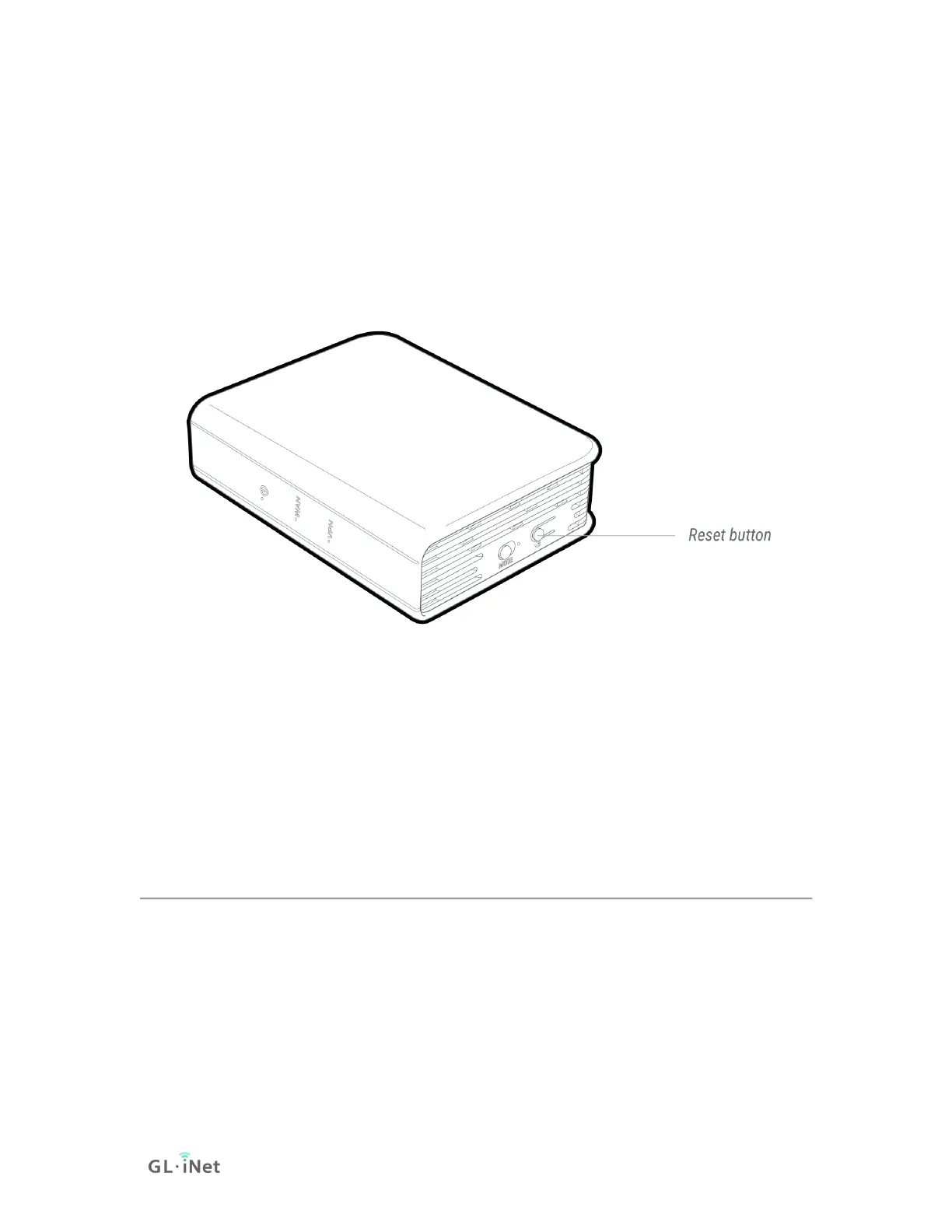
Reset
Press and hold for 10 seconds then release to reset the router to factory
settings. All user data will be cleared.
Reset Button
GL-MV1000 VPN Router
10.3. Debrick via Uboot
Using Uboot to Debrick Your Router
You may have bricked your router if you were doing some DIY projects or flashed
a wrong firmware. You may not be able to access your router but you can re-
install the firmware by using Uboot failsafe.
Please follow the procedures below to access the Uboot Web UI and re-install
the firmware.
You can also refer to our video, How to Recover GL.iNet Mini Router by U-Boot
FailSafe.
1. First you have to download firmware to your computer. You can download
the firmware here. For GL-AR300M, GL-AR300M-Ext, GL-AR750S-Ext,



 To Next Page