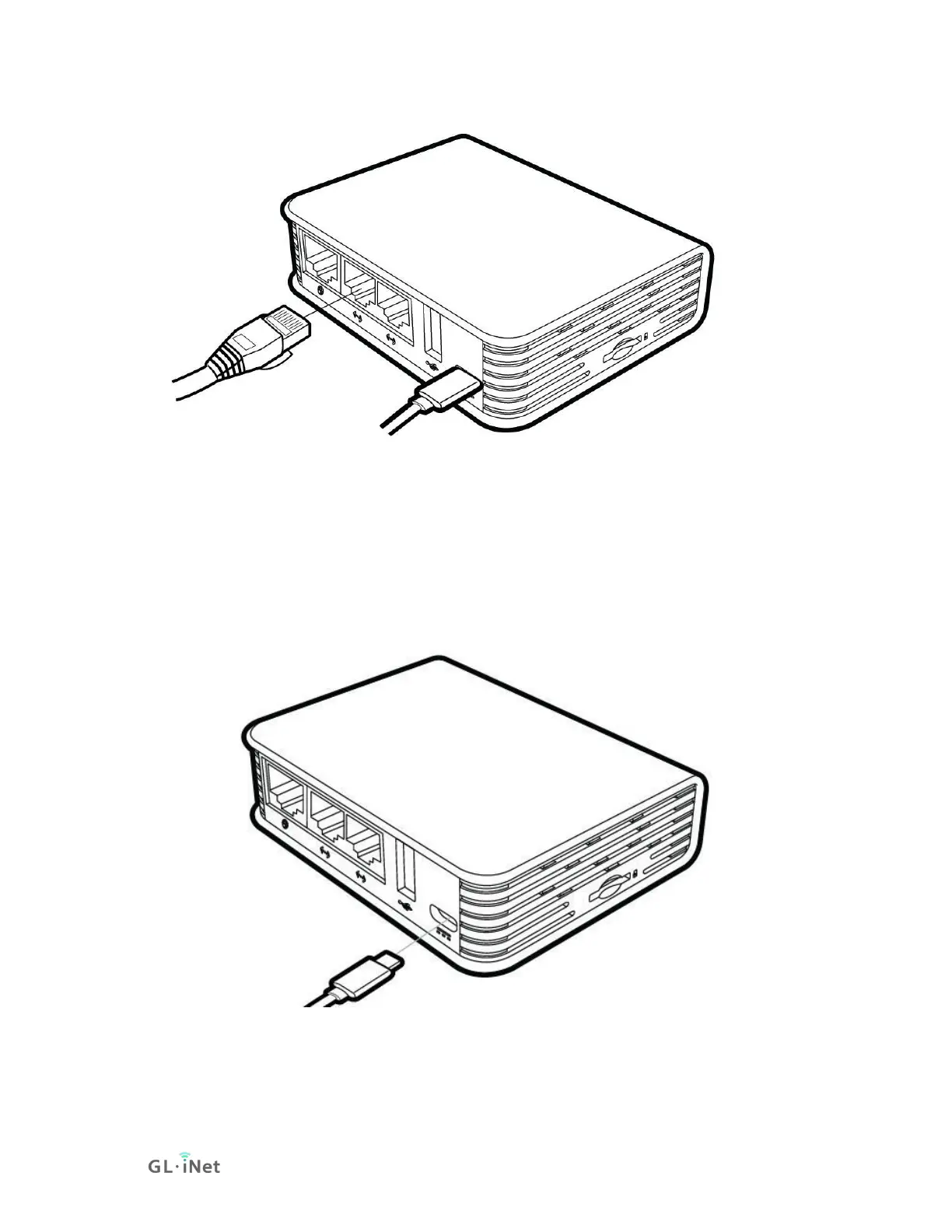
Connect via USB Type-C Cable
Connect your computer to the power port of the router via USB Type-C
cable. Keeps your computer connect to the internet and waits for several
minutes, it will install the driver automatically.
It supports Windows 10, Windows 7, Mac OS, Ubuntu.
Certain Windows systems don't recognize the Brume as a network device
or fail to find the correct driver. Use this driver for such cases: mod-duo-
rndis.zip



 To Next Page