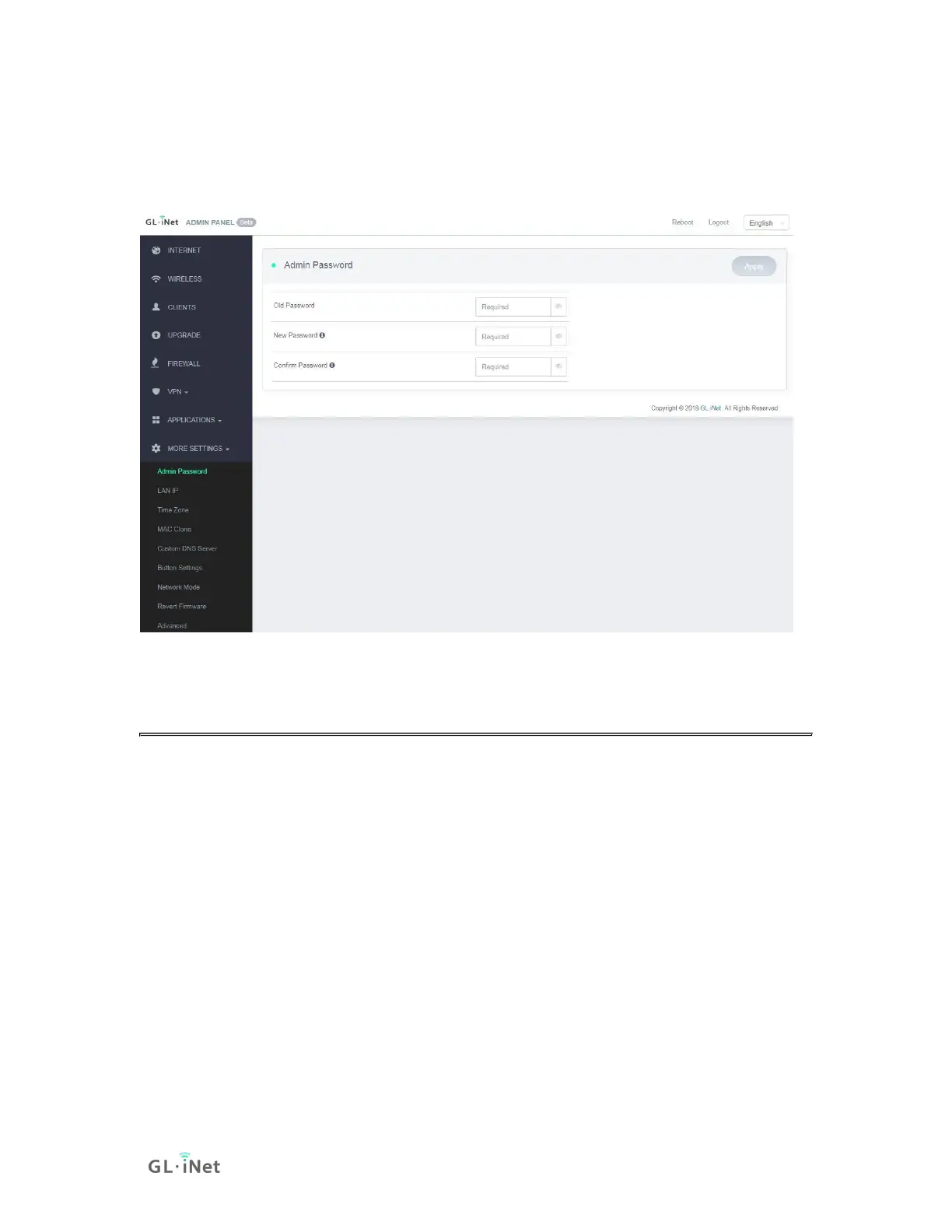
9.1. Admin Password
Change the password of the web Admin Panel, which must be at least 5
characters long. You have to input your current password in order to change it.
9.2. LAN IP
LAN IP is the IP address that you use to connect to this router. The default IP
address of GL.iNet router is 192.168.8.1. If it conflicts with the IP address of your
main router, you can change it.



 To Next Page