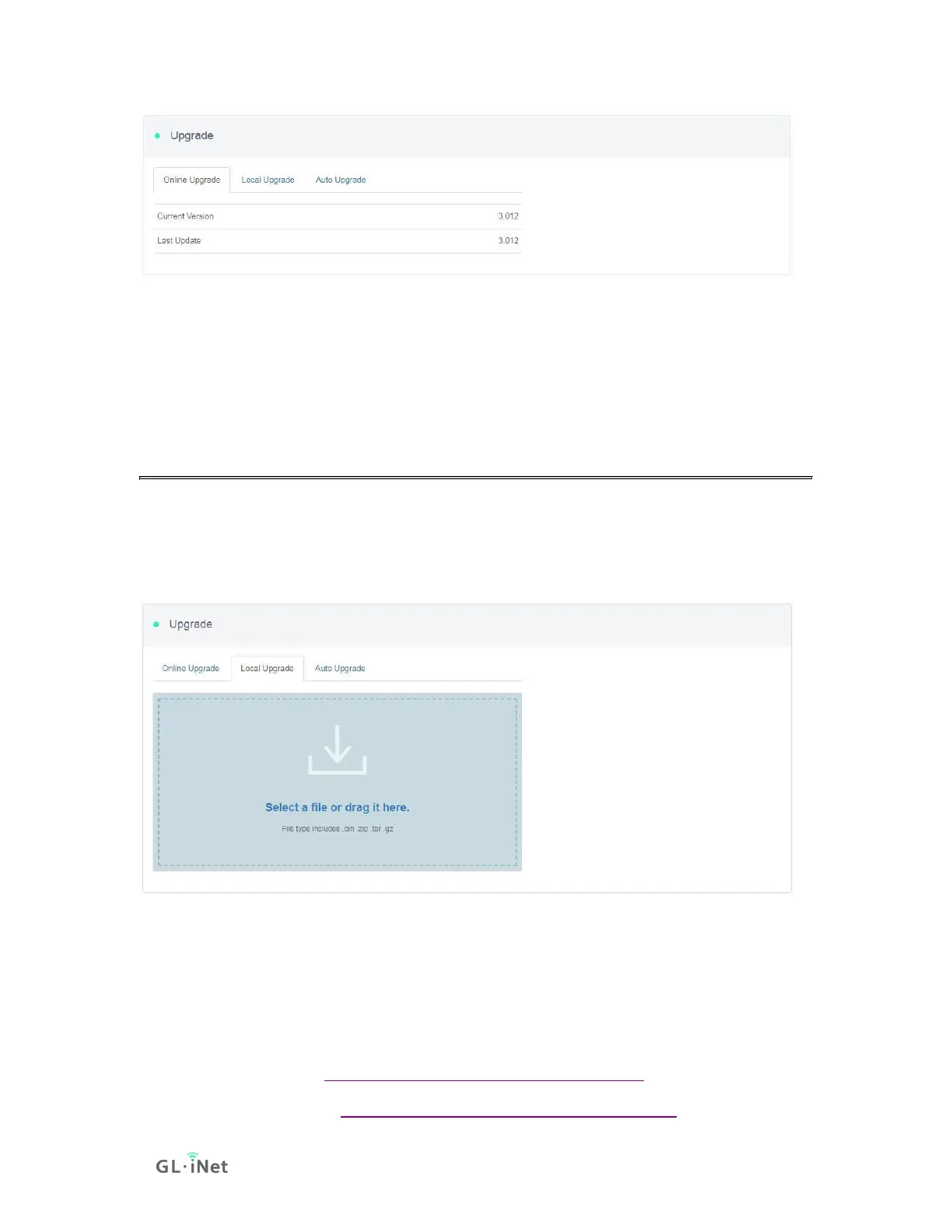
Note: It is suggested to uncheck Keep setting. If you keep the settings and
encounter problems after the upgrade, please reset the router.
5.2. Upload Firmware
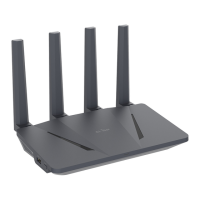
Click Local Upgrade to upload a firmware file to the router. Simply drag and drop
your firmware file to the area indicated.
(1) Official OpenWrt/LEDE firmware
You can download the official firmware from our website.
• GL-AR150 series: https://dl.gl-inet.com/firmware/ar150/
• GL-AR300M series: https://dl.gl-inet.com/firmware/ar300m/






 To Next Page