8
Input status
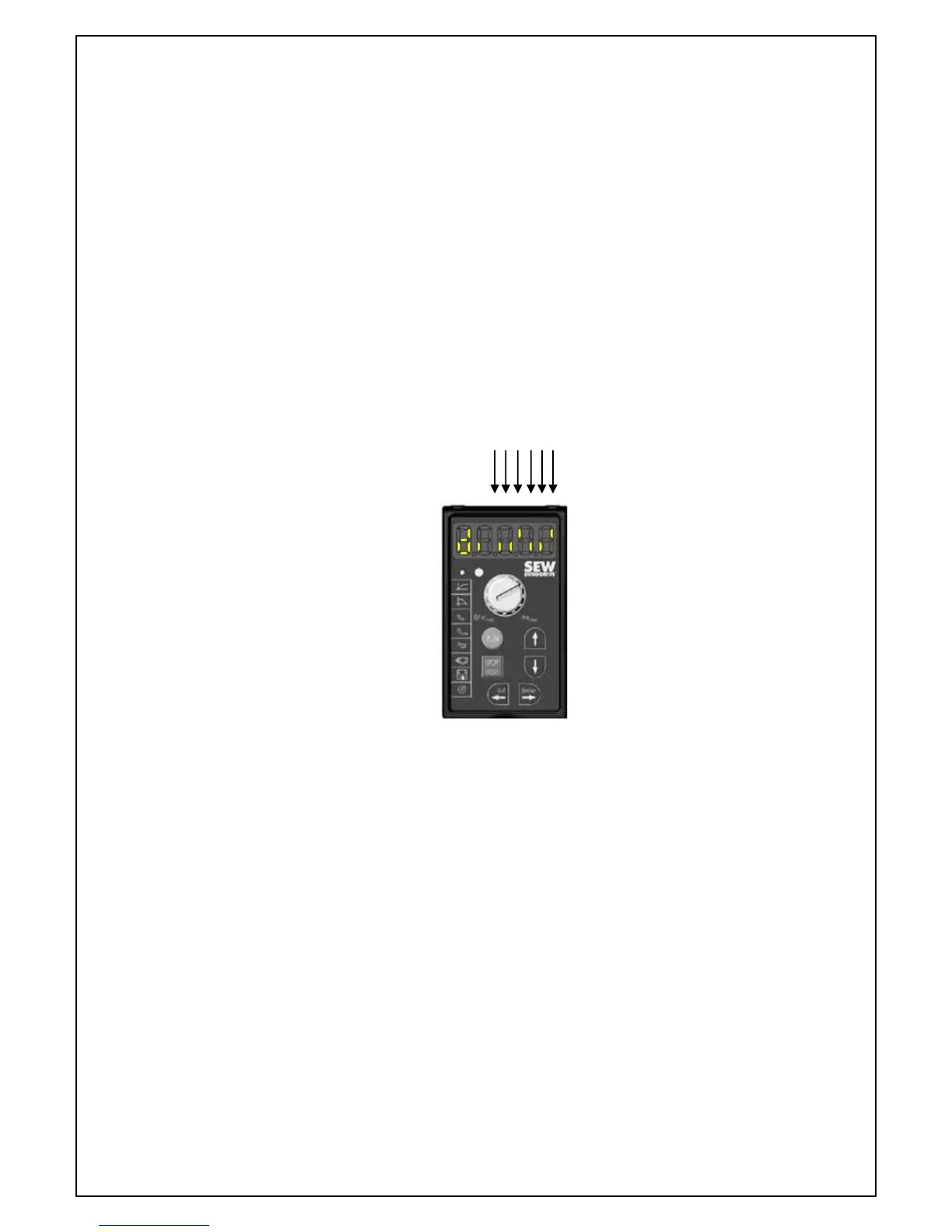
The status of the inputs can be checked by the following
Press the up or down arrow until the display shows P --- then press
enter.
Press up or down to select P- 39 then press enter.
A line at the bottom of the number segment is an open contact and a
line at the top is a closed contact.
Press out to scroll back through the menus
For the motor to operate the display should look like the picture below.
1. Reset 1 2 3 4 5 6
2. O/S/C
3. Stop
4. Close ↑ (Line up) Closed contact
5. Ped ↓ (Line down) Open contact
6. Safety
Initialisation (Learn Cycle)
Take the gate to the closed position
Press the RUN button located on the keypad of the inverter
Setup is performed by pressing the button on the transmitter, if
included, or by a trigger between terminal 1 (O/S/C) and terminal 6
(common).
The default movement when setting up is to open. If the gate closes
first, disconnect the power and swap the motor wires W (Blue) and U
(Black) located in the terminal block under the inverter.
The gate will open and close slowly, calculating the distance between
the stops.
The gate is now operational.
Note! (The first movement after a setup, power interruption or having
been moved manually is in slow speed)



 To Next Page