EasyManua.ls Logo

Global 244280 - User Manual

Global 244280
18 pages
Print Icon
To Next Page IconTo Next Page
Loading...
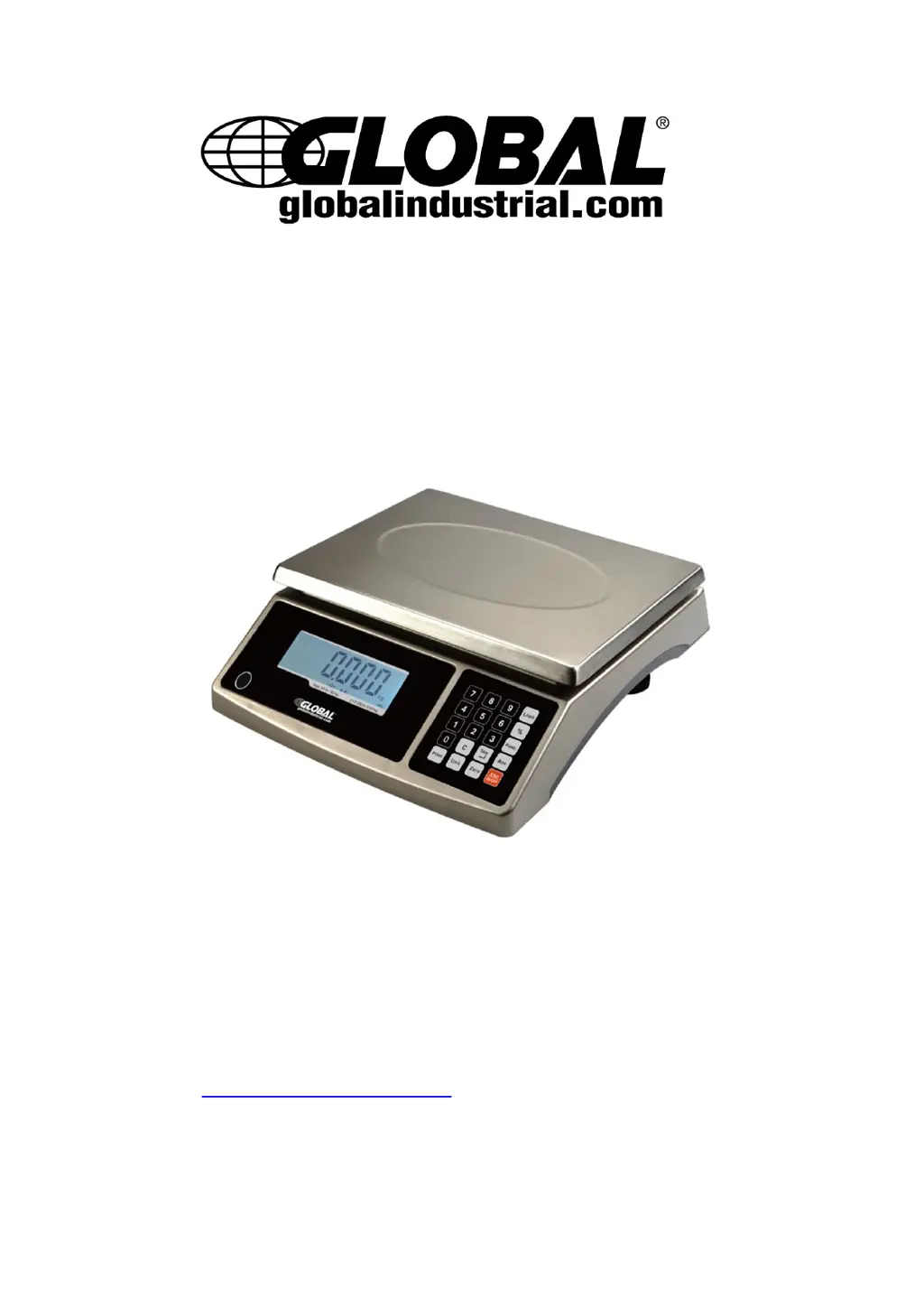
Electronic Counting Scale
Model 244280
USER MANUAL
Please read entire manual carefully prior to operation. For additional questions
or concerns, contact Global Industrial Customer Service at 1-800-645-2986 or
visit www.globalindustrial.com. Keep this manual for future use.

Questions and Answers

  • D
    David Miller Jr.Aug 16, 2025
    Why won't my Global 244280 power on?
    • G
      Gary WilsonAug 16, 2025
      The Global Scales might not be powering on due to several reasons. Ensure the power cord is correctly plugged into both the scale and a functioning power outlet. Check the power source. If the unit uses batteries, they may be discharged and need replacement. If these steps don't resolve the issue, service may be required.
  • R
    Ryan WilliamsAug 22, 2025
    How to fix Err01 on Global 244280?
    • C
      Christina GoodAug 22, 2025
      The 'Err01' error on Global Scales indicates that the weight reading exceeds the overload limit or the weight value cannot be displayed in the current unit of measure. Reduce the load on the scale until the weight value can be displayed. Alternatively, try using an alternate unit of measure.
  • P
    Paul WebsterAug 25, 2025
    What does Lo.bAt mean on my Global 244280 Scales and how to fix it?
    • H
      Heather WhiteAug 26, 2025
      If 'Lo.bAt' is shown on your Global Scales, it means the battery is discharged. To resolve this, charge the battery.
  • J
    Jennifer SmithAug 28, 2025
    What to do if Global 244280 Scales unable to zero the display?
    • C
      Crystal HowardAug 28, 2025
      If your Global Scales are unable to zero the display, or will not zero when turned on, it could be due to several reasons. First, remove any load on the scale. Then, wait for the load to become stable. If the problem persists, service may be required, as it could indicate load cell damage.
  • O
    ogarciaAug 31, 2025
    What to do if my Global 244280 Scales show Err05?
    • K
      kenneth39Aug 31, 2025
      If your Global Scales display 'Err05', it means the weight is below the Power On Zero limit or below the ZERO key range. Install the platform on the scale. Then, perform zero calibration.
  • T
    Tammy CortezSep 3, 2025
    How to fix Err12 on Global Scales?
    • J
      Jeffrey MyersSep 3, 2025
      The 'Err12' error on Global Scales indicates that setup parameters are not set, not correctly set, or settings have been lost. To fix this, re-set the parameters and perform calibration.
  • J
    Jackson Gray DDSSep 6, 2025
    How to troubleshoot Err20 on Global 244280?
    • M
      Martin ElliottSep 6, 2025
      The 'Err20' error on Global Scales indicates a calibration error. This can occur if the input data or loaded weight is too small, too large, unstable, or not linear. Input correct data, load the correct weight onto the platform. If problems persist, service may be required.
  • E
    Erin SalazarSep 9, 2025
    How to fix Err30 on Global 244280?
    • M
      Megan Wallace DDSSep 9, 2025
      The 'Err30' error on Global Scales suggests that the load cell wires to the indicator are incorrectly connected, shorted, or open, or that the ADC or load cell is damaged. Ensure the wires are correctly connected. If the problem persists, service will be required to replace the load cell or ADC chip.
  • M
    Michele SextonSep 10, 2025
    What to do if my Global Scales show Err04?
    • M
      Matthew MurphySep 12, 2025
      If your Global Scales display 'Err04', it indicates that the weight exceeds the Power On Zero limit or the ZERO key range. Ensure the scale platform is empty. Power off the scale, then power it back on. Perform zero calibration to resolve this issue.
  • S
    Sandra DixonSep 12, 2025
    How to fix Err10 on Global Scales?
    • K
      Kurt EscobarSep 12, 2025
      The 'Err10' error on Global Scales indicates that the EEPROM is damaged. Service is required to replace the main EEPROM IC chip.

Summary

Introduction

General and Safety Information

Essential safety guidelines and usage precautions for the electronic scale.

Specifications

Detailed technical specifications including capacity, readability, and dimensions.

Unpacking and Setup

Operations

Power on; Power off scale

Steps for turning the scale on and off, including self-check procedures.

Counting Mode

Procedure for using the scale's counting function.

Calibration

Parameter Setup Mode

Troubleshooting

Troubleshooting

Common issues, probable causes, and suggested remedies for scale problems.

Global 244280 Specifications

General IconGeneral
Capacity400 lb
Readability0.1 kg
Accuracy±0.1 kg
MaterialSteel
Power SupplyBattery or AC adapter

Related product manuals