244280 www.globalindustrial.com 6
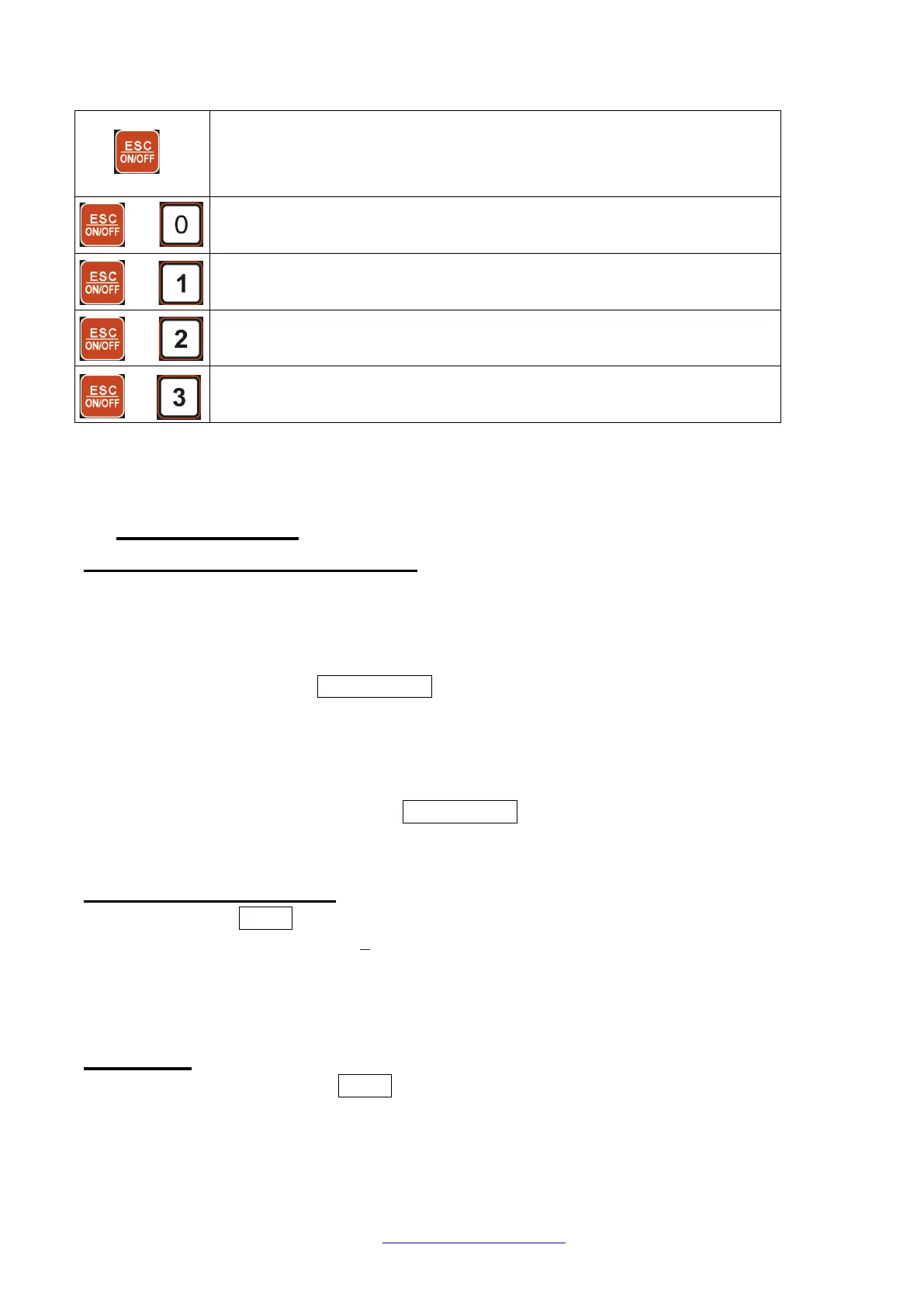
Press to power on the scale when the scale is off
Press and hold to power off the scale when the scale is on
Press to return normal weighing mode when scale is in parameter
setting mode
Press to enter calibration mode
Press to enter LCD and Key test mode
Press to enter parameter setting mode
Press to check inner code and voltage
4. OPERATIONS
4.1 Power on / Power off scale
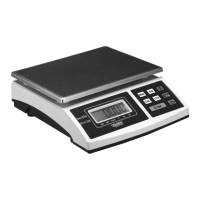
Place the scale on a flat, stable surface. Level the scale using the leveling bubble at the
lower left side of the display.
With the weighing platter empty, turn on power switch (located underneath on the left-hand
side of the scale). Press the ESC/ON/OFF key to power on the scale. The self-check will run
and the scale will display a zero reading.
When the scale is beyond the power-on zero point range (calibration zero point +/- 10%FS),
after powering on, the scale displays “Err04”or“Err05”.
To power off the scale, press and hold ESC/ON/OFF key.
4.2 Zeroing the display
You can press the ZERO key at any time to set the zero point from which all other weighing
and counting is measured, within + 5% of power up zero. This will usually only be necessary
when the platform is empty. When the zero point is
obtained the display will show the indicator for zero.
4.3 Taring
Zero the scale by pressing the ZERO key if necessary when reading is stable. The zero
indicator willbe on.
Place a container on the platform, a value for its weight will be displayed.


 To Next Page