EasyManua.ls Logo

Globalsat GV-370 - User Manual

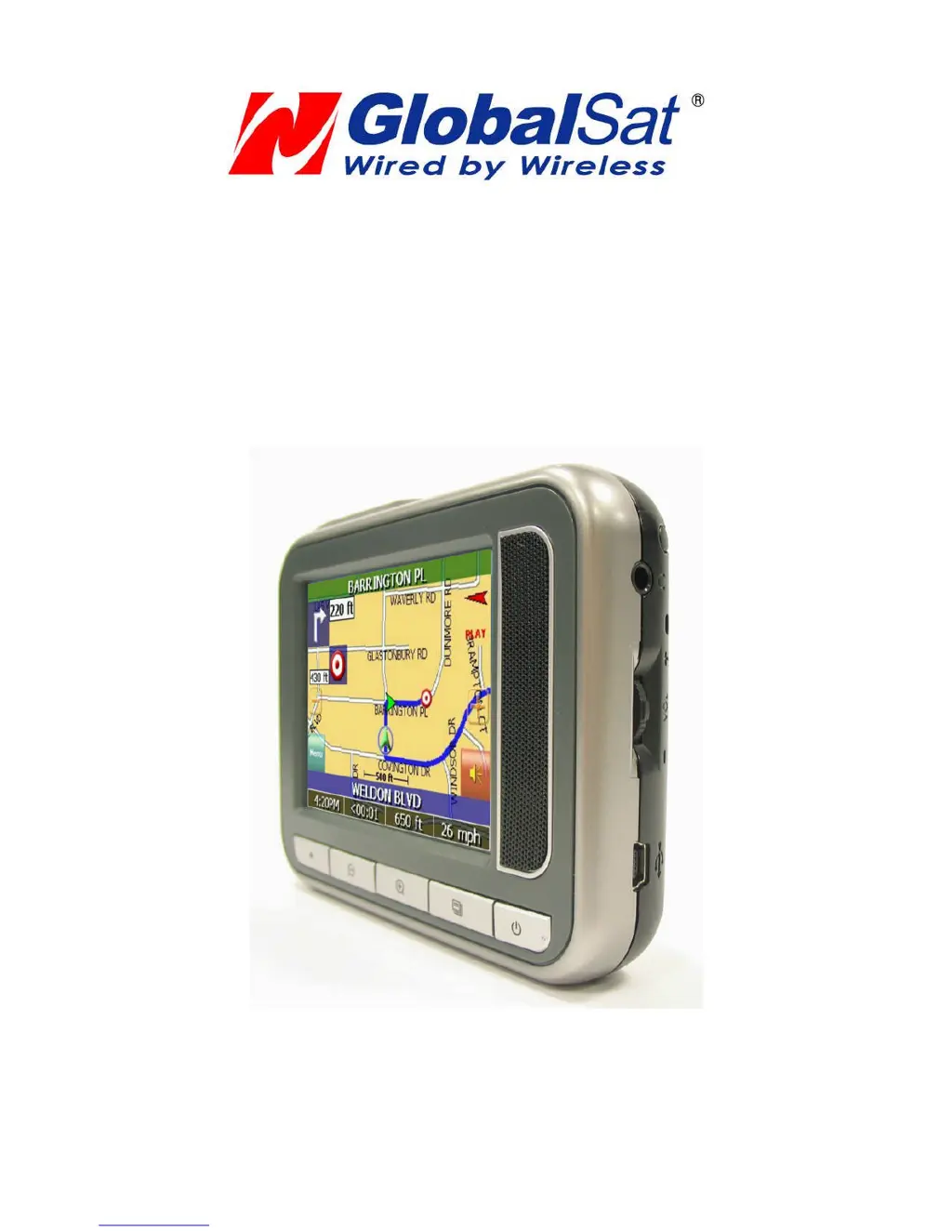
Globalsat GV-370
51 pages
Print Icon
To Next Page IconTo Next Page
Loading...
GV-370
User Manual
Version 1.32

Questions and Answers

  • M
    mcdonaldpaulJul 31, 2025
    How to prevent damage to Globalsat GPS GV-370?
    • S
      saundersadamJul 31, 2025
      To prevent damage to your Globalsat GPS GV-370, avoid exposing it to excessive heat and humidity. Do not leave the device in your car under direct sunlight with the windows closed.
  • F
    foleychristopherAug 9, 2025
    What to do if Globalsat GPS GV-370 does not boot up?
    • C
      Cheryl HessAug 10, 2025
      If your Globalsat GPS GV-370 does not boot up or function correctly, try the following: * Ensure the application software is properly installed on the memory card. * Verify the SD memory card is correctly inserted into the SD expansion slot. * Check the battery power. A red light indicates low battery and the need for charging. An orange light indicates charging status, and a green light indicates a full charge. * Perform a reset to restart the device.
  • L
    Laura CampbellAug 19, 2025
    Why does Globalsat GV-370 have long cold start time?
    • T
      Tammy KellyAug 19, 2025
      The cold start time for your Globalsat GPS may be longer than usual if your car windows are equipped with window films, as these can slightly affect the GPS signal reception.

Summary

Chapter 1 Features and Specification

Features

Core capabilities and advantages of the device, including its navigation solution and user-friendly design.

Specification

Detailed technical specifications covering system, display, audio, power source, battery, antenna, and key buttons.

Overview

Visual guide to the device's external components, including buttons, ports, and indicators.

Detailed Hardware Functions

Explains the specific function of each hardware button, port, indicator, and control on the device.

Chapter 2 Getting Started

Download Application onto the SD Card

Instructions on transferring software and map data to the SD card using a card reader or USB connection.

Charging your GV-370

Details the three methods for charging the device's battery: AC adapter, car charger, or USB cable.

Chapter 4 Navigation Application

Getting GPS Signal

Information on acquiring GPS signals and factors that may affect signal strength for accurate navigation.

Resetting the GV-370

Instructions on how to perform a system reset using the reset button to resolve errors.

Setting Your Options

Route Options

Configuring navigation preferences such as method (Quickest, Major), ferries, toll roads, and turns.

Speed Alert

Setting up auto or fixed speed alerts to warn the user about exceeding speed limits.

Chapter 5 Troubleshooting

If the GV-370 does not boot up successfully or does not function properly

Steps to check and resolve issues with the device not booting or functioning correctly.

Reset

Instructions on how to perform a system reset using the reset button to resolve errors or unresponsiveness.

Update the firmware of GV-370

Step-by-step guide to updating the device's firmware using a prepared SD card.

Globalsat GV-370 Specifications

General IconGeneral
BrandGlobalsat
ModelGV-370
CategoryGPS
LanguageEnglish

Related product manuals