EasyManua.ls Logo

Globalsat BT-821 - User Manual

Globalsat BT-821
14 pages
Print Icon
To Next Page IconTo Next Page
Loading...
Page 1 of 14
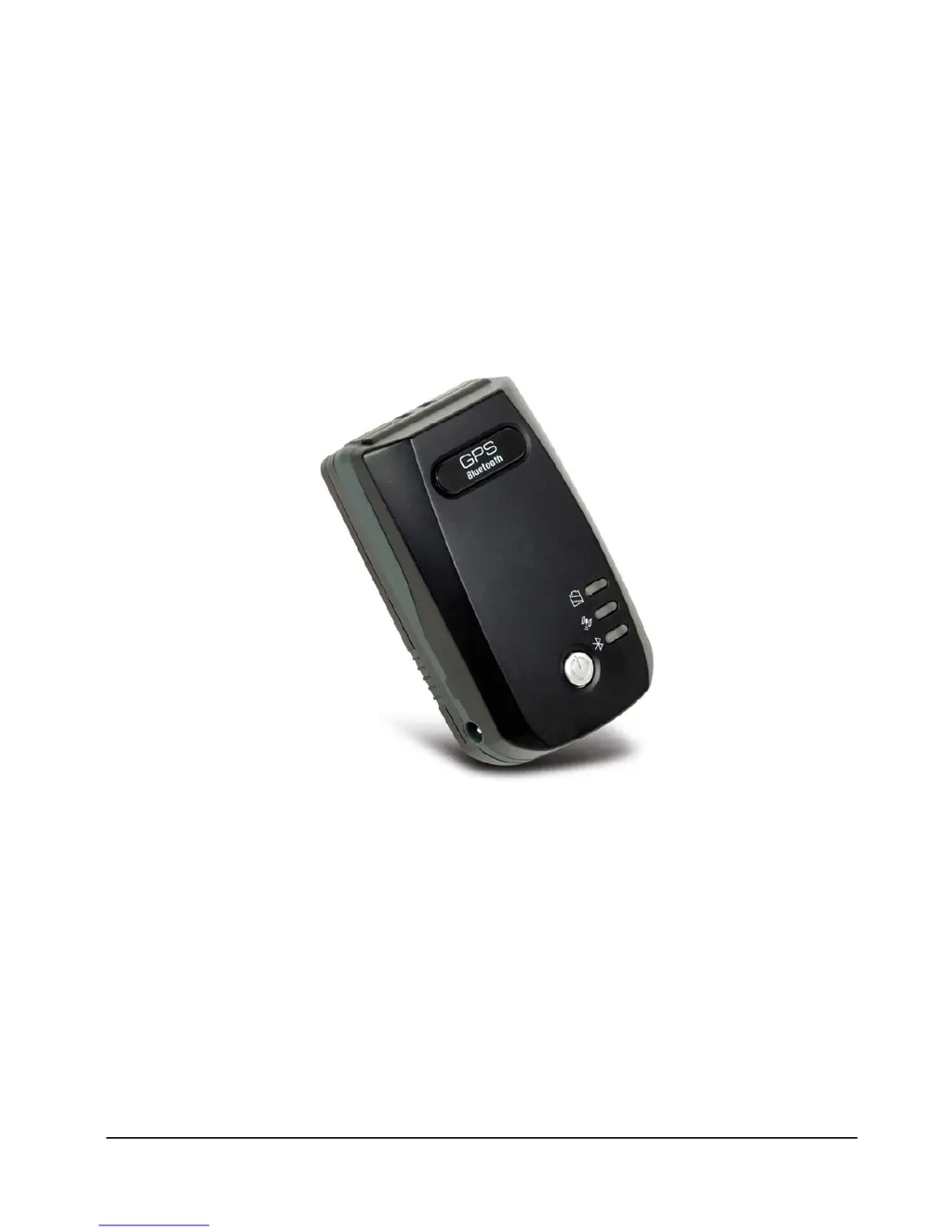
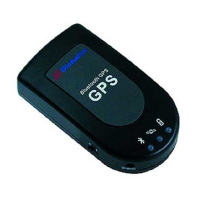
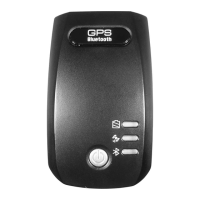
Bluetooth GPS Receiver
BT-821 User Manual
Version 1.1

Questions and Answers

  • J
    Joseph RamirezJul 26, 2025
    What to do if my Globalsat BT-821 Bluetooth is unable to connect?
    • D
      dixondawnJul 26, 2025
      If your Globalsat GPS Bluetooth is unable to connect, first check if the GPS Bluetooth indicator is flashing normally. One flash every three seconds means the product is in standby mode, while one flash per second indicates that Bluetooth is already online. Also, check if the energy level is sufficient. If the red LED is lit, the battery level is insufficient; please recharge it until the red indicator turns off.
  • S
    Sheila ParkAug 5, 2025
    What to do if my Globalsat GPS cannot be positioned?
    • R
      Rodney TaylorAug 5, 2025
      If your Globalsat GPS cannot be positioned, check if the GPS indicator operates normally. If the indicator is constantly lit, it means that the GPS is in operation; if the indicator is flashing, it means the GPS is already positioned. Also, check if the power level is sufficient. If the red LED lights up, it means the power is insufficient. Please recharge it until the red indicator is off.
  • M
    marcogallegosAug 15, 2025
    How to fix Globalsat BT-821 when it cannot be positioned for long?
    • D
      Denise WangAug 15, 2025
      If your Globalsat GPS cannot be positioned for a long time, use GPS info software to perform a Cold Start. Then, move to an open space and try the positioning task again.

Summary

Product Information

Product Description

Details the BT-821 as a high-performance Bluetooth GPS receiver with MTK chipset.

Product Features

Lists key features like MTK chipset, 32 channels, Bluetooth, rechargeable battery.

Product Specifications

Provides detailed technical specifications for GPS, Bluetooth, physical characteristics, and environmental range.

Hardware Description

Top View and Bottom View

Identifies physical components like Power Button, DC Jack, Power LED, GPS LED, Bluetooth LED, and Battery Cover.

LED Behaviors

Explains the status indicators for Bluetooth, GPS, and Power LEDs.

Power Button

Describes the action and function of the power button.

Power-saving function

Details the automatic power-off feature when Bluetooth is not connected.

Package Contents

Getting Started

Step 1: Charging Battery

Instructions on how to insert and charge the battery before first use.

Step 2: Turn on the power

Procedure for powering on the BT-821 GPS receiver.

Step 3: Wait for GPS fixed

Guidance on acquiring a GPS fix and checking the GPS LED.

Step 4: Connect to your Bluetooth-enabled devices

Steps for pairing the BT-821 with other Bluetooth-enabled devices.

Step 5: Start Navigation Software

Instructions for launching navigation software after connecting the device.

Troubleshooting

Connect Bluetooth GPS receiver with Windows Mobile Version 5 Pocket PC

Step-by-step guide to connect the receiver with a Windows Mobile Pocket PC.

Bluetooth is unable to connect

Common issues and solutions for Bluetooth connectivity problems.

GPS cannot be positioned

Troubleshooting steps for GPS fix or positioning issues.

FCC Notices

Globalsat BT-821 Specifications

General IconGeneral
BrandGlobalsat
ModelBT-821
CategoryGPS
LanguageEnglish

Related product manuals