Page 9 of 14
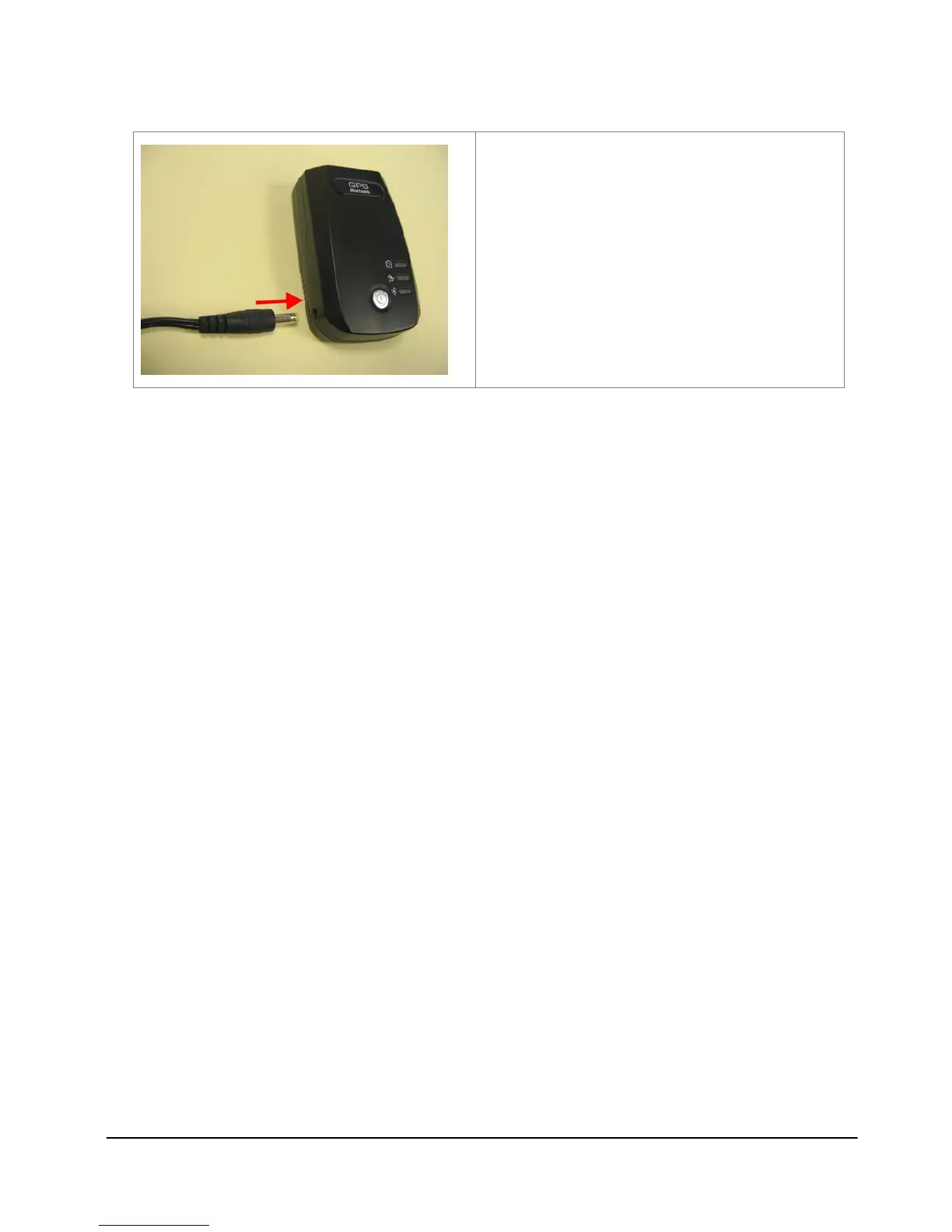
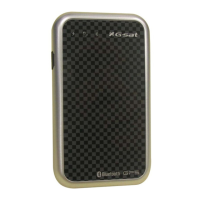
Insert one end of the charging cable into
BT-821 to charge the battery.
Step 2: Turn on the power
Press and hold the power button for one second to turn on your BT-821.
Step 3: Wait for GPS fixed
Put your BT-821 in a place where can directly see the sky and check the GPS LED.
If the GPS LED starts blinking, your position is fixed.
Step 4: Connect to your Bluetooth-enabled devices
Run the Bluetooth manager from your Bluetooth enabled device, search Bluetooth
devices, select device (BT-821), and connect it to your BT-821. Once the Bluetooth
LED is blinking once per second, the link is established successfully. If a passkey is
asked, please enter 0000.
Step 5: Start Navigation Software
Start the navigation software on your Bluetooth enabled device.



 To Next Page