GloboFleet
®
Downloadkey II user manual | © 2014 Buyond GmbH | 3
Read out tachograph data
1. Place the company card into the digital tachograph
and wait until the card has been registered.
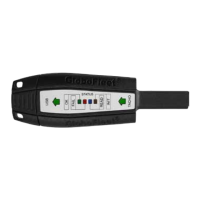
2. Plug the downloadkey in the appropriate port of the
tachograph (see page 6-08). The „INIT LED“ will ash
for a short while to conrm functionality.
3. During the download the „READ LED“ will ash
continuously. Wait till the „OK LED“ stays solid. The
download is complete when the „OK LED“ is solid
now you may remove the downloadkey and company
card.
Attention:
Do not start your engine while the downloadkey is plugged into
your tachograph an electrical surge may occur which could da-
mage your downloadkey.


 To Next Page
 Loading...