Glowforge Pro only: For more information about Pro Glasses and Pro Shields, see the
Glowforge Pro Training Materials.
Slide In the Crumb Tray
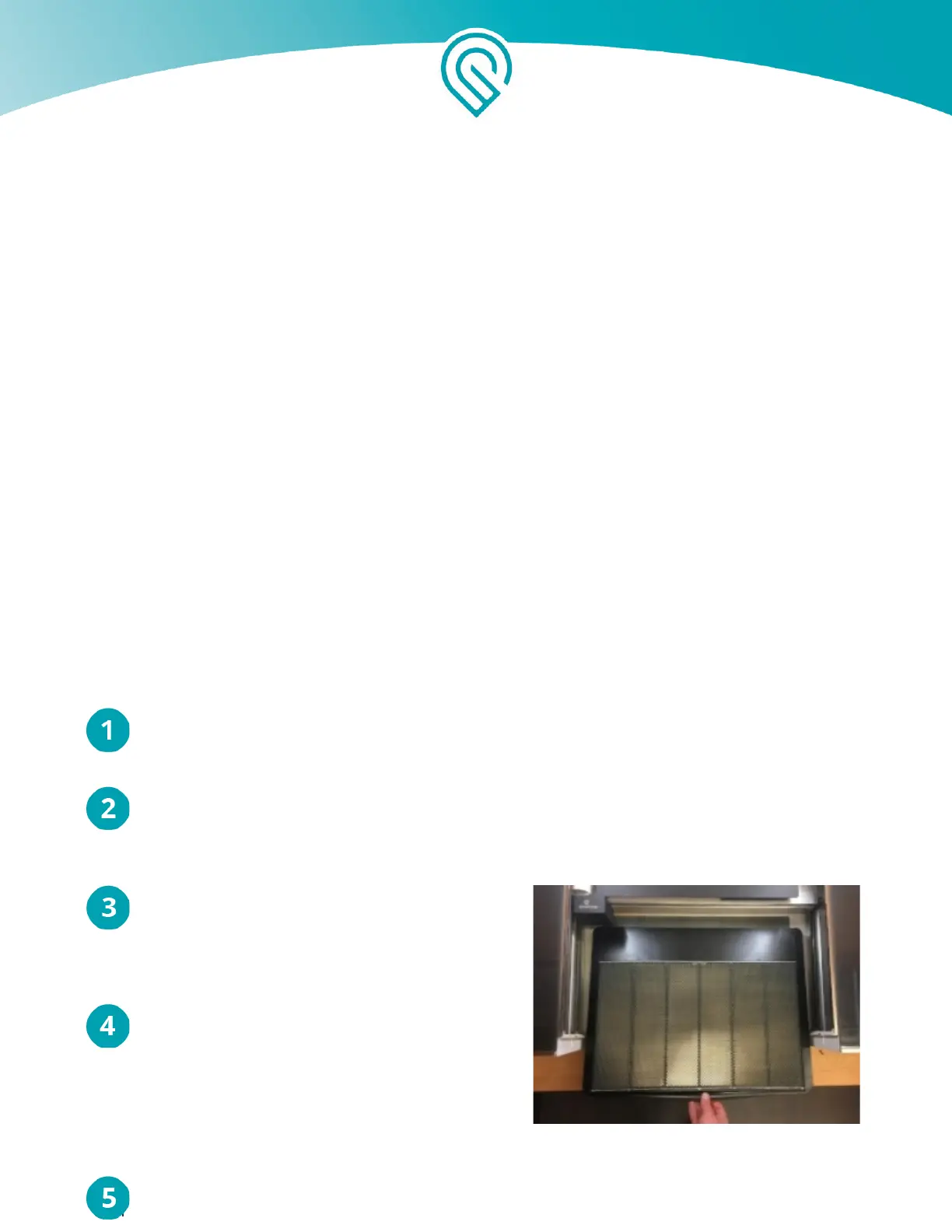
The black and metal crumb tray sits inside the bed of your Glowforge, supports the material you place
inside, and catches leftover print bits to keep your Glowforge nice and tidy. It has four little feet that rest
in four little dimples. The handle goes in front, and the feet go on the bottom.
Lift the lid of your Glowforge & lower the front door
Gently move the Laser Arm. Using two hands, gently push the laser arm away from you until
it’s near the back of the unit.
Pick up the Crumb Tray. Pick up the crumb
tray - make sure the handle is in front and the
wide black plastic strip is in the back.
Slide in the Crumb Tray. Slide it in until you
feel the feet settle into the dimples in the base
of the Glowforge unit.
Copyright Glowforge, Inc. 2020 29



 To Next Page