Infotainment System 17
Finding a Station
Press the SRCE button to go to the
currently playing source. Press it
again to select a different source.
Turn the PUSH/SEL knob to find a
radio station. To select a preset
station, press FAV to scroll through
the favorite banner. Press the
desired station on the banner.
Seeking a Station
Press
© SEEK or SEEK ¨ to search
for a station, or use
¨ on the
steering wheel controls.
Press and hold the
© SEEK or
SEEK
¨ button to scan up or down
the band, pausing on each station
for five seconds. Touch
© SEEK or
SEEK
¨ again to cancel the scan.
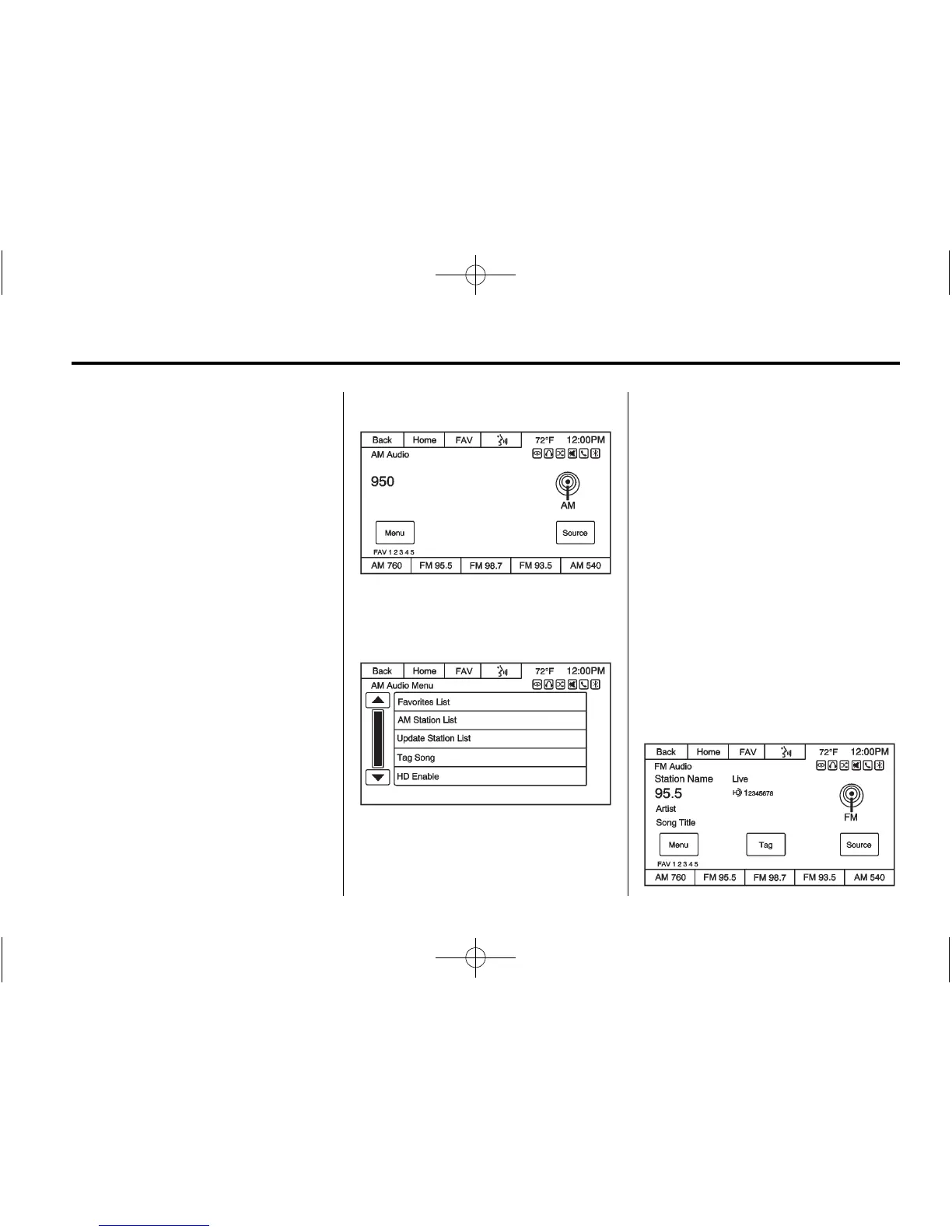
AM
To access the AM menu press the
Menu screen button from the AM
source screen:
Favorites List: Press to display the
favorites list.
AM Station List: The station list
may need to be updated before
pressing to display a list of AM
stations.
Update Station List: Press to
update and then display the list of
AM stations.
Tag Song: Press to tag a song to
download to an iPod when it is
connected, and to purchase it at a
later time. Song tagging is only
available while listening to an HD
broadcast.
HD Enable/Disable: Press to
enable or disable the HD Radio
®
function.
FM














 To Next Page