Acadia, Acadia Denali, Enclave, Traverse Infotainment System (GMNA-
Localizing-U.S./Canada/Mexico-6014304) - 2014 - crc - 8/27/13
36 Infotainment System
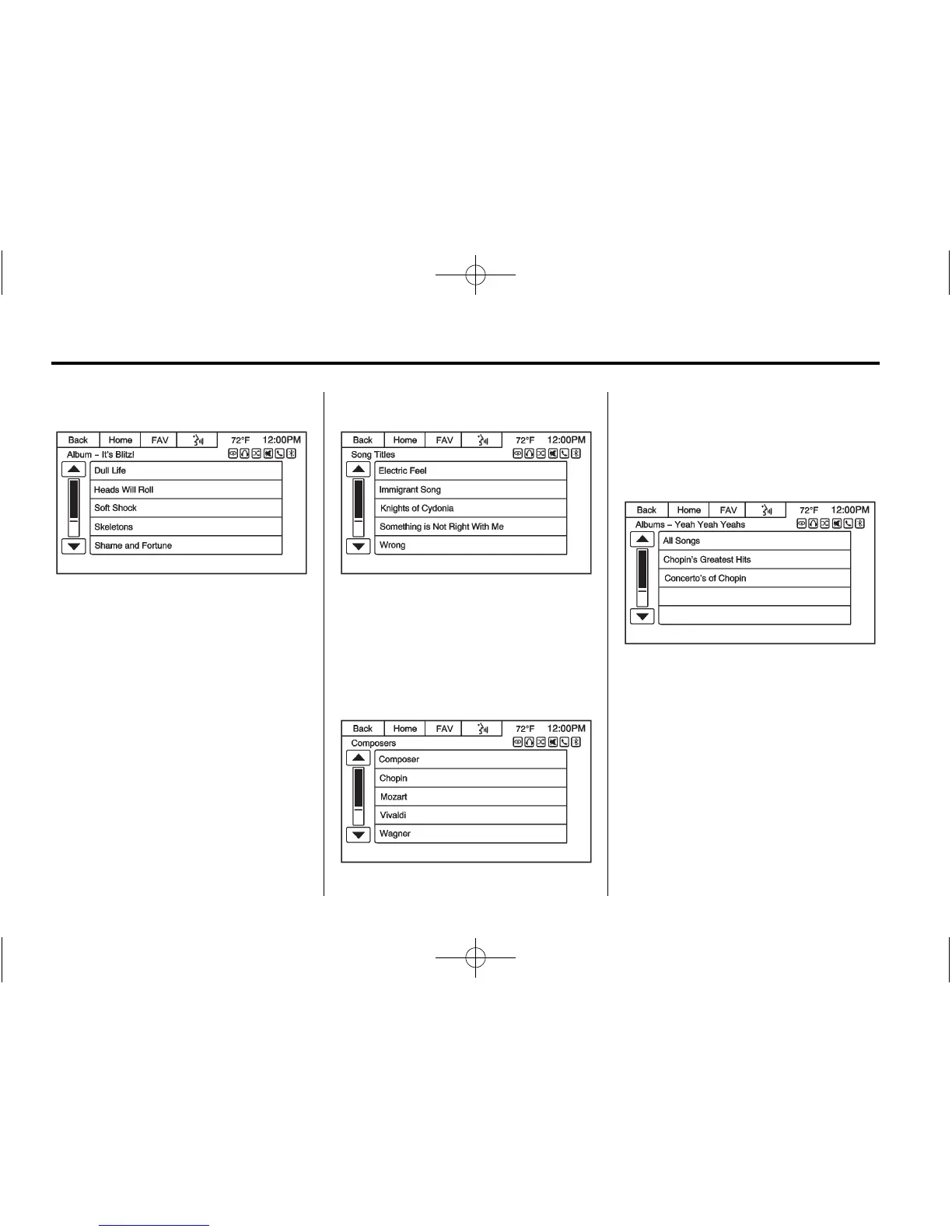
Albums
Select an album from the Albums
menu to display a list of songs.
Select a song for playback.
Genres
Press the Genres screen button
displayed on the Root Folder menu.
The Genres menu displays.
Follow the same instructions as
given for Artist. Each menu
selection will eventually lead to the
song for playback.
Tracks
Press the Song Titles screen button
displayed on the Root Folder menu.
The Song Titles menu displays.
Select the desired song for
playback.
Composers
Press the Composers screen button
displayed on the Root Folder menu.
The Composers menu displays.
Select a composer to display a list
of albums from the composer.
Select the album to display a list of
songs. Select the desired song for
playback.
USB Port
Playing from a USB
A USB mass storage device can be
connected to the USB port.
The USB port is in the upper
instrument panel storage area.














 To Next Page