Infotainment System 65
Current Route Overview
Press to display the map with the
overview of the route.
Suspend Guidance
Press to suspend guidance of a
current route. A confirmation screen
displays and the guidance is
suspended. To resume guidance,
press DEST on the faceplate, then
press Resume Guidance on screen.
Driving on a Route
Urgent Maneuver Alert
The system will give an indication
that the next maneuver is close.
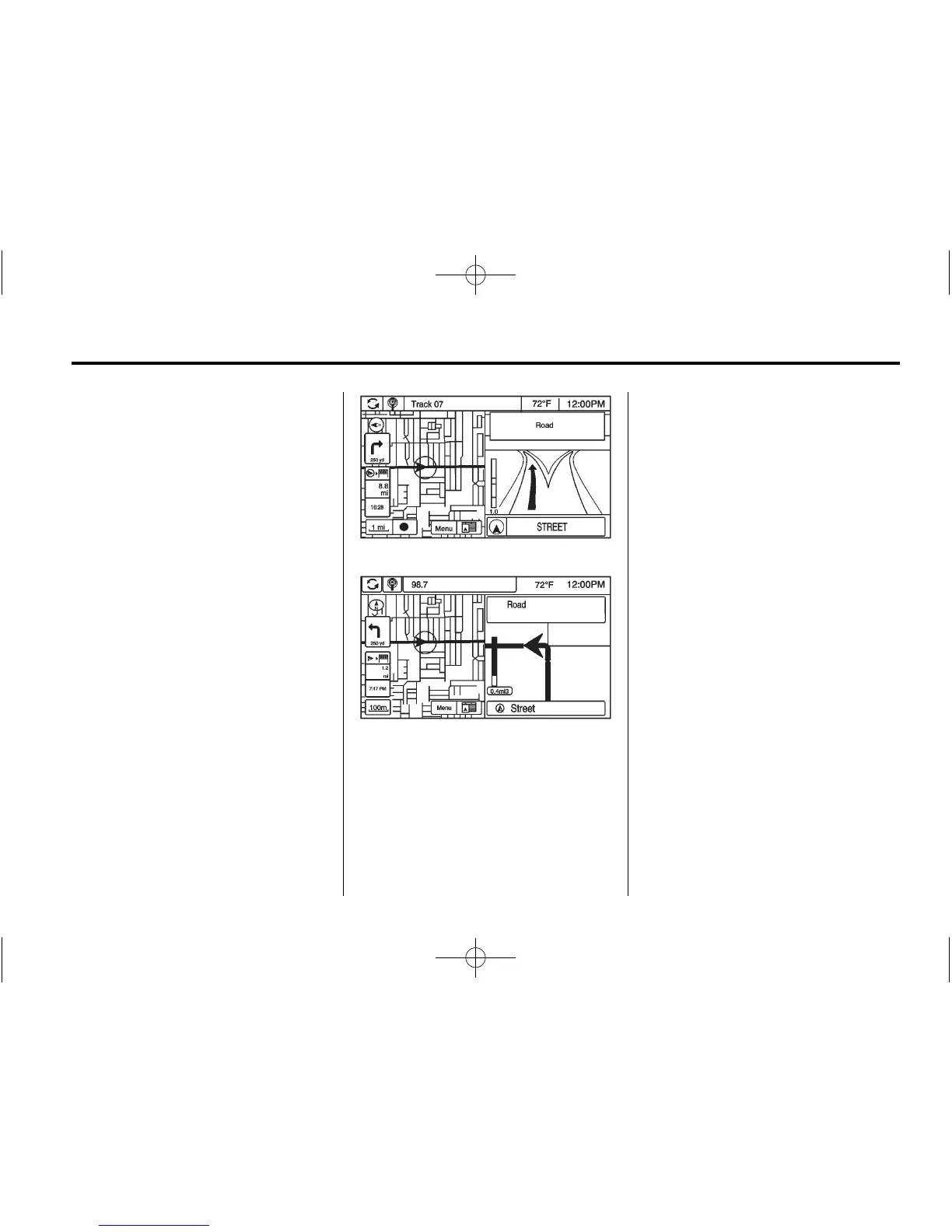
Driving on a Highway
Driving on a Residential Road
OnStar
®
System
OnStar Turn-by-Turn
An OnStar
®
subscriber has the
ability to connect to the OnStar
system and ask an OnStar Advisor
to download a destination or provide
Turn-by-Turn directional guidance.
OnStar will send address
information and location coordinates
of the destination into the navigation
system.
No Active Route
.
Press the Call OnStar button to
initiate the OnStar Turn-by-Turn
route guidance.
.
If the system receives the
indication that there is an active
OnStar subscription, the help
text is displayed with instructions
on how to set up a route.
.
Turn-by-Turn is available to both
navigation and non-navigation
radio systems. Only a navigation
radio system will accept OnStar
destination downloads on
the map.














 To Next Page