Infotainment System 97
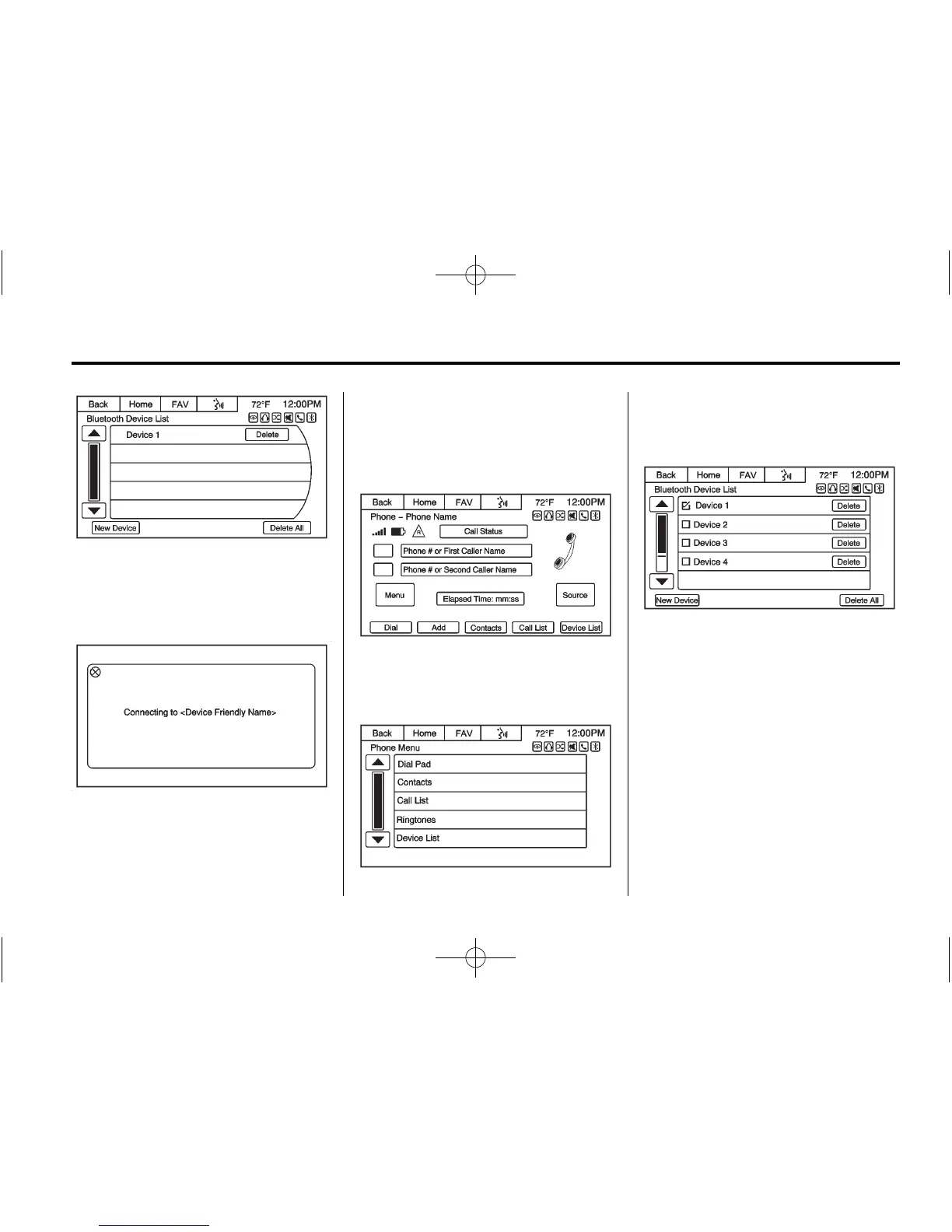
3. Press Device List to display the
Bluetooth Device List. The list
consists of devices that have
been paired to the vehicle.
4. Press the desired device to
connect. The pop-up display
should remain on display until
the device is connected. The
Contact and Call history is
downloaded in the background
while the device is connecting.
Deleting a Bluetooth Device
1. Press the Menu screen button
from the Phone main menu to
display the Phone Menu screen.
2. Press the Device List option to
display the Bluetooth
Device List.
3. Select the device, and press the
Delete screen button associated
with the selected device.
4. To Delete all devices, press the
Delete All screen button at the
bottom of the display.
Text Messaging
For vehicles equipped with
Bluetooth capability, the system can
display text messages, play back a
message over the audio system,
and send a predefined message.
Not all phones support all functions














 To Next Page