38 Infotainment System
.
Press and hold to reverse
quickly through tracks. Release
to play the track landed upon.
SEEK
¨ (Next/Forward):
.
Press to seek to the next track.
.
Press and hold to fast forward
through the currently playing
track.
Shuffle: Press to play the tracks
randomly. Press again to stop
shuffle. Look for the shuffle icon to
turn on in the radio display.
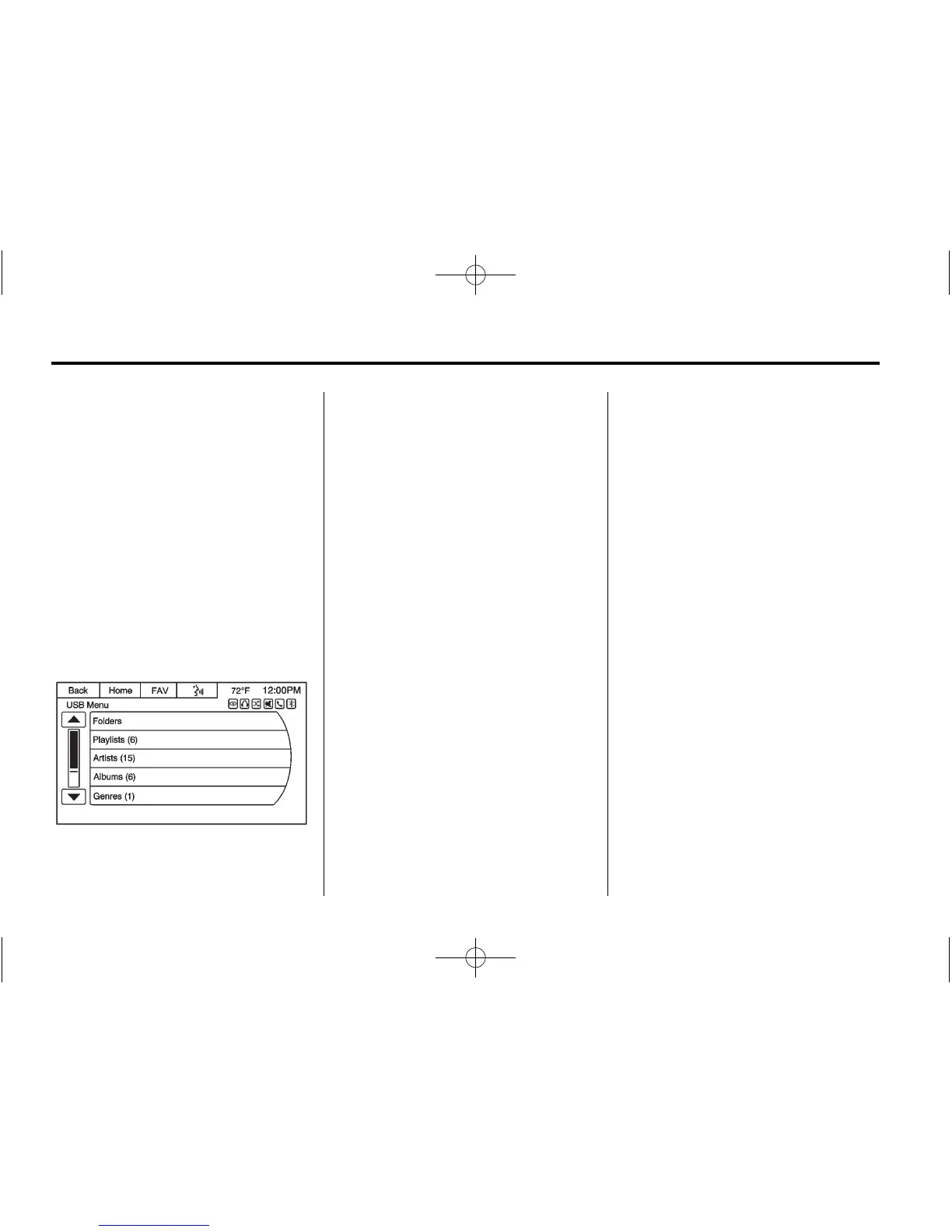
USB Menu
The following are available through
the USB Audio Menu:
Folders: Press to open a folder list
to access the files within the folder
structure.
Playlists:
1. Press to view the playlists on
the USB.
2. Select a playlist to view the list
of all songs in that playlist.
3. Select a song from the list to
begin playback.
Artists:
1. Press to view the list of artists
on the USB.
2. Select an artist name to view a
list of all albums by the artist.
3. To select a song, press All
Songs or press an album and
then select a song from the list.
Albums:
1. Press to view the albums on
the USB.
2. Select the album to view a list of
all songs on the album.
3. Select a song from the list to
begin playback.
Genres:
1. Press to view the genres on
the USB.
2. Select a genre to view a list of
all songs of that genre.
3. Select a song from the list to
begin playback.
Song Titles:
1. Press to display a list of all
songs on the USB.
2. Songs are displayed as they are
stored on the device. To begin
playback, select a song from
the list.
Composers:
1. Press to view the list of
composers on the USB.
2. Select a composer name to view
a list of all compositions by the
artist.














 To Next Page