Acadia, Acadia Denali, Enclave, Traverse Infotainment System (GMNA-
Localizing-U.S./Canada/Mexico-6014304) - 2014 - crc - 8/27/13
68 Infotainment System
‐ Day setting brightens the map
background.
‐ Night setting darkens the map
background.
.
Press Brightness to adjust the
image background.
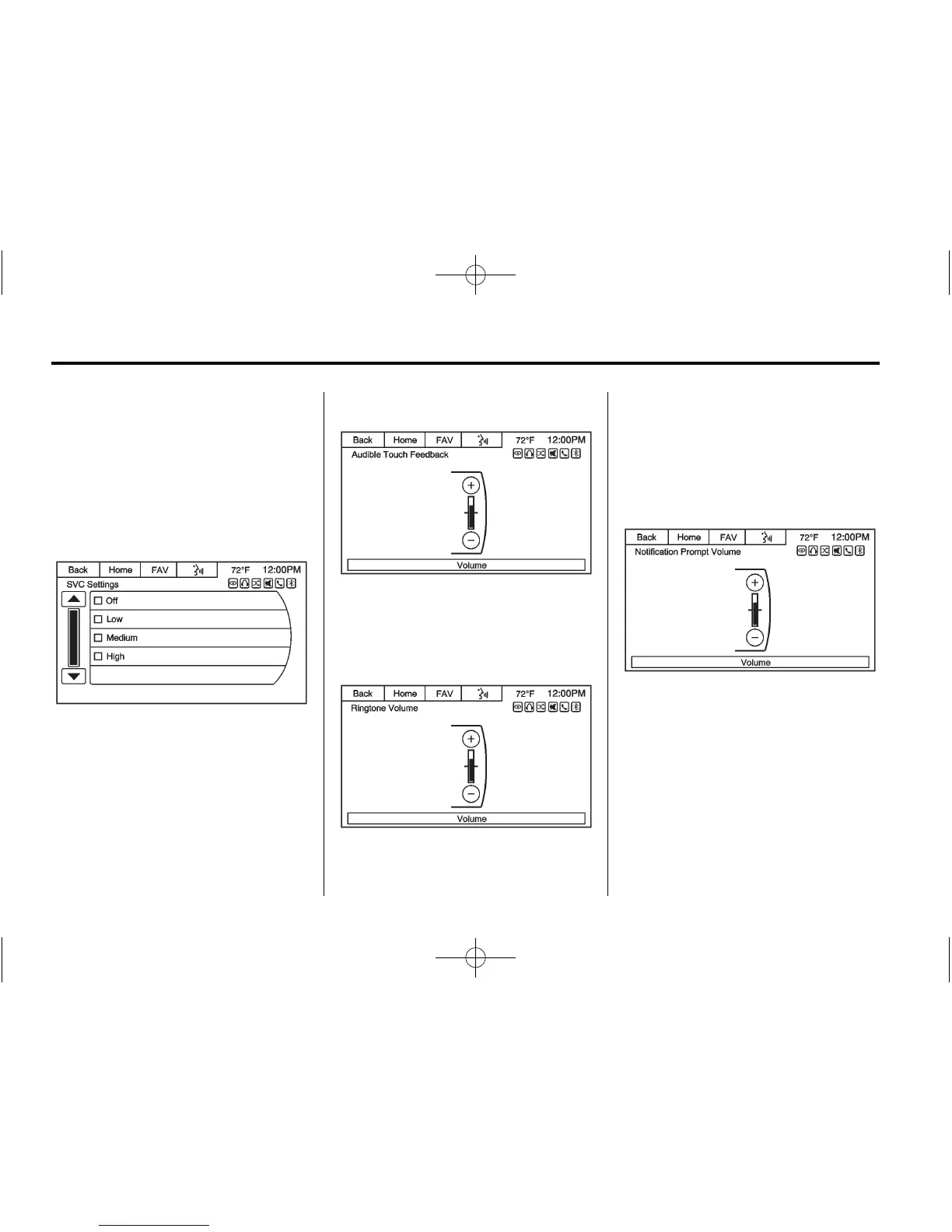
Speed Compensated Volume
Select OFF, Low, Medium, or High
sensitivity to automatically adjust
the volume to minimize the effects
of unwanted background noise that
can result from changing road
surfaces, driving speeds, or open
windows. This feature works best at
lower volume settings where
background noise is typically louder
than the sound system volume.
Audible Touch Feedback
Press + or − to increase or
decrease the volume of touch
feedback.
Ringtone Volume
Press + or − to increase or
decrease the volume of the ringtone
while receiving an incoming call
from a Bluetooth connected cell
phone.
Notification Prompt Volume
Press + or − to increase or
decrease the voice recognition
notification prompt.














 To Next Page