Infotainment System 7
Stitcher™, CD/DVD (if equipped),
USB, iPod
®
, AUX, or Bluetooth
®
Audio.
FAV (Favorites Menu) (Radios
without Navigation): In AM, FM,
or SiriusXM, press to scroll through
the favorites banner. The stored
stations for each list display on the
bottom of the screen. To store a
favorite station, press and hold on
the desired position on the banner
until a beep is heard.
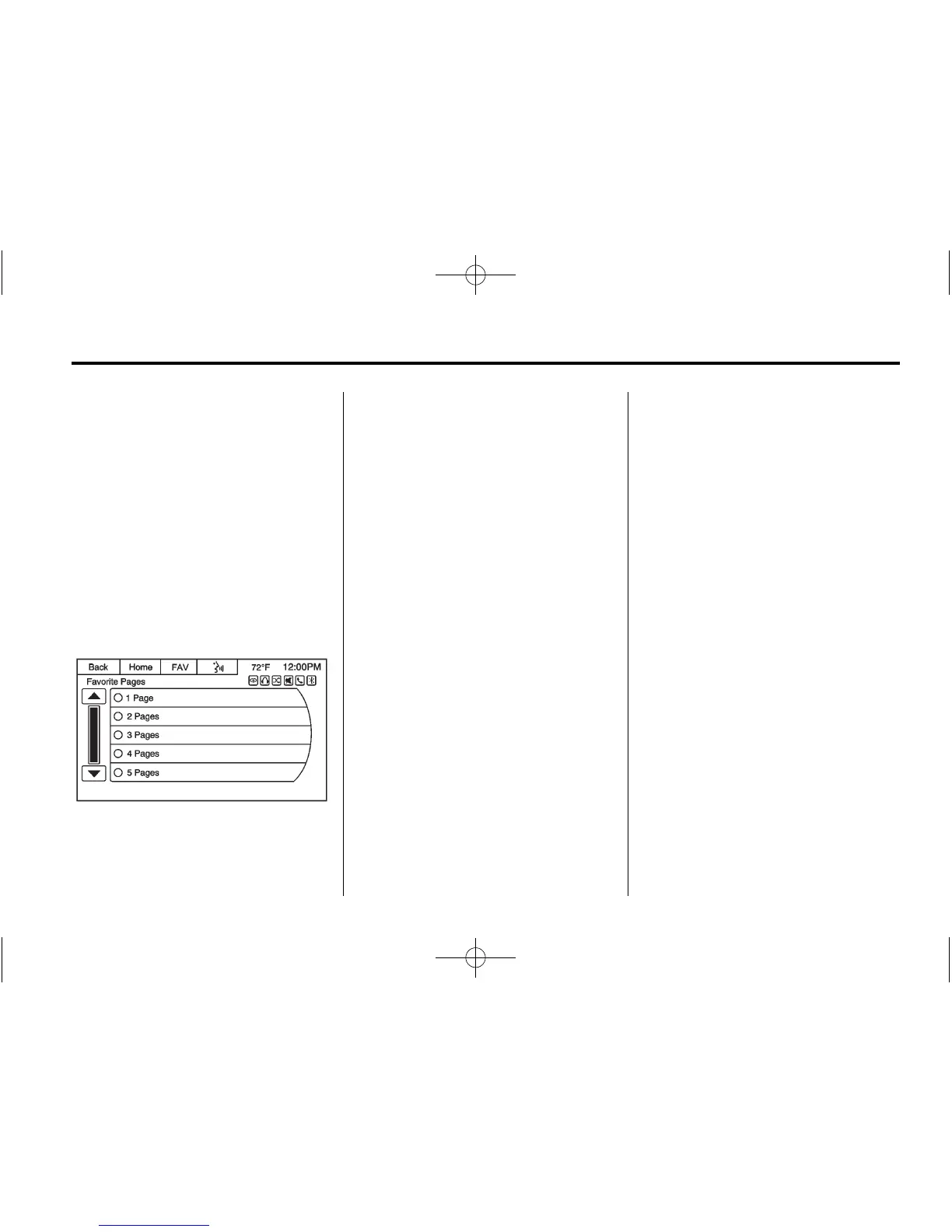
Favorite Pages
Under the Home screen Settings
menu, press Favorite Pages to
select the number of favorite pages
displayed on the screen. The choice
is 1–6 pages.
The number of preset favorite pages
can be changed by pressing the
Settings button on a Home Page,
then pressing Favorites Pages, and
then selecting the number of favorite
pages.
DEST (Destination):
.
Press to enter a destination.
.
If a destination has already been
entered, press to access the
Destination Menu. See
Destination on page 56.
NAV (Navigation):
.
Press to view the vehicle's
current position on the map
screen.
.
Continue pressing to cycle
through the full map and split
screens.
RPT (Repeat): Press to repeat the
last voice guidance prompt.
© SEEK (Previous/Reverse):
.
AM, FM, SiriusXM (if equipped):
Press to seek to the previous
strong station. Press and hold to
scan. Press
© SEEK again to
stop the scan.
.
CD, USB, Pandora, Stitcher,
Bluetooth Audio: Press to seek
to the beginning of the current or
previous track.
.
CD, USB, Bluetooth Audio:
Press and hold to quickly
reverse through a track. Release
the button to return to playing
speed. See CD/DVD Player on
page 30, USB Port on page 36,
or Bluetooth Audio on page 42.
SEEK
¨ (Next/Forward):
.
AM, FM, SiriusXM (if equipped):
Press to seek to the next strong
station. Press and hold to scan.
Press SEEK
¨ again to stop
the scan.














 To Next Page