GMC Acadia/Acadia Denali Owner Manual (GMNA-Localizing-U.S./Canada/
Mexico-9803770) - 2017 - crc - 7/12/16
10 In Brief
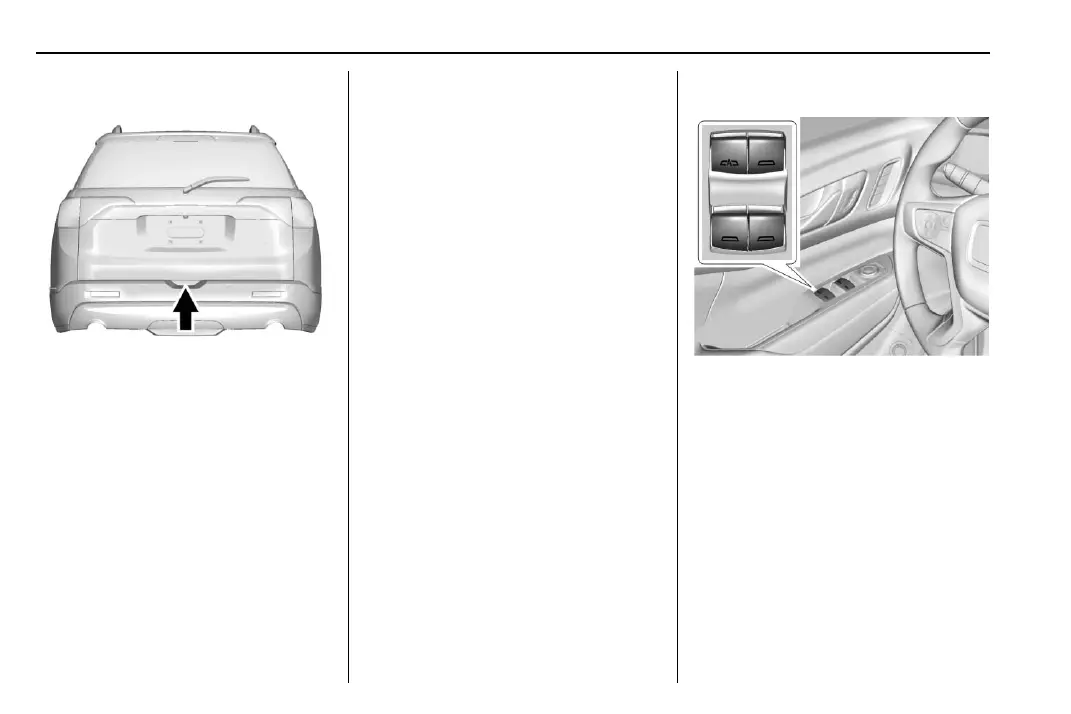
Liftgate
To unlock the liftgate, press K on
the power door lock switch or
press
K on the Remote Keyless
Entry (RKE) transmitter twice to
unlock all doors. Press the touch
pad on the bottom of the liftgate and
lift up. See Remote Keyless Entry
(RKE) System Operation 0 29.
Use the pull cup to lower and close
the liftgate. Do not press the touch
pad while closing the liftgate. This
will cause the liftgate to be
unlatched.
Power Liftgate Operation
If equipped with a power liftgate, the
switch is on the driver door. The
vehicle must be in P (Park).
Choose the power liftgate mode by
selecting MAX or 3/4. Press
8.
The driver door must be unlocked.
On the RKE transmitter press
b
twice quickly until the liftgate starts
moving.
Press any liftgate button or the
touch pad while the liftgate is
moving to stop it. Pressing again
reverses the direction.
To close, press
l on the bottom
of the liftgate next to the pull cup.
To disable the power liftgate
function, select OFF on the liftgate
switch. See Liftgate 0 41.
Windows
Press or pull the switch to open or
close the window.
Fully press the switch down or pull it
up, and release it to express-down
and express up, if equipped.
Press
2 to activate the window
lockout on the rear doors.
See Power Windows 0 50.



 To Next Page