GMC Acadia/Acadia Denali Owner Manual (GMNA-Localizing-U.S./Canada/
Mexico-9803770) - 2017 - crc - 7/12/16
Infotainment System 189
Changing to Next/Previous Files
.
Touch
l to change to the
next file.
.
Touch
g within five seconds of
the playback time to play the
previous file.
Returning to the Beginning of the
Current File
Touch
g after five seconds of the
playback time.
Scanning Forward or Backward
Touch and hold
g or l during
playback to rewind or fast forward.
Release the button to resume
playback at normal speed.
Playing a File Randomly
Touch
Z during playback.
.
ON: Plays all files randomly.
.
OFF: Returns to normal
playback.
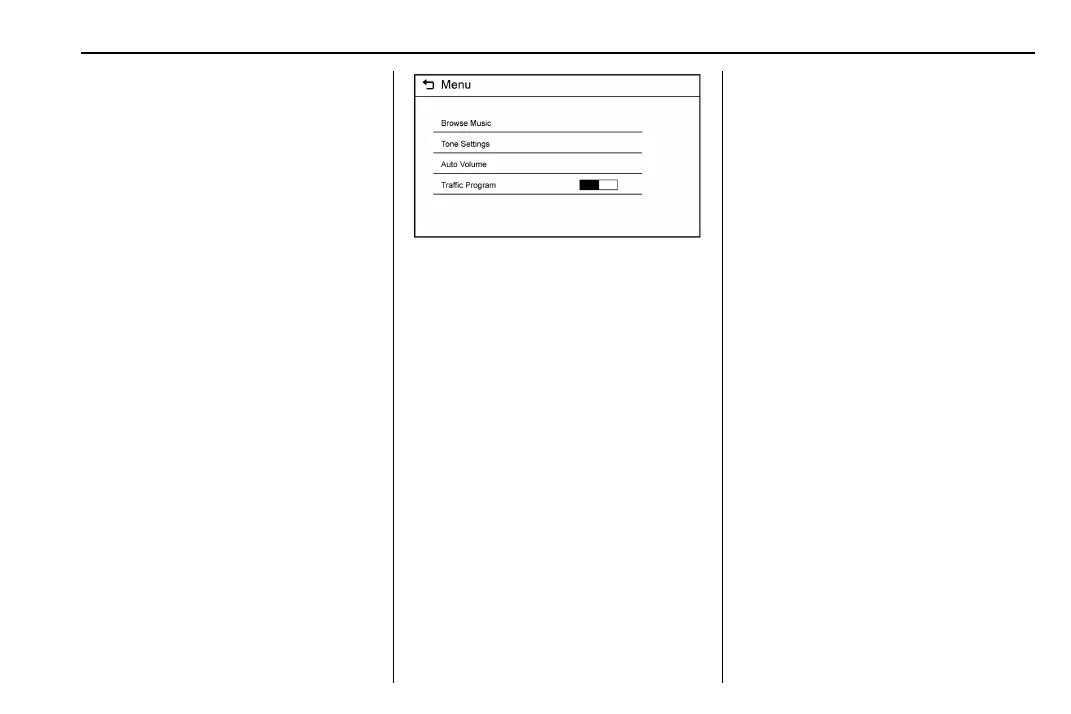
Using the USB Music Menu
.
Touch Menu during playback.
.
Touch the desired menu.
Browse Music
1. Touch Browse Music.
2. Touch the desired music.
Tone Settings
.
Touch Tone Settings. The Tone
Settings menu is displayed. See
“Tone Settings” under “Radio
Controls” in Operation 0 181.
Auto Volume
.
Touch Auto Volume. The Auto
Volume menu is displayed. See
“Auto Volume” under “Radio
Controls” in Operation 0 181.
Traffic Program (If Equipped)
.
Touch On or Off.
MTP (Media Transfer Protocol)
.
Connect an MTP supported
device.
.
Play will start automatically after
the system has finished reading
the MTP device.
.
If a non-readable MTP device is
connected, an error message
displays and the system will
switch to the previous audio
function.
iPod/iPhone Player
This feature is limited to models
supporting the iPod/iPhone
connection.
Playing Music Files
.
Connect the iPod/iPhone to the
USB port.
.
Play will start from the previously
played point after the system
has finished reading the USB
device.
.
If a non-readable USB device is
connected, an error message
displays and the system will
switch to the previous audio
function.



 To Next Page