3-8
AM-FM Stereo
Playing the Radio
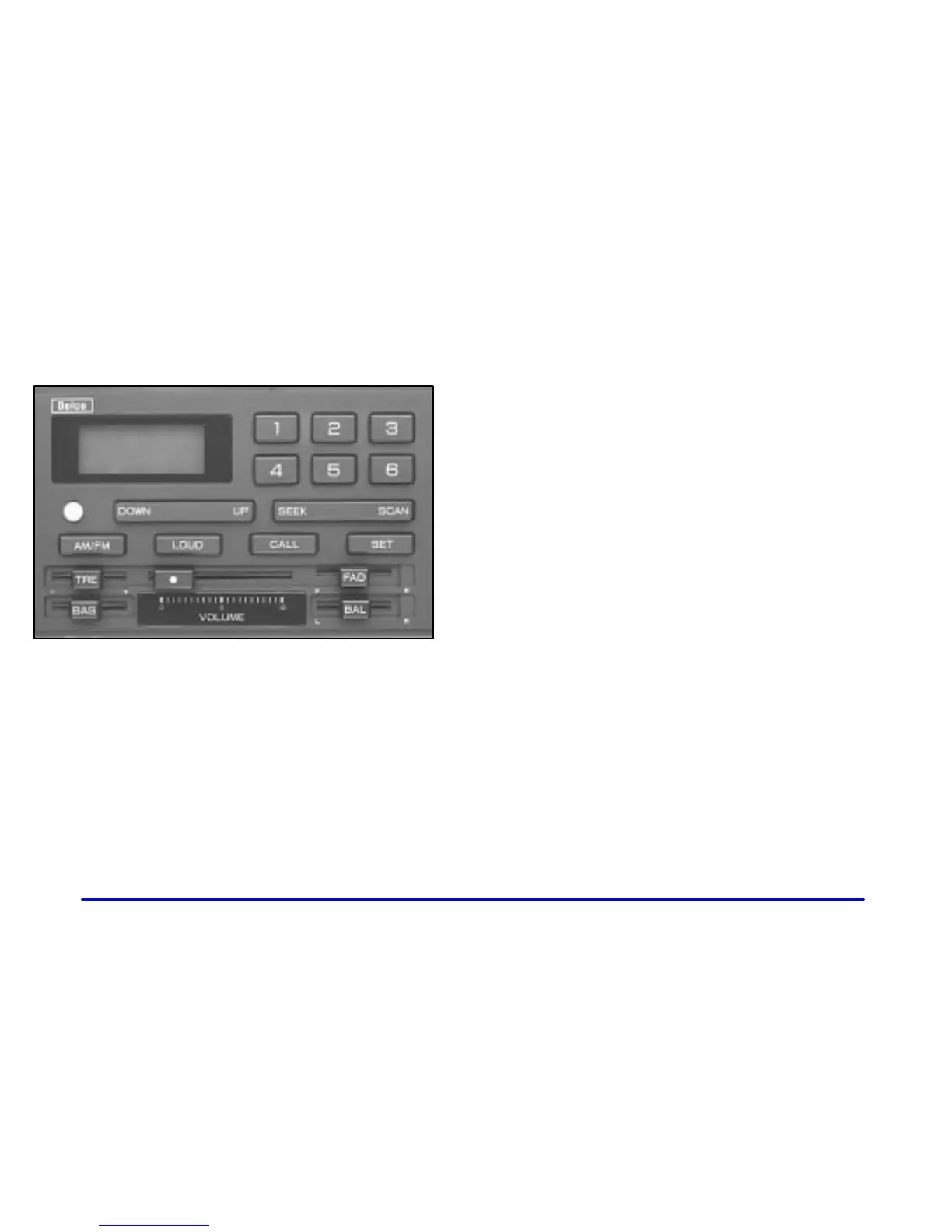
ON-OFF: Press the round button to turn the radio on.
Press it again to turn the radio off.
VOLUME: Slide the VOLUME lever to the right to
increase volume or to the left to decrease volume.
CALL: Press this button to display the clock for a few
seconds when the radio is on. To change what is
normally shown on the display (station or time), press
this button and the SET button.
Finding a Station
AM/FM: Press this button to switch between AM and
FM. The display shows your selection.
TUNE: Press UP to increase the frequency of a radio
station and DOWN to decrease the frequency of a radio
station. If you press and hold the UP or DOWN button
for more than half a second, the radio will tune rapidly
in that direction.
SEEK: Press SEEK to tune the radio to the next higher
station and stay there.
SCAN: Press SCAN to listen to the next higher
radio station for a few seconds. Press SCAN again to
stop scanning.



 To Next Page
 Loading...