3-6 Seats and Restraints
Lumbar Adjustment
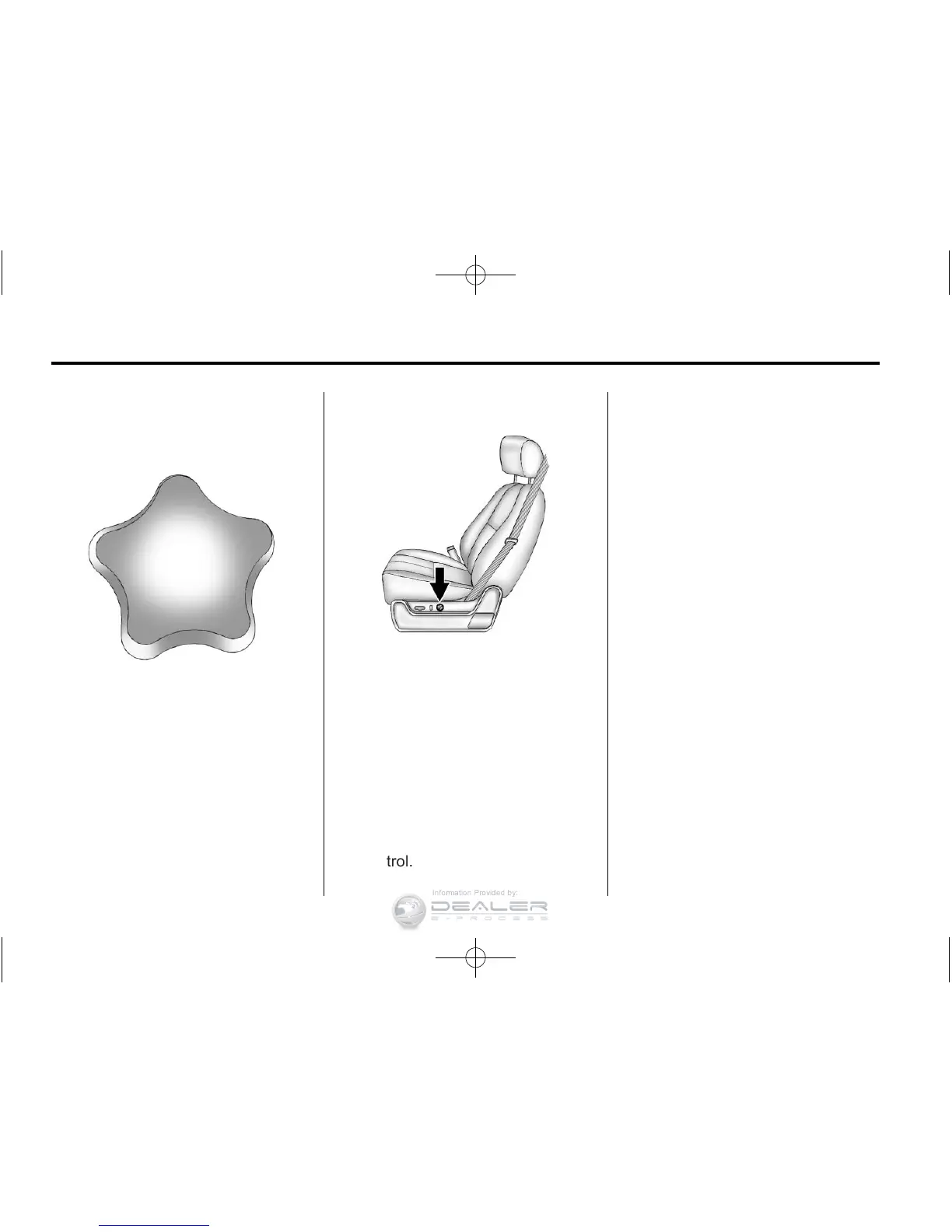
Manual Lumbar
On vehicles with this feature the
control is located on the outboard
side of the seat.
Increase or decrease lumbar
support by turning the knob forward
or rearward.
Power Lumbar
On seats with power lumbar, the
controls used to operate this feature
are located on the outboard side of
the seats.
This vehicle may have two‐way
lumbar.
.
To increase lumbar support,
press and hold the top of the
control.
.
To decrease lumbar support,
press and hold the bottom of the
control.
The vehicle may have four‐way
lumbar.
.
To increase lumbar support,
press and hold the front of the
control.
.
To decrease lumbar support,
press and hold the rear of the
control.
.
To raise the height of the lumbar
support, press and hold the top
of the control.
.
To lower the height of the lumbar
support, press and hold the
bottom of the control.
Release the control when the lower
seatback reaches the desired level
of lumbar support.
The vehicle may have a memory
function which allows seat settings
to be saved and recalled. See
Power Seat Adjustment
on
page 3‑3
for more information.



 To Next Page