CD Adapter Kits
It is possible to use a portable CD player
adapter kit with the cassette tape player after
deactivating the tight/loose tape sensor feature
on the tape player.
To deactivate this feature, use the following steps:
1. Turn the ignition on.
2. Turn the radio off.
3. Press and hold the TAPE button for
two seconds until one beep is produced. CAS
flashes, indicating that the TIGHT/LOOSE
TAPE sensor feature is no longer active.
4. Insert the adapter into the cassette slot.
The override feature remains active until the eject
button is pressed.
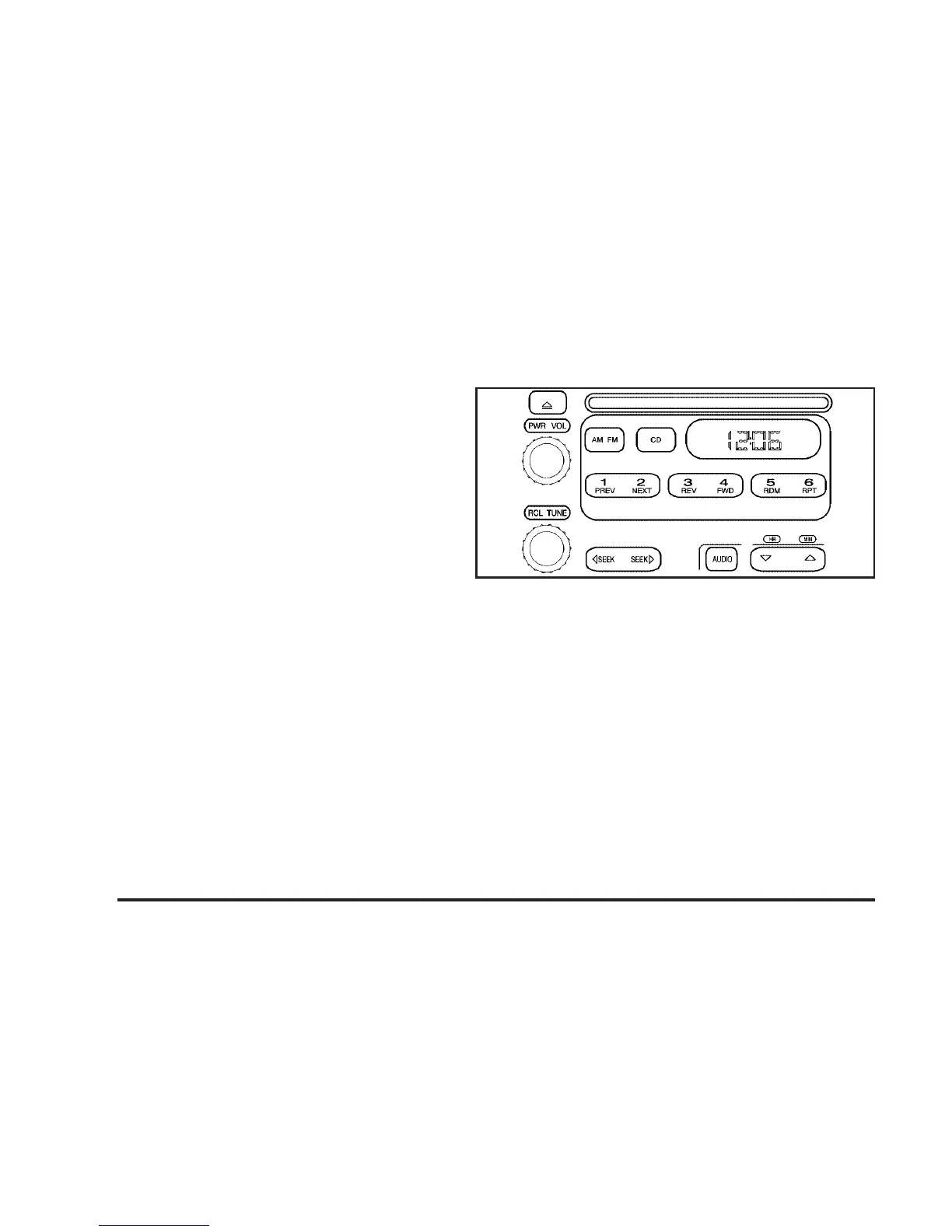
Radio with CD
Playing the Radio
PWR (Power): Press this knob to turn the system
on and off.
VOL (Volume): Turn this knob clockwise or
counterclockwise to increase or to decrease
the volume.
RCL (Recall): Press this knob to switch the
display between the radio station frequency and
the time. When the ignition is off, press this
knob to display the time.
192













 To Next Page