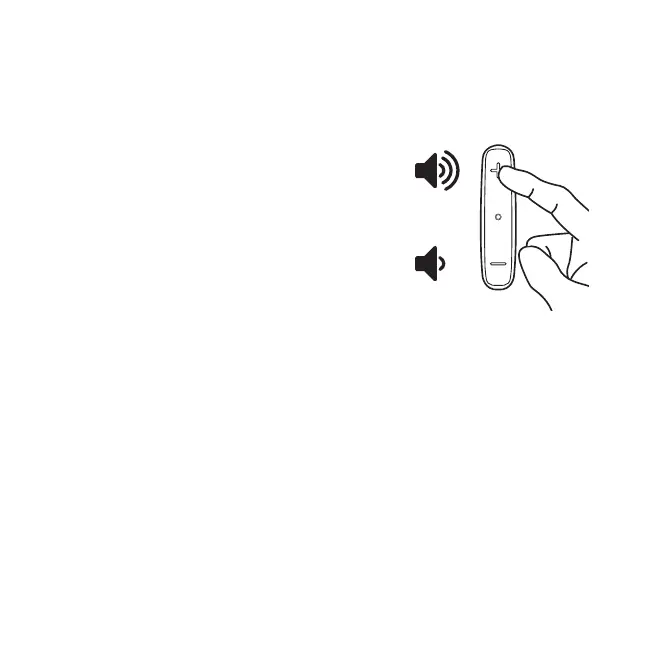
Adjusting the volume
The sound level is set to provide a comfortable listening level from the moment it is activated.
However, for your convenience, you may adjust the sound level at any time.
To change the volume: press the '+' button to
raise the volume or '-' button to lower the volume.
It is advised to set the volume before affixing the
device to the TV.
Adjustable delay mode
Some audio systems create a delay in the sound production. This delay may result in
the image from the TV not matching the sound. The Delay mode allows you to match
the TV image with the sound by increasing or decreasing the time between streaming
of sound to your hearing aids.
Using the device for the first time 13


 To Next Page