Set Up Your Camera
Follow the steps below to get started with your new camera.
Step 1
Get the Osaio app from the App Store or Google Play, or by scanning
the QR code below.
Step 2
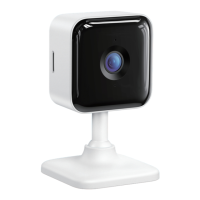
Plug in your camera and wait until the indicator light ashing red.
Step 3
Connect your phone to a 2.4G Wi-Fi and log in Osaio App and tap "+"
to add your camera.
Step 4
Follow the instruction on the App to nish the steps of connection.
iOS/Android
4


 To Next Page