7. HOW TO USE
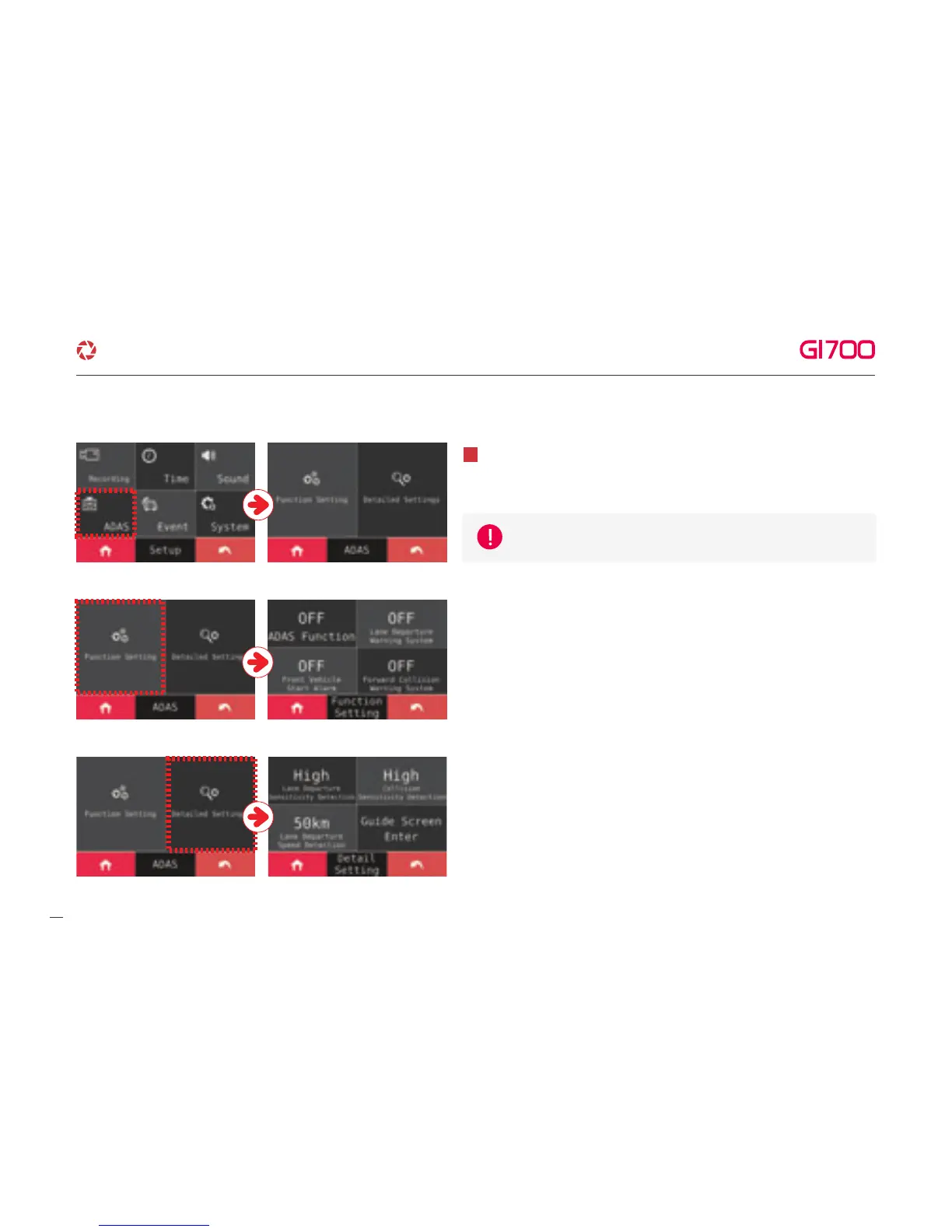
① ADAS Setting - Able to turn on/off ADAS setting as touching
ON/OFF button. Also, FVSA, FCWS and LDWS, the each function
can be on/off separately.
Able to set ADAS function after touching ADAS button.
5
② Advanced setting - At this setting, the sensitivity of LDWS and the
sensitivity of FCWS can be adjusted as 3 steps LOW, MIDDLE,
HIGH. Also, LDWS function which can be set 50km / 60km /
70km will make alarm, When car speed is over than its setting.
After GPS reception is correctly working, ADAS function can be set.
17
·How to use LCD - SETUP
G-Net system DASH CAM



 To Next Page