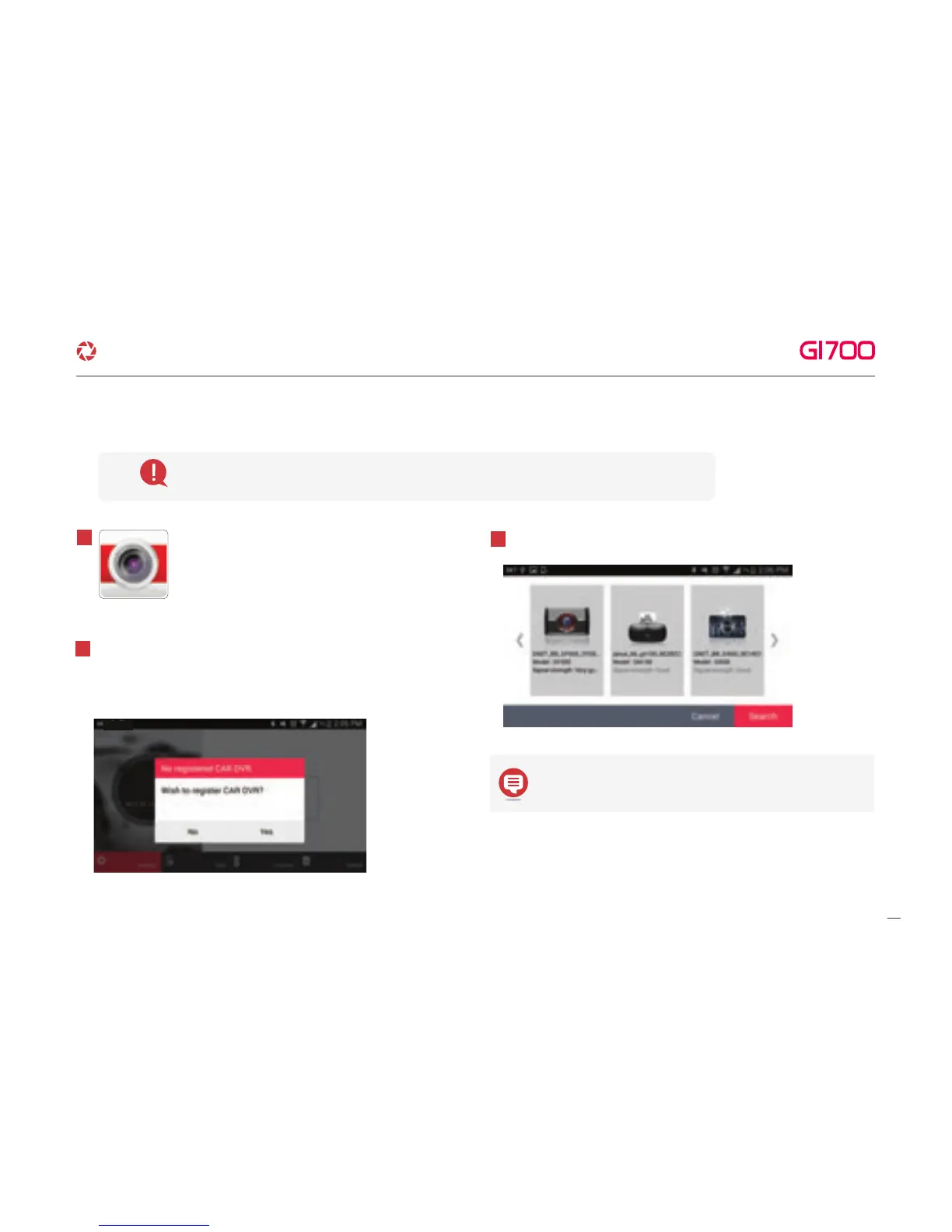
Execute GNET app icon after installation to
smart device.
1
The screen of GNET app is horizontal mode information window
appears to guide registration when first use as picture.
If select “No” to terminate the application or select “Yes”
to go product registration page.
2
It is searching and displaying registered product.
3
Before select the registered products, please keep the
standby mode by touching the Wi-Fi button.
Please connect with Smartphone when main screen or turn off the LCD for stabilization.
12. WI-FI CONNECTION & FUNCTION
·How to connect - Android
36
G-Net system DASH CAM



 To Next Page