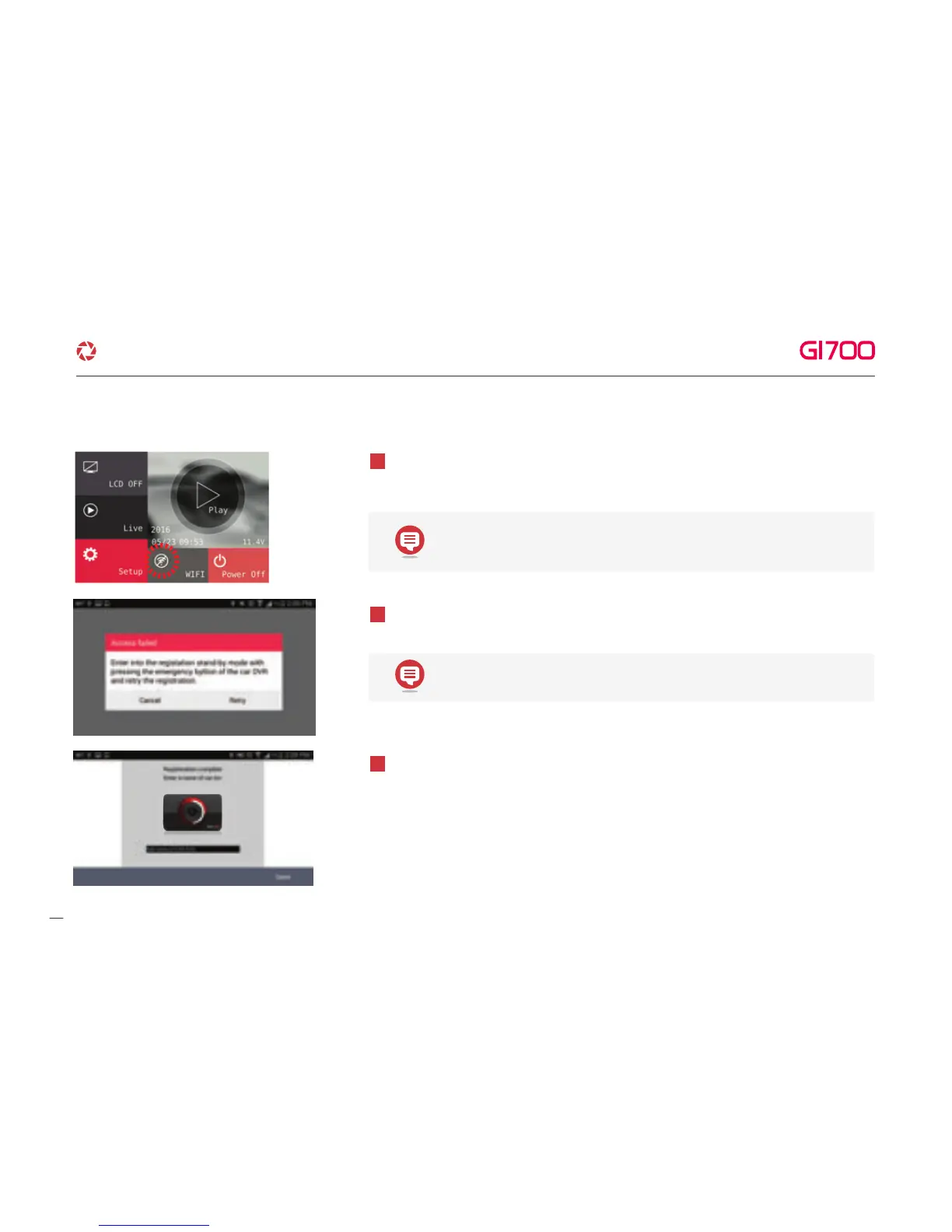
Press the Wi-Fi registration button of product, there will be voice guidance “Stand- by
mode for the registration” and select the product in the list what you want to register
touch “Search” button.
4
In case of registration is not active or connection is failed in standby mode. Voice
guidance appears, please press Wi-Fi button to activate registration mode again.
5
Registration process is finished as shown from left image. Register Dash cam name,
it can be set when you need several product connections.
6
- 2 minutes for registration standby mode. If finished standby mode, there
will be voice guidance “Stand-by mode for the registration released”
- It remembers the smart device in case of re- registration.
·How to connect - Android
12. WI-FI CONNECTION & FUNCTION
37
G-Net system DASH CAM



 To Next Page