※ Recording time (Default: Front/Rear 30fps) : 8GB(90mins), 16GB(3hrs), 32GB(6hrs), 64GB(12hrs), 128GB(24hrs)
Removing Memory card after device is off.
1
Connection PC with Memory card need to use dedicated memory reader.
2
Select removal disk in “My computer”
-“Event folder in SD card need to be set over 10% of capacity through Memory
setting which can be adjusted via PC viewer.
3
▶
Do not remove and format the file.
▶
Need to backup the file to PC.
- Log.txt : It records device’s statement as log file.
- Version.ini : Saving version information of device.
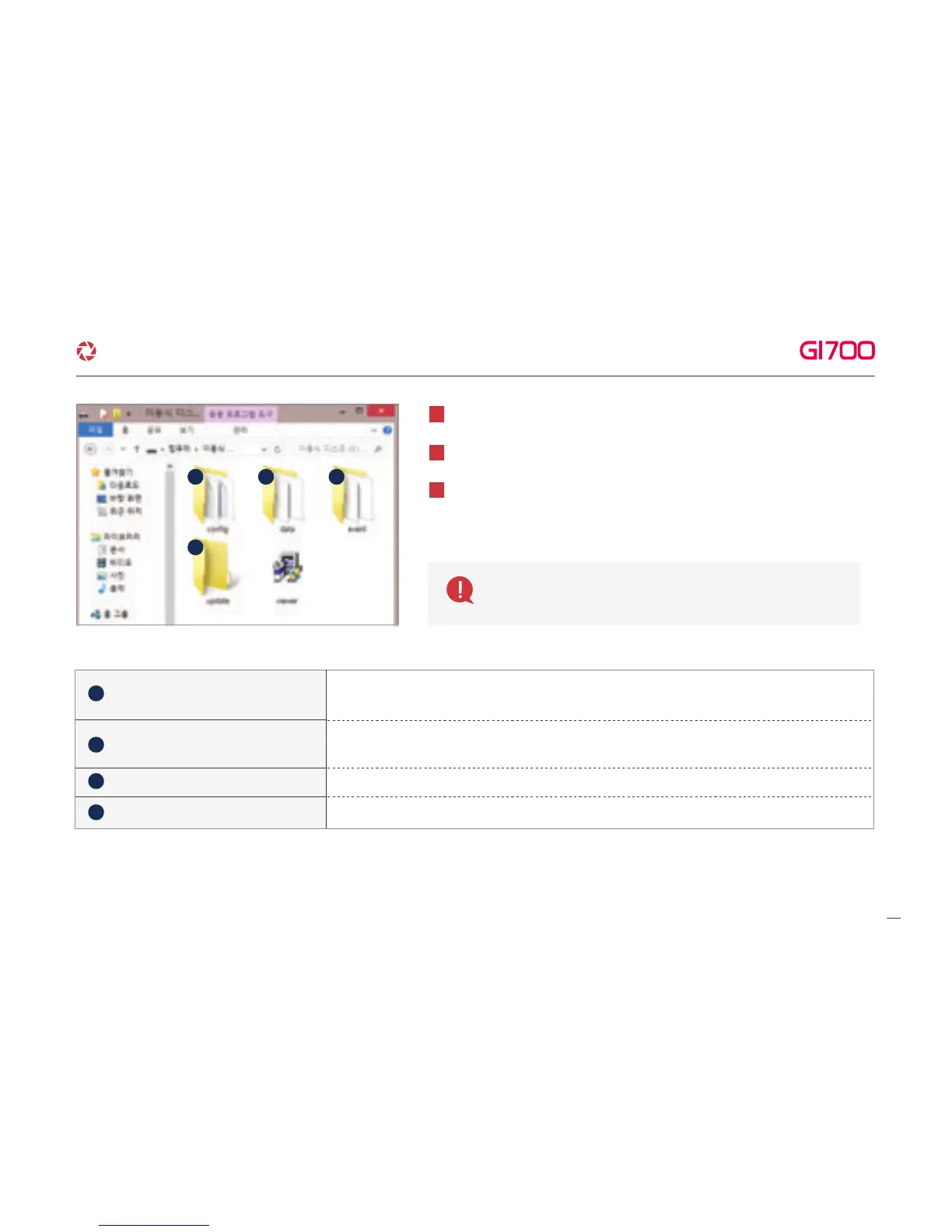
- Recording files are located. File list numbers are different depend on SD card’s capacity.
depend on SD card’s capacity.
- Event data (Impact, Parking, Movement) are located.
- Locating update file in this folder, the updating will start.
Config (Manage system)
Date (Continuous recording)
Event (Event recording)
Update (firmware update)
1 2 3
4
1
2
3
4
8. MEMORY CARD VIDEO FOLDER
30
G-Net system DASH CAM



 To Next Page