7. HOW TO USE
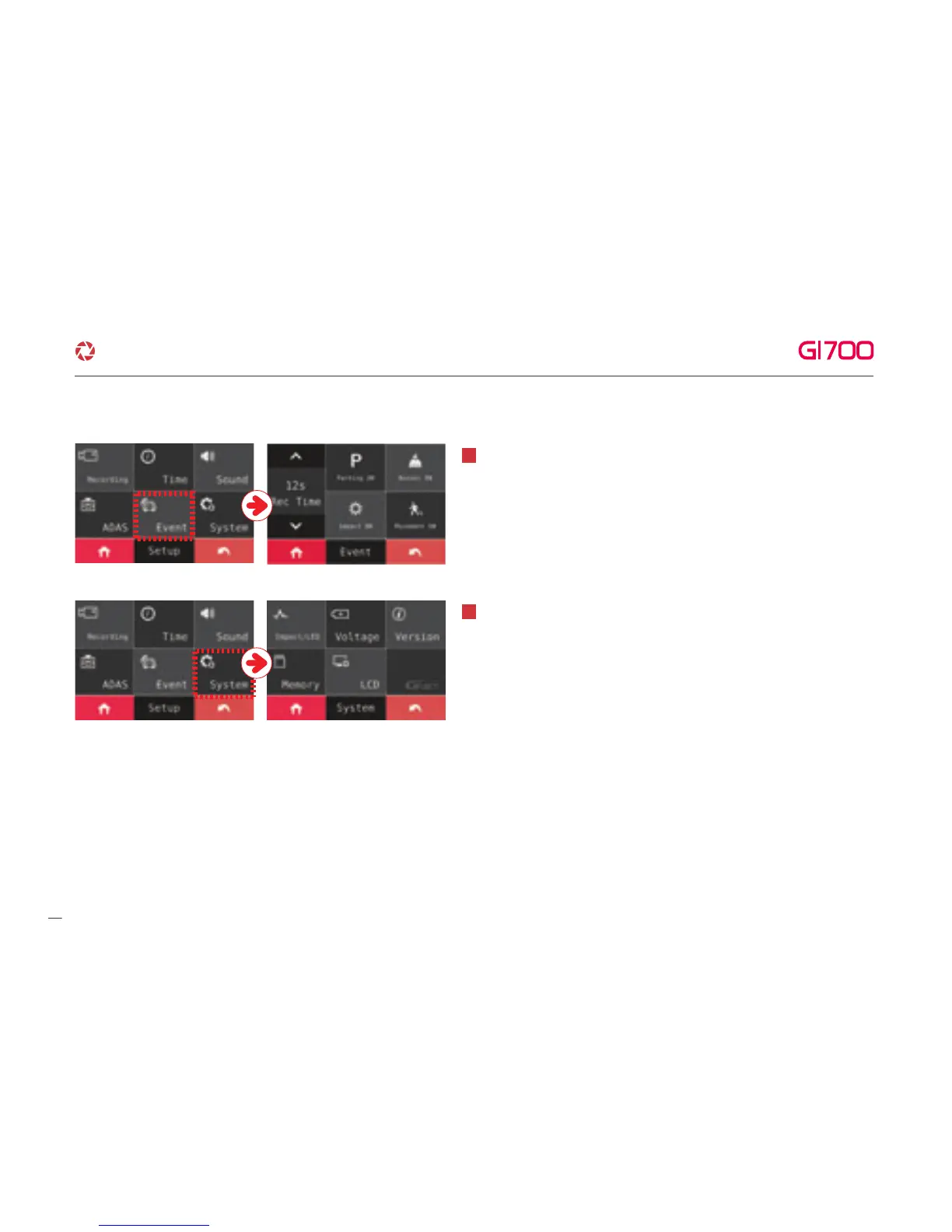
Able to set Buzzer, Parking, Impact, Movement and recording time
after touching Event button at SETUP MENU. And, the Buzzer
sound, parking, impact, Movement can be on/off with touch, the
recording time can be adjusted with arrow control that the arrow
will be shown when user touch button.
6
Able to set Movement, LBP which is protecting of discharge of car
battery, Timer, Memory, LCD setting and Version
information after touching System Button at SETUP MENU.
6
19
·How to use LCD - SETUP
G-Net system DASH CAM



 To Next Page