7. HOW TO USE
After saving Memory setting, all recorded videos in SD card will be deleted.
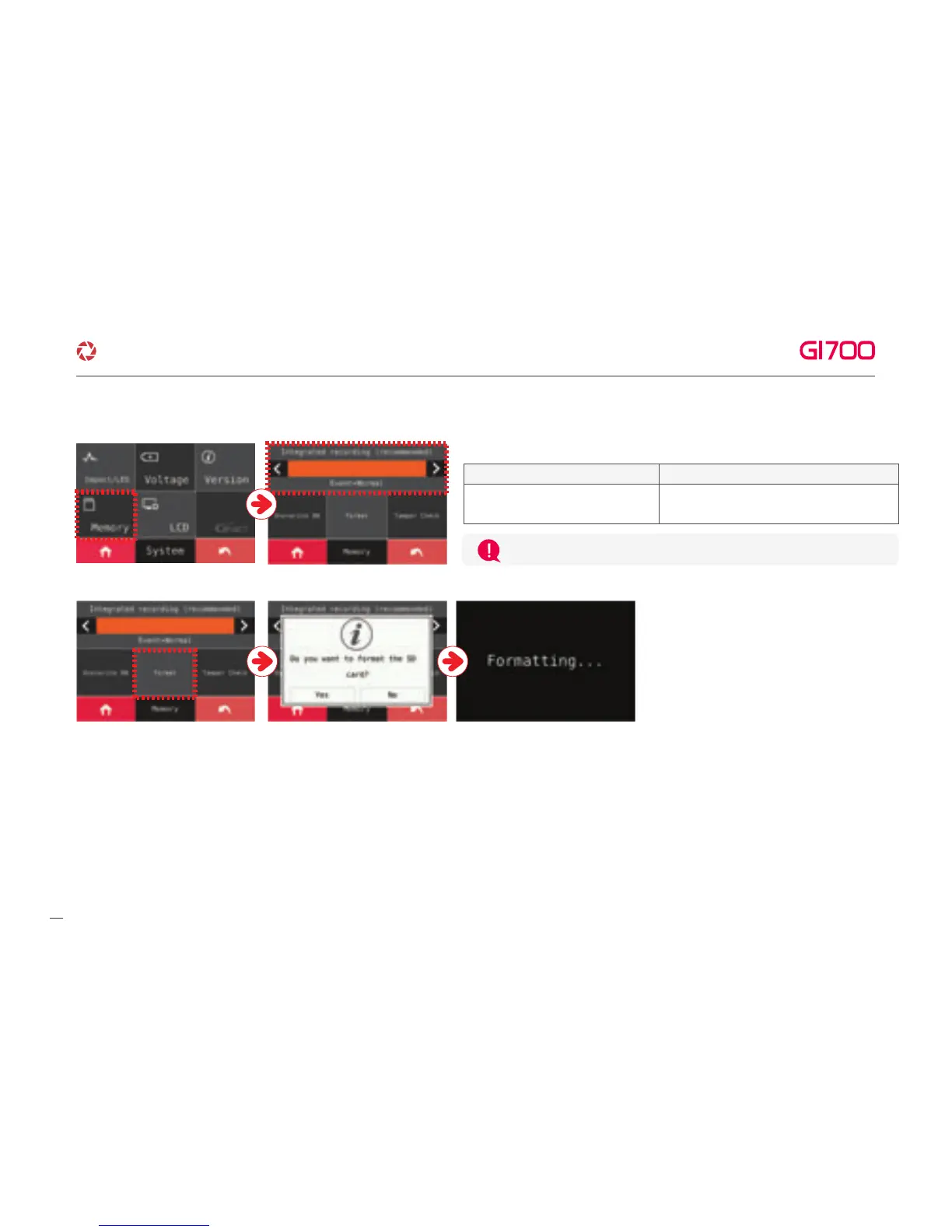
③ Memory - Adjust storage ratio of Event and Normal recording
※ FORMAT
The format function will be activated when
you touch “Format” button. And then,
the system will be rebooted once the
format is done.
The normal recording and event
recording will be saved in order
Integrated recording(Recommended)
The normal recording and event recording
will be saved separately as divided memory area.
Split Recording
21
·How to use LCD - SETUP
G-Net system DASH CAM



 To Next Page