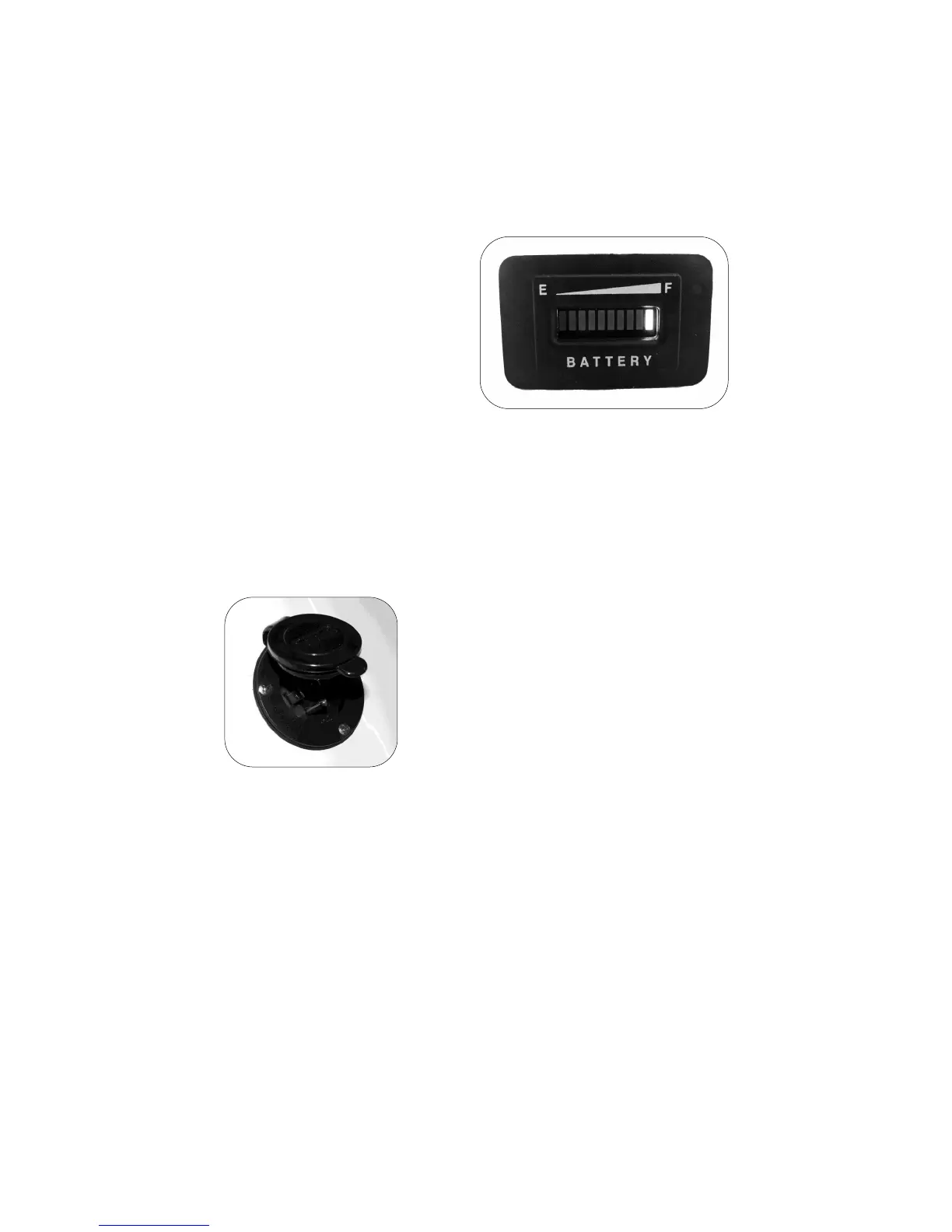
The Battery Status Indicator is
specifically designed to monitor the
charge status of the battery(s)
onboard your Go-Float.
Interpreting Battery Status. The
battery indicator has ten vertical
bars that light green to indicate the
charge status of your
battery(s). If no bar is lit, the battery
(s) are disconnected or are dead. A
fully charged battery will indicate a green bar on the right side of the
meter, while a green bar on the left of the meter indicates a depleted
battery charge. A good time to recharge your battery(s) is when the lit
bar is indicated three from the left.
CAUTION: This is not a fool-proof device and no warranty is made that
your battery(s) condition is good. All charge levels are approximate.
Monitoring the Battery
Keep your batteries fully charged prior to use.
Onboard charger. Your Go-Float is equipped
with the an onboard charger, Use a UL
approved three-pronged extension cord
designed for outdoor use to connect to your
source of electricity. The AC Plug Receptacle
is located on the deck of your Go-Float.
Battery(s) can also be charged with a standard
automobile battery charger. Access the battery
by removing the seat back (Vortex) or
removing the entire seat (Fusion, Impulse). The battery may remain in
the boat or be removed to recharge. Be sure to connect the battery
charger to the battery poles Positive-to-Positive and Negative-to-
Negative. Consult your charger’s operating manual to determine the
appropriate settings.
CAUTION: Do not charge battery(s) while boat is in the water.
Move your boat to dry land first.
Charging the Battery
AC Plug Receptacle


 To Next Page