25
4 NetSetting for Ethernet
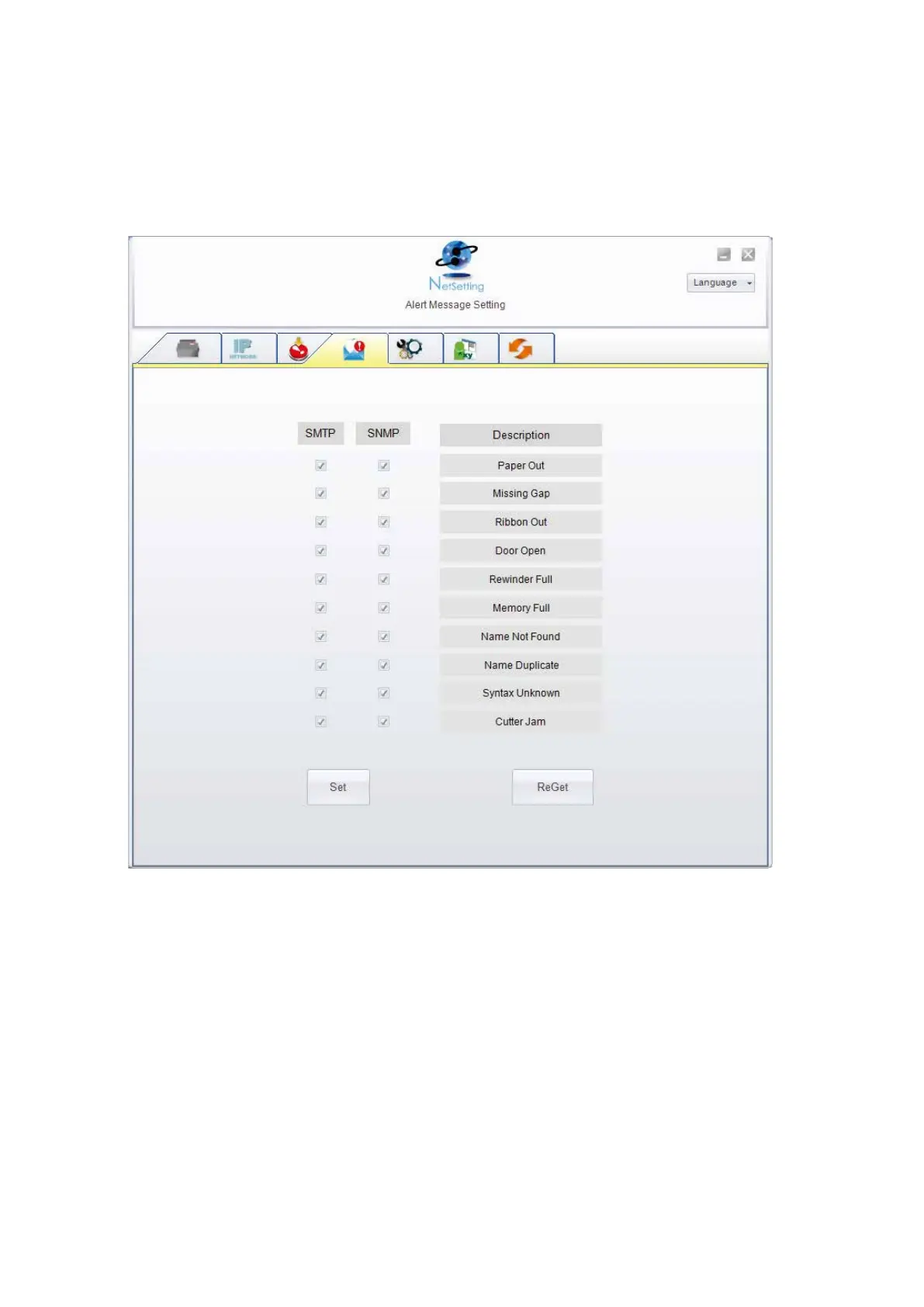
You can press “Set” button to apply the settings and “ReGet” button to refresh the setting values.
Alert Message Setting
For the alert message notification function, you can decide which error cases need to be sent out to the operator.
Moreover, the alert messages can be set to be sent by SMTP, SNMP or both.



 To Next Page