EasyManua.ls Logo

Godex DT2 - User Manual

Godex DT2
39 pages
Print Icon
To Next Page IconTo Next Page
Loading...
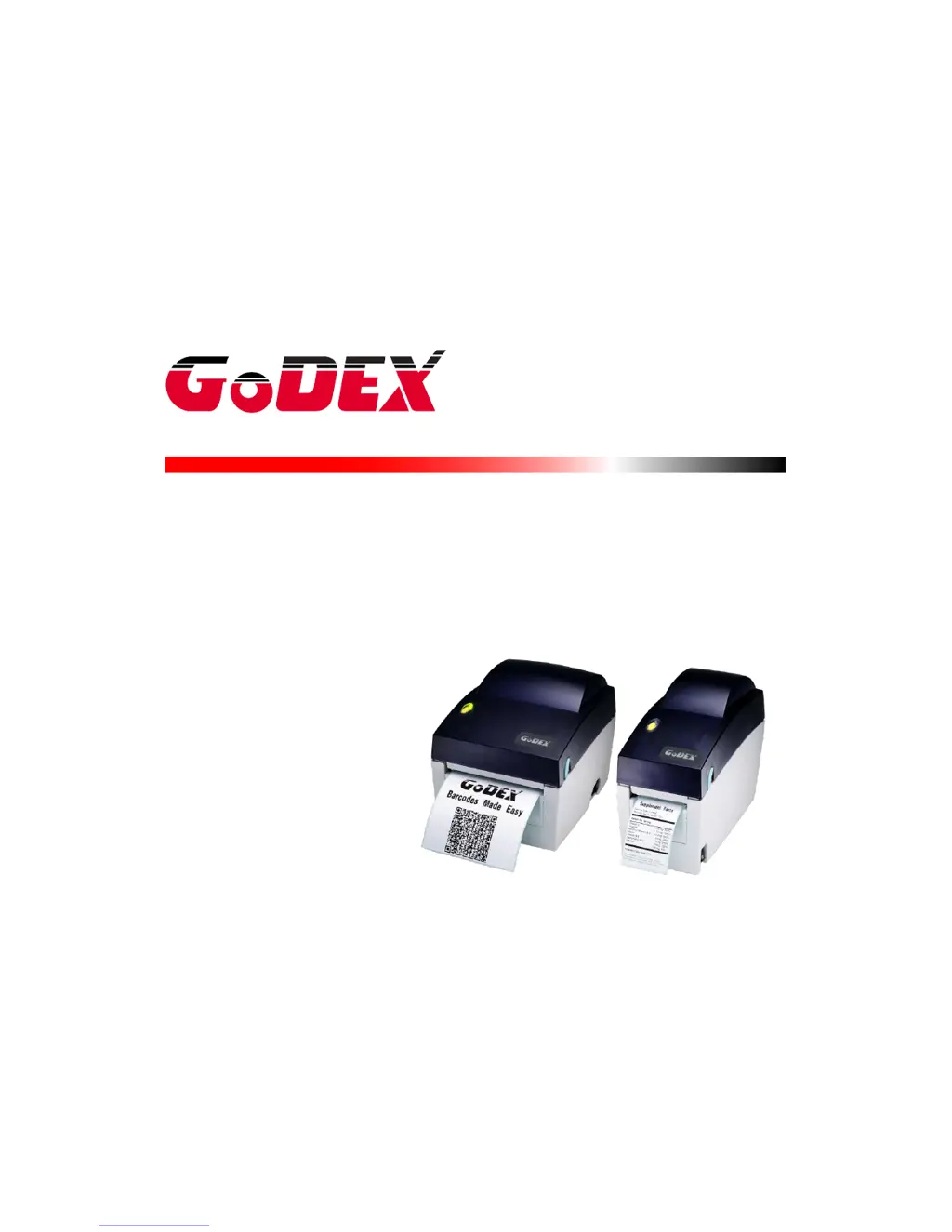
DT SERIES USER MANUAL
DT2 / DT2x / DT4 / DT4x
USER MANUAL
VERSION
ISSUE DATE
P/N
: DT2 / DT4 series
: Rev. E
: 2013.06.25
: 920-014211-00

Questions and Answers

Summary

Safety Instructions

General Safety Precautions

Important safety guidelines for operating and handling the printer.

Battery Caution

Warning regarding battery replacement and disposal.

Barcode Printer

Box Content

Lists all items included with the printer.

Specifications

Provides detailed technical specifications for the DT2 and DT4 series printers.

Getting to Know Your Printer

Identifies and illustrates the main parts and components of the printer.

Printer Setup

Loading the Label Roll

Step-by-step guide on how to correctly load label rolls into the printer.

Installing the Label Roll Holder

Instructions for properly installing the label roll holder accessory.

Connecting to Host Computer

Details how to connect the printer to a computer via USB or serial port.

Installing the Driver

Guides the user through the process of installing the necessary printer driver software.

Operator Panel

FEED Button Function

Explains the function of the FEED button for label advancement.

LED Indicator Status

Describes the meaning of different LED indicator lights and their statuses.

Label Size Calibration

Details the procedure for automatically detecting and storing label dimensions.

Self-Test Procedure

Explains how to perform a self-test and interpret the test page output.

Error Alerts and Solutions

Lists common error codes, their beep patterns, and corresponding solutions.

NetSetting for Ethernet

Install NetSetting Software

Provides step-by-step instructions for installing the NetSetting utility.

NetSetting Interface Overview

Overview of the NetSetting software interface and its tabs.

Accessories

Installing the Label Dispenser

Detailed guide on how to install the optional label dispenser.

Installing the Cutter Module

Instructions for installing the optional cutter module.

Maintenance and Adjustment

Cleaning the Print Head

Explains the importance and method for cleaning the printer's print head.

Adjusting the Cutter

Provides steps to adjust the cutter to resolve paper jams.

Labels with Black Marks

Guidelines for using label stock with black marks and sensor compatibility.

Appendix: Printer Interfaces

Serial Port Interface

Details the pinout and configuration for the RS-232 serial port interface.

USB Port Interface

Describes the USB port connector type and pin assignments.

Summary

Safety Instructions

General Safety Precautions

Important safety guidelines for operating and handling the printer.

Battery Caution

Warning regarding battery replacement and disposal.

Barcode Printer

Box Content

Lists all items included with the printer.

Specifications

Provides detailed technical specifications for the DT2 and DT4 series printers.

Getting to Know Your Printer

Identifies and illustrates the main parts and components of the printer.

Printer Setup

Loading the Label Roll

Step-by-step guide on how to correctly load label rolls into the printer.

Installing the Label Roll Holder

Instructions for properly installing the label roll holder accessory.

Connecting to Host Computer

Details how to connect the printer to a computer via USB or serial port.

Installing the Driver

Guides the user through the process of installing the necessary printer driver software.

Operator Panel

FEED Button Function

Explains the function of the FEED button for label advancement.

LED Indicator Status

Describes the meaning of different LED indicator lights and their statuses.

Label Size Calibration

Details the procedure for automatically detecting and storing label dimensions.

Self-Test Procedure

Explains how to perform a self-test and interpret the test page output.

Error Alerts and Solutions

Lists common error codes, their beep patterns, and corresponding solutions.

NetSetting for Ethernet

Install NetSetting Software

Provides step-by-step instructions for installing the NetSetting utility.

NetSetting Interface Overview

Overview of the NetSetting software interface and its tabs.

Accessories

Installing the Label Dispenser

Detailed guide on how to install the optional label dispenser.

Installing the Cutter Module

Instructions for installing the optional cutter module.

Maintenance and Adjustment

Cleaning the Print Head

Explains the importance and method for cleaning the printer's print head.

Adjusting the Cutter

Provides steps to adjust the cutter to resolve paper jams.

Labels with Black Marks

Guidelines for using label stock with black marks and sensor compatibility.

Appendix: Printer Interfaces

Serial Port Interface

Details the pinout and configuration for the RS-232 serial port interface.

USB Port Interface

Describes the USB port connector type and pin assignments.

Godex DT2 Specifications

General IconGeneral
Print MethodDirect Thermal
Resolution203 dpi
Print Width54 mm
InterfaceUSB
TypeDesktop
Supported BarcodesCode 39, Code 128, UPC, EAN, QR Code, Data Matrix
Operating Temperature5°C to 40°C
Storage Temperature-20°C to 60°C
Humidity20% to 85% RH (non-condensing)

Related product manuals