12
DT2 / DT4 series User Manual
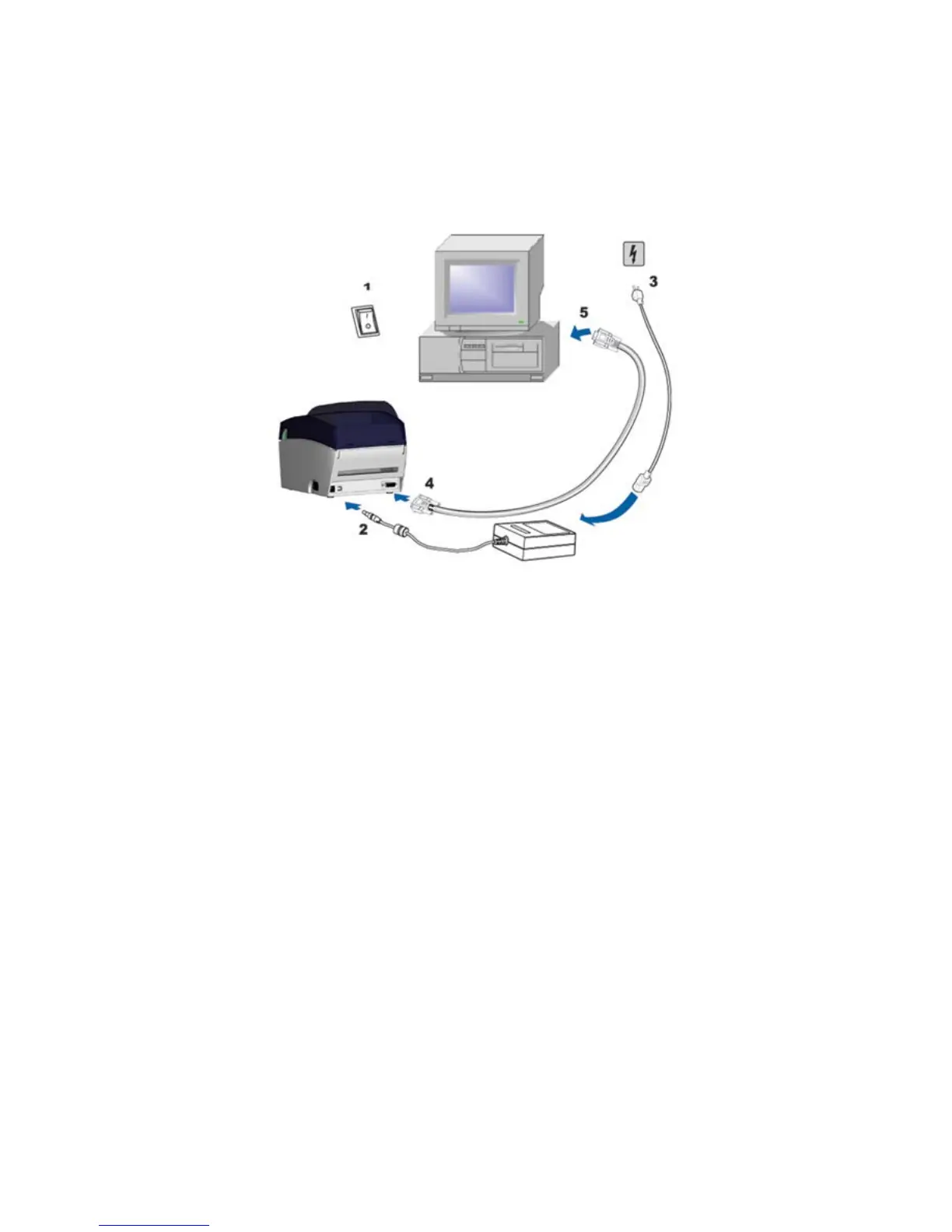
2-3. Connecting the printer to the host computer
1. Please make sure that the printer is switched off.
2. Connect the power cord to the power supply and to the AC adapter, then
connect the adapter to the printer.
3. Connect the printer with the host computer via the USB port or serial port.
4. Switch on the printer. The LED indicator should light up.



 To Next Page