EasyManua.ls Logo

Godex EZ-1100Plus - User Manual

Godex EZ-1100Plus
43 pages
Print Icon
To Next Page IconTo Next Page
Loading...
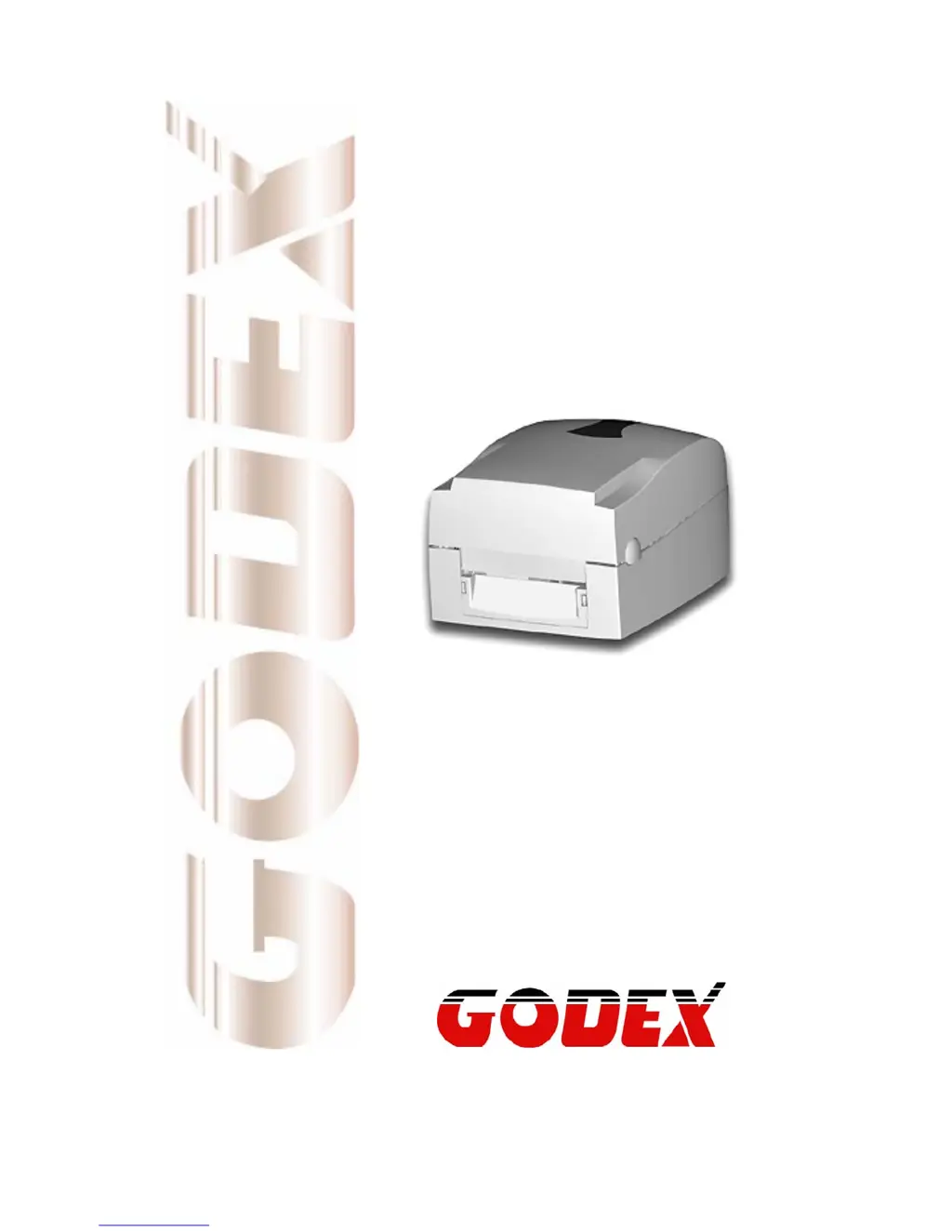
User’s Manual
EZ-1000Plus
P/N. 920-012411-03
Rev. A, 08.2009

Questions and Answers

Summary

Safety Instructions

General Safety Precautions

Essential safety precautions for operating and maintaining the printer, covering humidity, power, liquid spills, and servicing.

Barcode Printer

Printer Accessories

Lists all items included in the printer package for setup and use.

General Specifications

Details technical specifications like print method, resolution, speed, width, length, memory, sensors, and media.

Communication Interface

Describes parallel, serial (RS232), and USB interfaces for connecting the printer.

Printer Parts Identification

Identifies external and internal components of the printer through diagrams and labels.

Printer Installation

Ribbon Installation

Step-by-step guide for correctly installing a ribbon for thermal transfer printing.

Label Installation

Instructions for loading and preparing label rolls for printing.

Label Roll Core Installation Instruction

Detailed instructions for installing different sizes of label roll cores.

Card; Hang tags Installation

Specific instructions for installing card or hang tag media using the sensor.

PC Connection

Steps to connect the printer to a computer via USB or parallel port.

Driver Installation

Guide for installing the necessary printer drivers on a Windows system.

Accessory Options

Stripper Module Installation

Instructions for installing the optional label stripping module.

Cutter Module Installation

Instructions for installing the optional automatic cutting module.

Ethernet Module Installation

Guide for installing the optional Ethernet network module.

WLAN Module Installation

Guide for installing the optional WLAN wireless network module.

CF Card Adapter Installation

Instructions for installing the CF card adapter for memory expansion.

CF Card Instruction

Details on using and formatting CF cards for printer memory.

Printer Settings and Controls

FEED Key Operation

Explains the operation and use of the FEED key for media advancement.

LED Status Indicators

Describes the meaning of different LED light states for printer status.

Auto Sensing Procedure

Guides on performing auto-sensing to calibrate label detection.

Self-Test Page Interpretation

Explains the content and purpose of the self-test page for diagnostics.

Error Message Troubleshooting

Lists common error messages and their corresponding solutions.

Maintenance and Adjustments

Thermal Print Head Cleaning

Procedures for cleaning the thermal print head to ensure print quality.

Thermal Print Head Balance Adjustment

How to adjust print head pressure for balanced print quality.

Print Line Adjustment

Adjusting the print head gear for better alignment and quality.

Cutter Adjustment

Instructions on how to adjust the cutter mechanism, especially after a jam.

Troubleshooting Common Issues

A comprehensive list of common problems and recommended solutions.

Appendix

Compliance and Certification Information

Details on regulatory compliance, certifications (CE, FCC, UL, etc.), and test reports.

Summary

Safety Instructions

General Safety Precautions

Essential safety precautions for operating and maintaining the printer, covering humidity, power, liquid spills, and servicing.

Barcode Printer

Printer Accessories

Lists all items included in the printer package for setup and use.

General Specifications

Details technical specifications like print method, resolution, speed, width, length, memory, sensors, and media.

Communication Interface

Describes parallel, serial (RS232), and USB interfaces for connecting the printer.

Printer Parts Identification

Identifies external and internal components of the printer through diagrams and labels.

Printer Installation

Ribbon Installation

Step-by-step guide for correctly installing a ribbon for thermal transfer printing.

Label Installation

Instructions for loading and preparing label rolls for printing.

Label Roll Core Installation Instruction

Detailed instructions for installing different sizes of label roll cores.

Card; Hang tags Installation

Specific instructions for installing card or hang tag media using the sensor.

PC Connection

Steps to connect the printer to a computer via USB or parallel port.

Driver Installation

Guide for installing the necessary printer drivers on a Windows system.

Accessory Options

Stripper Module Installation

Instructions for installing the optional label stripping module.

Cutter Module Installation

Instructions for installing the optional automatic cutting module.

Ethernet Module Installation

Guide for installing the optional Ethernet network module.

WLAN Module Installation

Guide for installing the optional WLAN wireless network module.

CF Card Adapter Installation

Instructions for installing the CF card adapter for memory expansion.

CF Card Instruction

Details on using and formatting CF cards for printer memory.

Printer Settings and Controls

FEED Key Operation

Explains the operation and use of the FEED key for media advancement.

LED Status Indicators

Describes the meaning of different LED light states for printer status.

Auto Sensing Procedure

Guides on performing auto-sensing to calibrate label detection.

Self-Test Page Interpretation

Explains the content and purpose of the self-test page for diagnostics.

Error Message Troubleshooting

Lists common error messages and their corresponding solutions.

Maintenance and Adjustments

Thermal Print Head Cleaning

Procedures for cleaning the thermal print head to ensure print quality.

Thermal Print Head Balance Adjustment

How to adjust print head pressure for balanced print quality.

Print Line Adjustment

Adjusting the print head gear for better alignment and quality.

Cutter Adjustment

Instructions on how to adjust the cutter mechanism, especially after a jam.

Troubleshooting Common Issues

A comprehensive list of common problems and recommended solutions.

Appendix

Compliance and Certification Information

Details on regulatory compliance, certifications (CE, FCC, UL, etc.), and test reports.

Godex EZ-1100Plus Specifications

General IconGeneral
Print Resolution203 dpi
Print MethodThermal Transfer / Direct Thermal
Processor32-bit RISC
InterfacesUSB, Serial (RS-232)
Supported Barcode Types1D: Code 39, Code 128, Interleaved 2 of 5, UPC-A, UPC-E, EAN-8, EAN-13 2D: PDF417, Data Matrix, QR Code
Supported Media Typestag
Label Core Diameter1" (25.4 mm), 1.5" (38.1 mm)
Power SupplyAC 100-240V, 50/60Hz
Operating Temperature41 to 104°F (5 to 40°C)
Storage Humidity10 to 90% (non-condensing)
Max Print Speed4 ips (101.6 mm/s)
Operating Humidity30-85%, non-condensing

Related product manuals