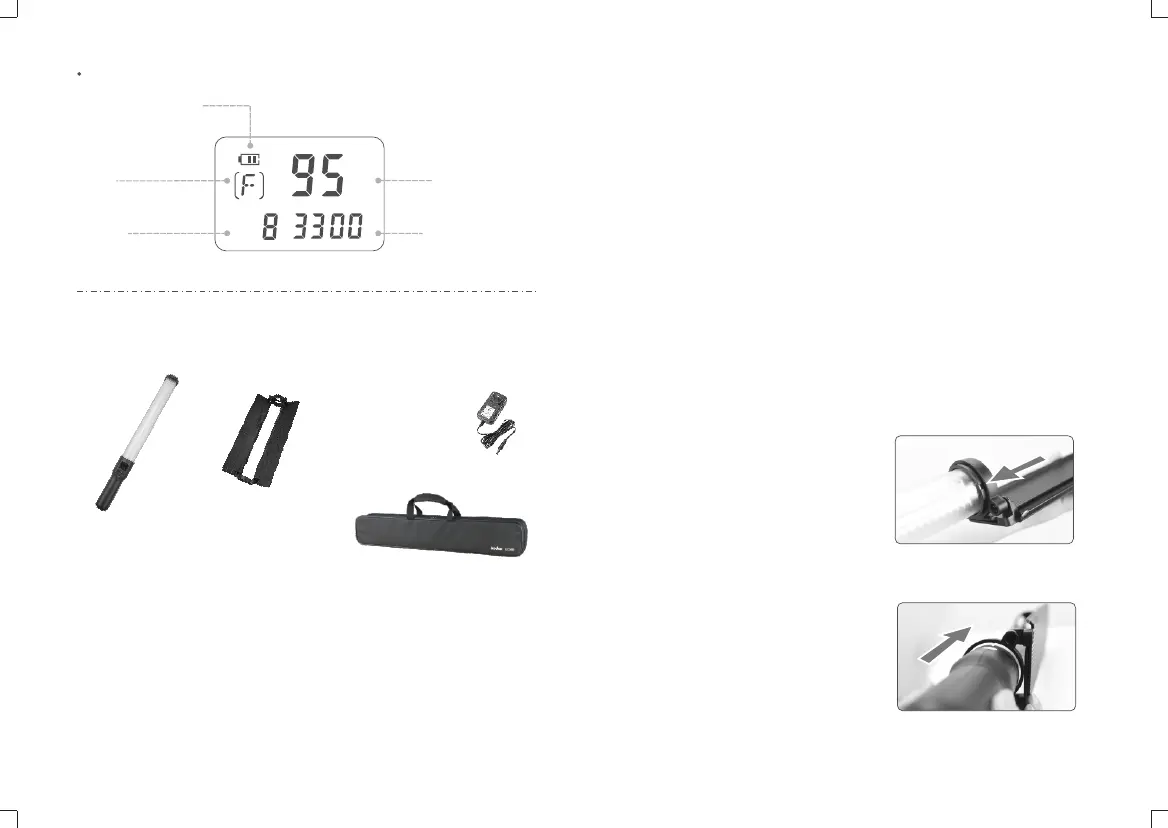
Light Brightness
%
CH
K
Battery Level Indicator
Group
Channel
Color Temperature
LCD Panel
Included Items
Battery Management
● Power Supply
With built-in Li-polymer battery which can offer about 2 hours’lighting once got fully
charged.
● Charge
The whole charging time takes about 2.5 hours. The charge indicator turns to red in
charging while green once got fully charged.
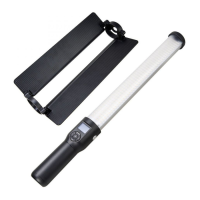
Attaching Reflector
● Installation: Choose the side which needs reflector and adjust the reflector’s
direction. Match the ridge in the reflector’s handle ring with the groove on the
handle(as shown) and slip the reflector over the LED light stick and push in. Extend
the reflector for shooting.
- 11 - - 12 -
● Detachment: Hold the handle and push the reflector from the bottom up to detach.
Body *1 Reflector *1 Charger(16.8V/1.2A) *1
Portable Bag *1


 To Next Page