Operation
● Switch: long press the power switch to power on the LED light and long press the
button again to power off.
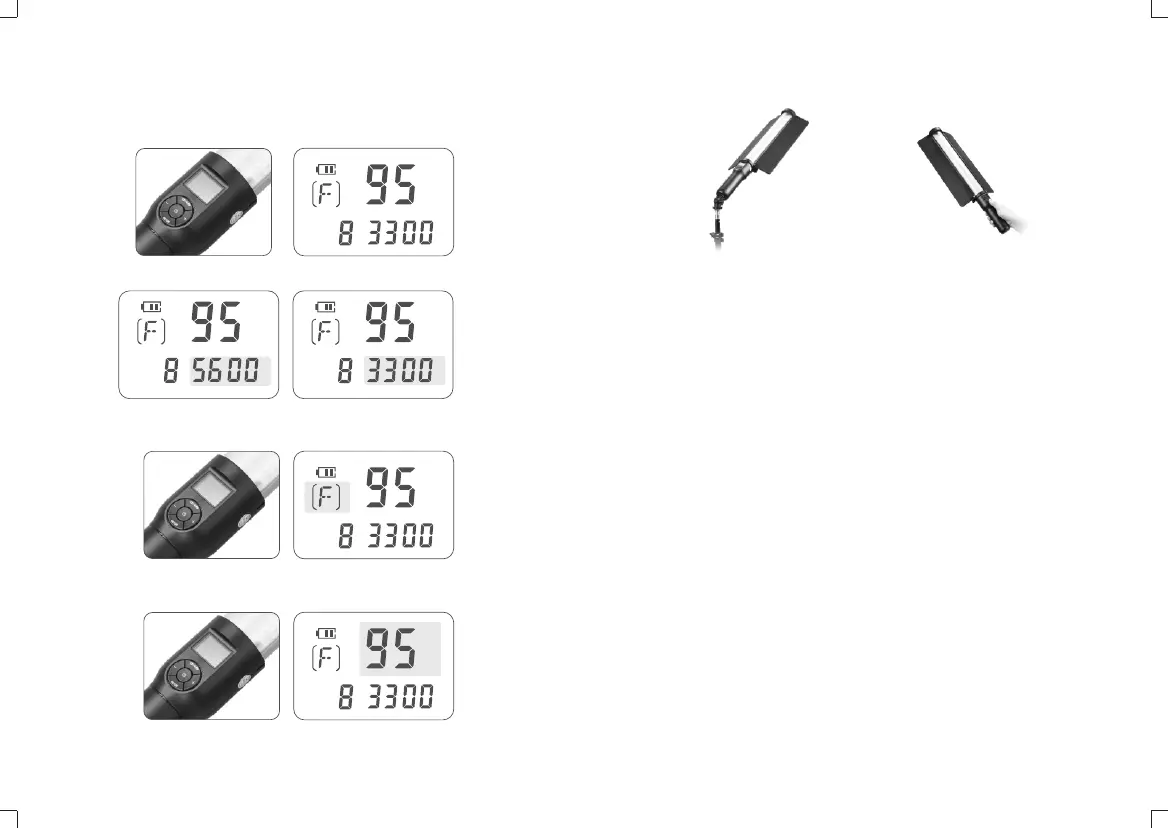
● Mode selection: press the MODE button to switch the 5600K cold color
temperature and 3300K warm color temperature.
● Channel/group selection: press the CH/GRP button to choose the CH channel
value or GRP group value, then, pressing the “-“ or “+”button to change the channel
or group value.
● Light brightness adjustment: short press the “-” or “+” button to decrease or
increase the value in 1% while long pressing the “-” or “+”button to decrease or
increase the value in 10%. The light brightness can be adjusted from 10% to 100%.
Wireless Remote Control
With 433MHz wireless system, this product has remote grouping and control function.
Up to 6 groups of LED lights can be controlled. 16 channels are available with strong
anti-interference capability.
Please set the channels and groups of LED light stick to the same as those of remote
control before usage.
Adjusting Channel/Group of the LED Light Stick
● Press the CH/GRP button and the group icon blinks. Press the “-” or “+” button to
choose a group ID (A to F).
● Press the CH/GRP button twice and the channel icon blinks. Press the “-” or
“+” button to choose a channel ID (1 to 16).
Adjusting Channel/Group of the Remote Control
● Press the CH/GRP button and the group icon blinks. Press the “-” or “+” button
to choose a group ID (A to F).
● Press the CH/GRP button twice and the channel icon blinks. Press the “-” or
“+” button to choose a channel ID (1 to 16).
Adjusting Light Brightness/Color Temperature with the Remote Control
● Press the “-” or “+” button to adjust the light brightness.
● Press the SET button of the remote control once and the color temperature icon
blinks. Press the “-” or “+” button to adjust the color temperature.
%
CH
K
%
CH
K
%
CH
K
%
CH
K
%
CH
K
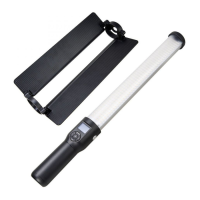
● Operation: This LED light stick can be used by handle or on the light stand,
which can be freely applied according to the user requirement.
- 13 -
- 14 -
Note: Remote control purchased separately


 To Next Page