Parts
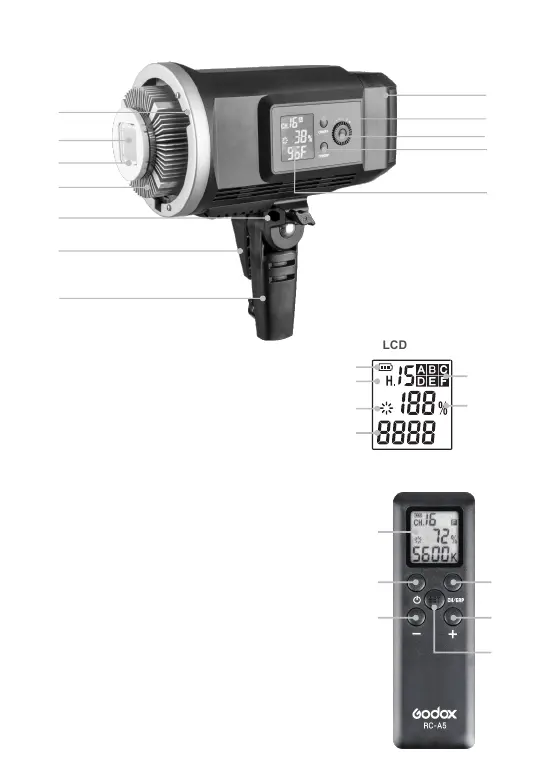
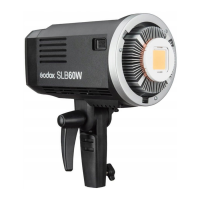
Body
01. LED Beads
02. Protect Cover
03. Heatsink
04. Accessory Slot
05. ON/OFF Power Switch
06. Select Dial + SET Button
07. CH/GRP Button
08. LCD Panel (White in Blue)
09. Mounting Bracket
10. Umbrella Input
12. Lithium Battery
Remote Control:
01. LCD Panel (Black in
White)
02. Power Switch
03. CH/GRP Button
04. SET Button
05. "-" Button
06. "+" Button
07. Battery Compartment
08. Battery Compartment
Cover
01
02 03
06
04
05
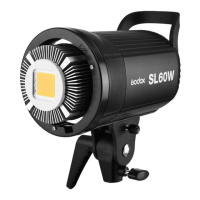
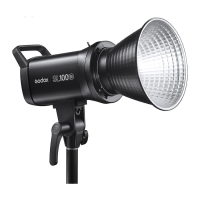
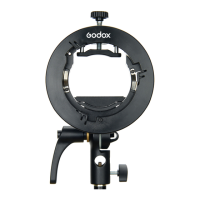
Accessories
Using the Video Light
● Connect the light with lithium battery pack.
● Long press the ON/OFF button for 1 second to turn on;
press again the ON/OFF button to turn off.
● LCD panel shows the information.
Light Brightness Adjustment
● Turn the select dial to adjust the light brightness.
● The light brightness adjustable range is at 10%~100%.
Temperature Indication
● This video light checks its temperature at any time to avoid dangerous situations.
It will auto power off when the temperature is too high.
● Press the SET button for 2 seconds and the temperature can be switched between
Celsius and Fahrenheit.
● Quickly double-click the SET button, the temperature icon will blink, you can turn
the select dial to set the temperature (40°~60°) with fan.
Operation
C
Battery Level
Channel (16)
Controllable
Group (6)
Light
Brightness
Temperature
LCD Panel
01
02
05
07
08
10
11
04
06
09
03
12
Remote Control
Power Cord
Lamp Cover
Standard Reflector
Lithium battery pack
Battery charger
Fan Stop Sign
AD-AC Power Source
(Optional Accessory)


 To Next Page