To incorporate the Speedlight YN560IV flash:
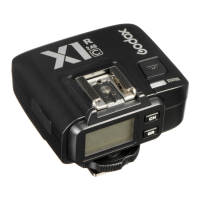
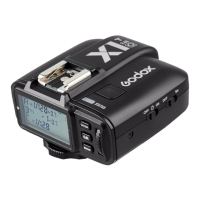
The Speedlight YN560IV flash is a different brand than the trigger we have, so
sometimes there are incompatibility issues. Either use the tigger mode button to
re-navigate to S1, or turn the flash off, wait several seconds, and turn it back on
again. You may have to do this more than once.
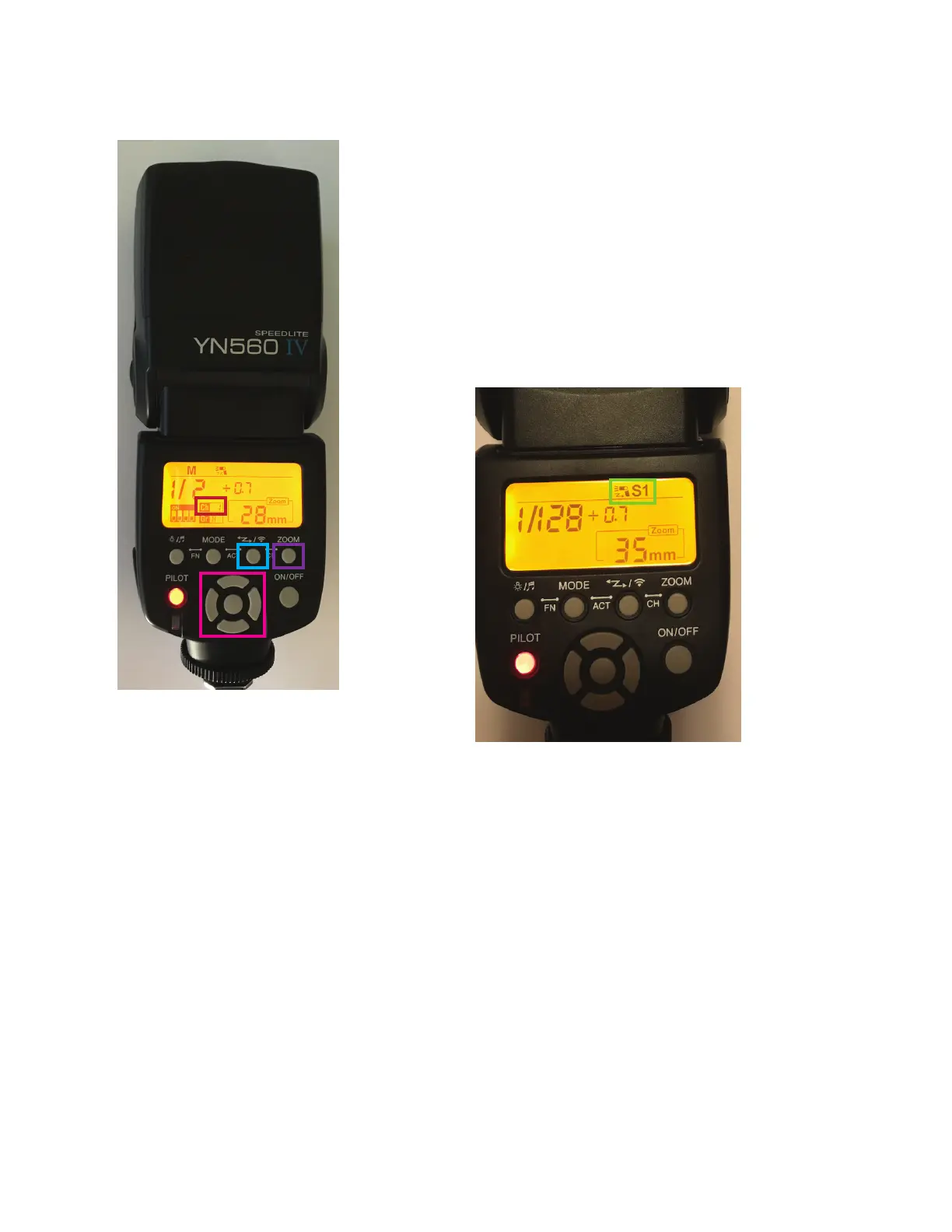
Ensure that the channel on the flash matches
the channel on the trigger. Change the channel
using the zoom button + the tigger mode button,
and then the left right buttons.
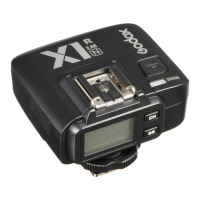
Using the tigger mode button, navigate until you
see the screen below. S1 indicates “slave” mode.
3



 To Previous Page