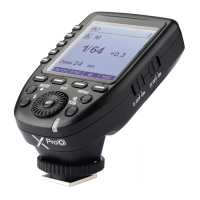
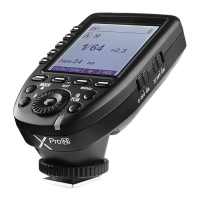
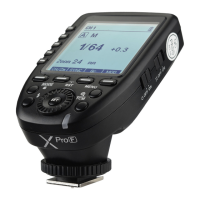
Setting the Flash Trigger
Slide the Power Switch to ON, and the device is on and status indicator lamp will not
reveal.
Note: In order to avoid power consumption, turn off the transmitter when not in use.
Power Switch
1. The system will automatically enter standby mode after stop operating the
transmitter over 90 seconds. And the displays on the LCD panel disappear now.
2. Press any button to wake up. If the flash trigger is attached to the hot shoe of
Nikon camera, half press the camera shutter can also wake the system up.
Note: If do not want to enter power saving mode, press the <MENU> button to enter C.Fn custom
settings and set STBY to OFF.
Automatically Enter Power Saving Mode
Slide the AF assist beam switch to ON, and the AF lighting is allowed to output.
When the camera cannot focus, the AF assist beam will turn on; when the camera can
focus, the AF assist beam will turn off.
Power Switch of AF Assist Beam
Channel Setting
1. Long press the <Zm/CH> button and the channel value will be chosen.
2. Turn the select dial to choose the appropriate channel. Press the <SET> button
again to confirm the setting.
3. This flash trigger contains 32 channels which can be changed from 1 to 32. Set the
transmitter and the receiver to the same channel before usage.
Change the wireless channels and wireless ID to avoid interference for it can only be
triggered after the wireless IDs and channels of the master unit and the slave unit are
set to the same.
Press the <MENU> button to enter C.Fn ID. Press the <SET> button to choose OFF
channel expansion shutdown, and choose any figure from 01 to 99.
Note: As the current Godox flashes do not have wireless ID setting functions, please set ID to OFF.
Wireless ID Settings
Mode Setting
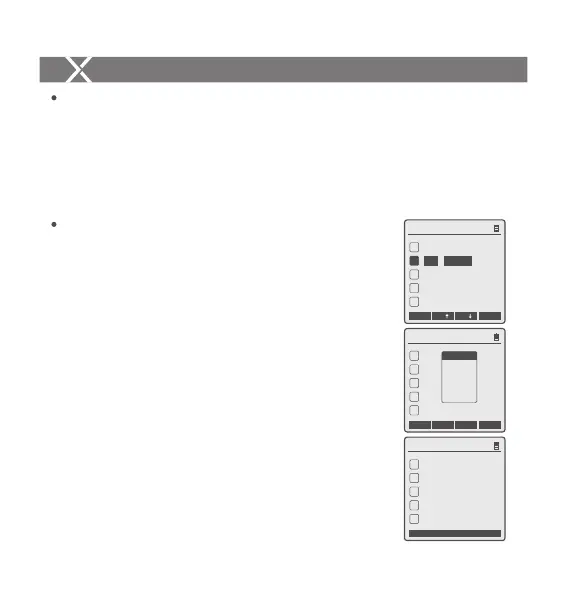
1. Short press the <MODE> button, and the mode of the
current group will change.
2. Set the groups to five groups (A-E)
2.1 When displaying multiple groups, press the <MODE>
button to switch the multi-group mode to MULTI mode.
Press the group selection button can set the MULTI
mode to ON or OFF.
2.2 When displaying multiple groups, press the group
selection button or <MODE> button in one-group
mode, and A, B and C group’s mode will be changed
by the order of TTL/M/-- while D and E group will be
changed in or M/-- mode.
3. When setting the group to 16 groups (0-F), there is only
manual mode M.
4. Long press the <MODE> button for 2 seconds until
“LOCKED” is displayed on the bottom of the LCD panel,
which means the screen is locked and no parameters can
be set. Long press the <MODE> button again to unlock.
Setting the Flash Trigger
CH1
A
B
C
D
E
--
ON
1/64
--
--
--
Zm/CH Times Hz
MOD
3 Times
1 Hz
MULTI
CH1
A
C
D
E
--
M
--
--
1/64
B
M
1/64
Gr
Gr
CH1
A
C
D
E
--
M
--
--
1/64
B
M
1/64
LOCKED
- 32 -- 31 -


 To Next Page
 Loading...