Using the Trigger Set
• Wireless Adjusting Flash Settings
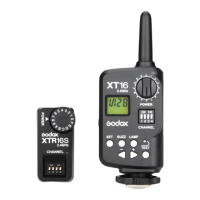
The trigger set can wireless adjust the following settings: the
flash power ratio, the on-or-off of the buzzer and the modeling
lamp or the AF-assist beam, as well as the power-ratio display
mode.
1. On the transmitter and the receiver, set the Channel Select
Switch to the same position and the Power-Control Group
Select Dial to the same grade.
2. Insert the receiver into the Wireless Control Port of the flash
unit. Then power the flash on.
3. Adjust the flash settings on your transmitter.
• Wireless Triggering the Flash
1. On the transmitter and the receiver, set the Channel Select
Switch to the same position.
2. Insert the receiver into the Wireless Control Port of the flash
unit. Then power the flash on.
3. Press the Test Button to fire a flash. Alternatively, you can
set the transmitter onto the camera's hot shoe and press the
camera's shutter-release button to fire a flash.
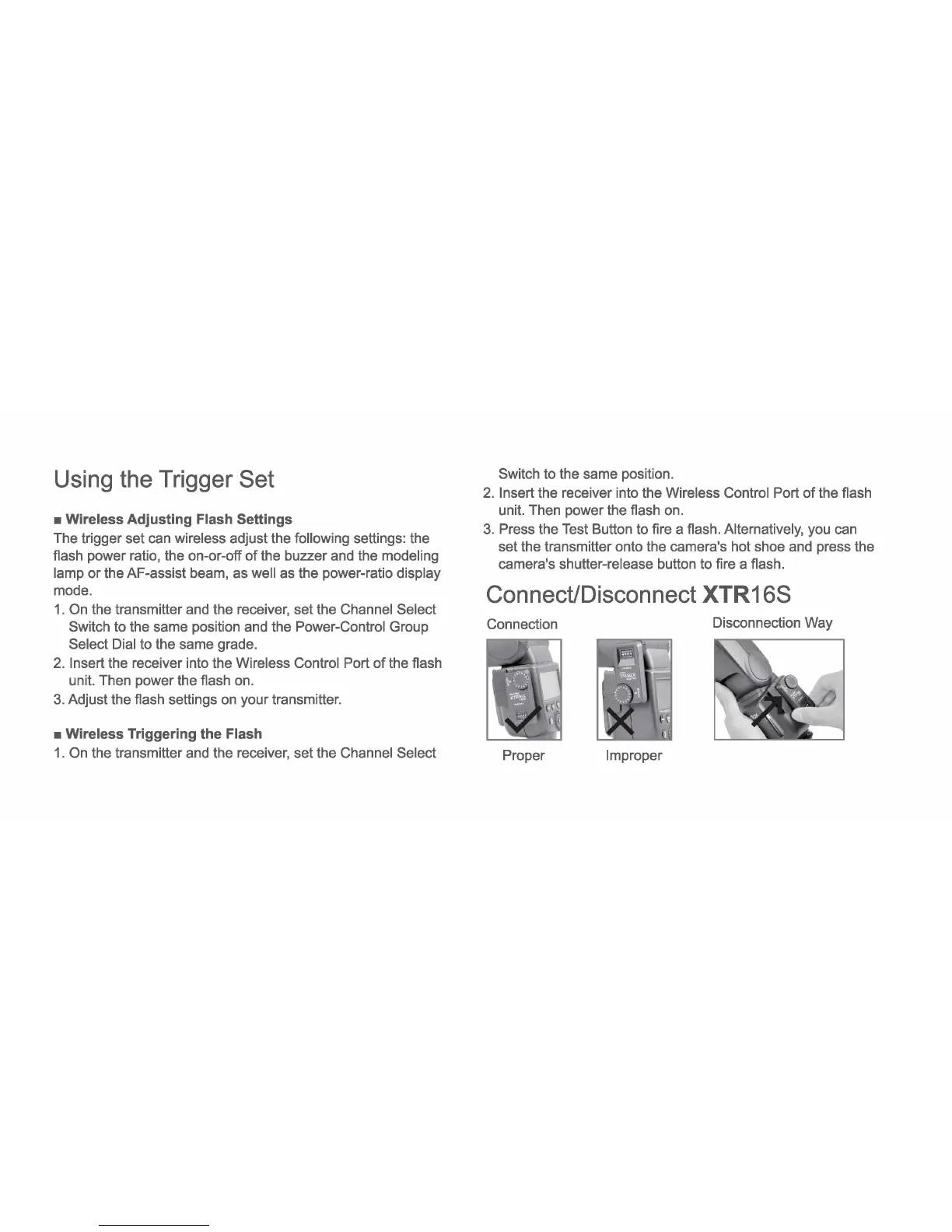
ConnecUDisconnect XTR168
Connection
Disconnection Way
Proper Improper



 To Next Page