6
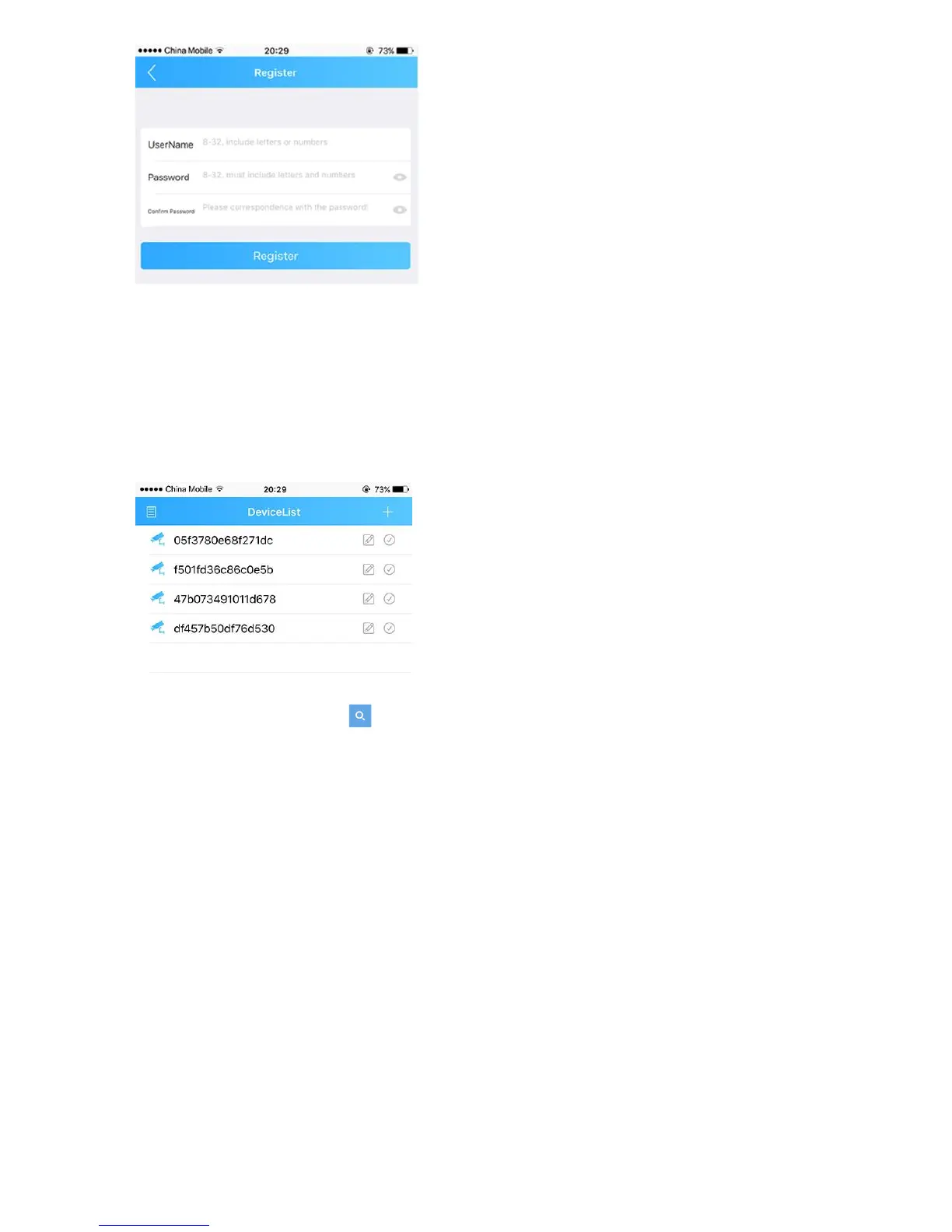
NOTE: the email must be valid to receive the code. The mail box also will use to recover the password in
future.
4. Login: return to the login page, input your username and password, click “Cloud Login”.
Connecting to your ip camera on an smart phone or tablet.
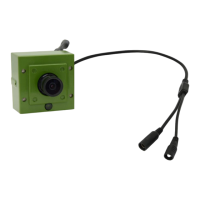
1. Click the icon “+” on the upper right corner to enter search screen.
2. Press the “search” button .


 To Next Page