9
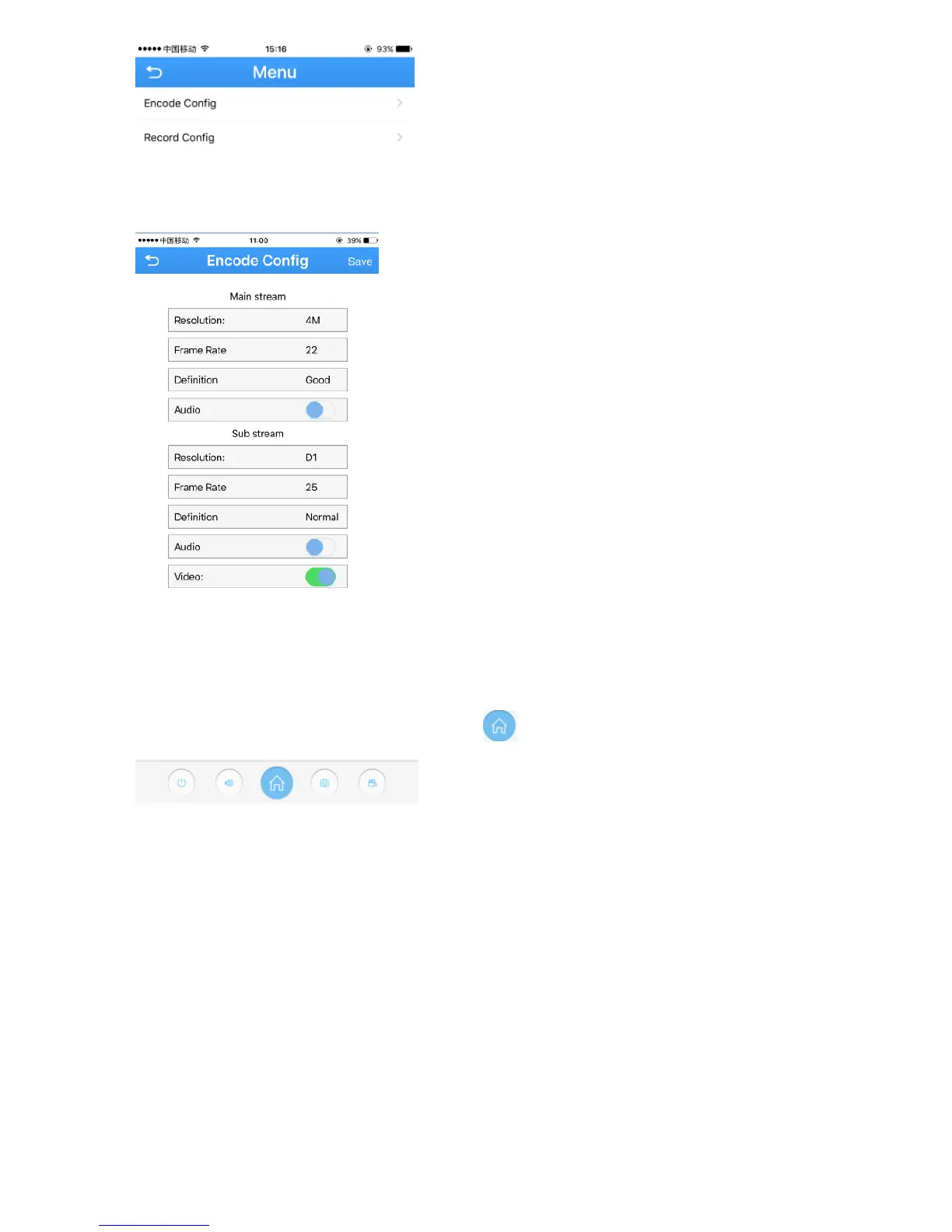
3. Adjust the main stream and the sub stream to adapt to your network bandwidth.
NOTE: higher frame rate and resolution require higher bandwidth
Set a Password for the Camera.
1. In the Live Video page, click the Home icon
2. In the Menu page, press the “Change password ”


 To Next Page